
Best LLM Tracking Tools for Brand Mentions in 2026
The best LLM tracking tools for brand mentions in 2026, with prices, AIs covered and what each one measures. Compare 12 tools side by side.


Ask ChatGPT, Gemini or Claude which brands to buy, and you might get a different list tomorrow. SparkToro and Gumshoe.ai measured this in late 2025, when 600 volunteers sent 12 prompts to 3 AI tools a combined 2,961 times. The chance that ChatGPT or Google’s AI gave the same list of brands twice was less than 1 in 100, while some brands appeared in most answers in a different order each time.
That makes a trend over many checks more useful than any single answer. LLM tracking tools build that trend. They ask your buyers’ questions again and again across large language models (LLMs) such as ChatGPT, Gemini, Claude and Perplexity, and record when your brand is named, how it is described and which other brands appear.
The 12 tools below all track AI answers, and some also help you act on what they find.
LLM tracking tools: main points
- LLM tracking works like rank tracking for AI answers. A tool asks your buyers’ questions on a schedule and records which brands each model names.
- Read the model list before the price. Peec AI plans include 3 models and Otterly.ai plans include 4. Arrowsterr’s $39 plan and Nightwatch’s €99 plan each cover 6, and Rankscale covers 17+ on every plan.
- Answers vary from day to day, so a trend over 30 days is more reliable than any single check.
- Your prompt list matters as much as the tool. 25 to 50 buying questions grouped into topics is a good start.
- Some tools go past tracking. Arrowsterr adds keyword research, content, site fixes and reports on traffic from AI assistants.
Here is a quick pick for each tool.
- Arrowsterr if you want to track AI answers and have an AI agent help with the SEO and GEO work that follows
- Peec AI for clear reports the whole team can read
- Profound for enterprise brands that want prompt volumes and AI crawler data
- SE Ranking for AI tracking inside a full SEO suite
- Otterly.ai for starter budgets plus page audits
- Keyword.com for Google and AI rank tracking on a small budget
- Nightwatch for big keyword lists plus daily AI data
- Rankscale for the widest model list on every plan, with credits that roll over
- Scrunch for brands that want site audits and an AI-ready version of their pages
- Knowatoa for small teams and agencies that track many sites
- Waikay for fact checks and action plans on how AI describes your brand
- AthenaHQ for teams that want 11 models and unlimited prompts on one plan
What LLM tracking measures
LLM tracking means checking what AI models say when people ask about your category. You pick your buyers’ questions, and the tool asks them on a schedule and records every brand each answer names.

Once the checks have run for a while, you’ll see these numbers for every prompt:
- Mentions, or how often each AI names your brand
- Position, meaning where you show up in the list (brands named first get more attention)
- Sentiment, which shows how the AI describes you
- Competitors that the AI names for the same prompt
- Sources, the websites the AI pulled from
LLM tracking by hand and with a tool
If you track only a few prompts, a spreadsheet works fine. You ask ChatGPT your questions once a week and write down the brands. As your list grows, a tool saves time in these ways.
| Topic | By hand | With a tool |
|---|---|---|
| Answers vary | Asking twice can give you 2 different lists | Asks every day and shows the trend |
| Your account shapes the answer | ChatGPT can remember you and your past chats | Asks from a clean slate, like a new buyer |
| Several models | Checking 5 AIs a day by hand takes hours | Checks every model on the same schedule |
| Models change | A new version can change which brands appear | Shows the change within a day |
How LLM tracking tools collect answers
- You add prompts, the questions your buyers ask, like “best project management tool for agencies.” Many tools suggest them for you.
- The tool asks each model, either through each AI company’s API or through a browser that acts like a real person. Both give you the answer. How often the checks run has a bigger effect on your data.
- It reads the answers, finds every brand in order and counts “Notion AI” and “Notion” as one.
- It scores and charts the results, giving you mention rate, average position, sentiment and the sources each answer cited, split by topic and model with a trend line.
What to check in an LLM tracking tool before you pay
First, look at model coverage, which comes down to the AIs your buyers use most. ChatGPT has the most users, and Google AI Overviews matter if you get Google traffic. Many plans cover a few AIs and sell the rest as add-ons, so read the add-on list before you compare prices.
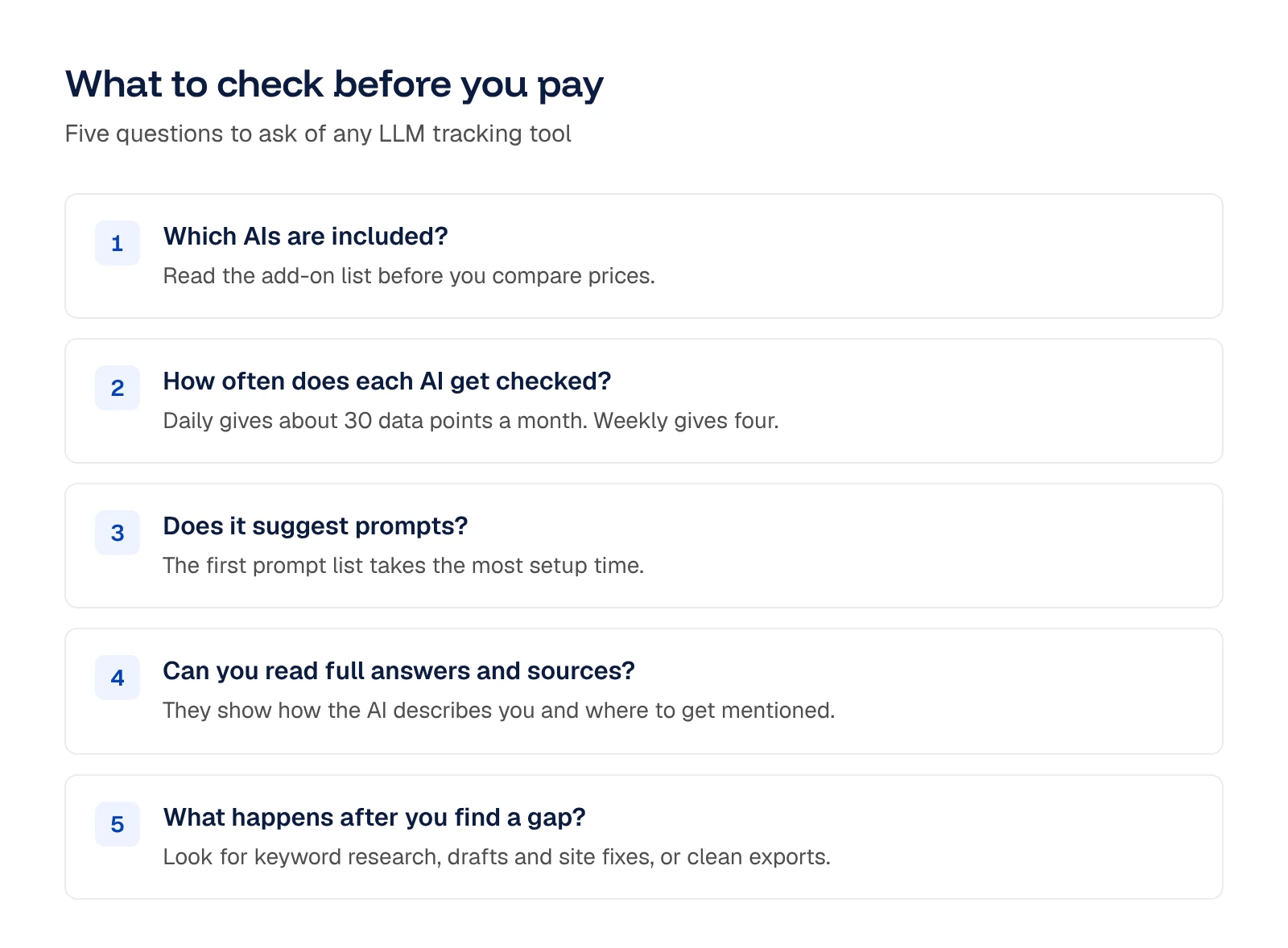
Next, look at how often each model gets checked. Daily checks give you the clearest trend, and weekly is the usual minimum. For a monthly report, weekly checks give you 4 data points and daily checks give you about 30. Some tools check some AIs less often than others, so look at each one you care about.
In setup, your first prompt list takes the most time to write. A tool that studies your market and suggests prompts can speed this up.
A mention rate tells you whether you showed up, and the full answer shows how you were described. For example, an AI might call you “a good fit for small teams” when you sell to enterprises. If you can also see which sites the AI cites, you’ll know where to get mentioned next.
Last, think about what you’ll do once you spot a gap. When keyword research, briefs, drafts and site fixes sit in the same tool, you can work on that gap in one app. The tool should also export your data cleanly.
How we chose the best LLM tracking tools
We judged each of the 12 tools on the same 5 points.
- Which AIs each plan includes and which are add-ons
- How prompts are counted and how often they run
- The data you get per prompt: mentions, position, sentiment, full answers and cited sources
- Which prompts competitors win and which sites each AI cites
- List prices, and the prompts and AIs each plan covers
LLM tracking tools compared
| Tool | Starts at | AIs tracked | Free trial |
|---|---|---|---|
| Arrowsterr |
Free, then $39/mo | 6 AIs | Free forever plan and 7-day trial, no credit card |
| $95/mo | 3 models | Free trial | |
| Custom (free trial) | 3 AIs on the trial, up to 9 on Enterprise | 7 days, 50 preset prompts | |
| $129/mo | 5 AIs | 14 days, no credit card | |
| $29/mo | 4 AIs | Free trial | |
| $9.80/mo | 5 chat apps, plus API models | 14 days, no credit card | |
| €99/mo | 6 AIs | 14 days, no credit card | |
| $17/mo billed yearly | 17+ AIs | Free Pro trial | |
| $250/mo | 4 AIs, 9 on Enterprise | 7 days | |
| $59/mo | 3 on Starter, 7 in all | Free trial | |
| $24.95/mo | 4 AIs | Free sign-up | |
| Free, then $295/mo | 11 models | Free Essential plan with 300 credits |
Arrowsterr6The 12 best LLM tracking tools in 2026
1. Arrowsterr
Arrowsterr is agentic SEO and GEO software that tracks what AI models say about your brand and helps your team with the SEO, content and fixes that follow. It fits teams that want tracking and the work that follows in one platform.
Try Arrowsterr free to track your brand on 6 AIs.

 ChatGPT64%
 Claude48%
 Gemini71%Best review software for small cafesRevora citedTop guest feedback tools for hotelsRevora cited
The best review software for cafes in 2026
Small cafes live and die by their reviews. One bad week on Google can cost you regulars, and most owners have no time to answer every comment. Review software pulls every review into one inbox and drafts the replies for you.
What to look for
- Written in your brand voice
- Claim check passed
- 6 stats, each with its source
- 4 screenshots placed

Key features
- AI Visibility: Setup starts with your URL, and Arrowsterr suggests competitors and 5 topics with 5 prompts each. You see each prompt’s visibility, position, sentiment, share of voice and each model’s full answer.
- Competitor gaps and sources: You’ll find competitor gaps and the sites AI cites, grouped by type.
- Zippie, the AI agent: It audits your site for issues like pages without meta descriptions or robots.txt rules that block AI crawlers. In the screenshot above, Zippie has found a robots.txt rule that blocks GPTBot.
- Organic Research and Topic Bank: Organic Research gives you keyword volume, difficulty and intent, plus the keywords your competitors rank for. On Pro, the Topic Bank picks the keywords most likely to bring revenue.
- Agentic Writer: It turns briefs from Google’s top 10 results into drafts in your brand voice, which publish to WordPress, Webflow, Shopify, HubSpot or Ghost.
- AI traffic: Add one line of code, and you’ll see the visits that come from ChatGPT, Perplexity, Gemini and other AI assistants, along with the leads that follow.
Pros
- Six AIs from $39: Starter covers 6 AIs, while Peec AI’s $95 plan covers 3 models.
- From gap to page: A gap can become a published page in the same app.
- Fixes wait for you: Zippie applies fixes only once you approve, and you can undo every change.
- Free to start: The Free forever plan and the 7-day trial need no card.
Cons
- Weekly checks on Claude and Perplexity: Arrowsterr runs Claude and Perplexity weekly by default. Nightwatch checks both every day.
- Free plan size: The Free forever plan checks 10 prompts weekly on ChatGPT and AI Overviews.
- One toolset on Starter: Starter covers one toolset, and the Agentic Writer comes with Pro.
- Site fixes on two platforms: Zippie applies its fixes to WordPress or Ghost.
Price and plans
You can start on the Free forever plan, or take the 7-day trial that opens both toolsets, with no card needed for either. Plans are as follows.
- Free forever: 10 prompts checked weekly on ChatGPT and AI Overviews, plus 200 research tasks a month.
- Starter: $39 per month ($33 billed yearly) for one toolset, either AI Visibility with 50 prompts checked daily or Organic Research with 3,000 research tasks, plus 2 seats.
- Pro: $179 per month ($152 yearly) for 150 prompts, both toolsets, the Agentic Writer and 5 seats.
- Agency: $499 per month ($424 yearly) for 400 prompts, and it adds white-label reports and 15 seats for client work.
- Enterprise: from $1,500 per month for 1,000 prompts and SSO.
Try Arrowsterr free to track your brand on 6 AIs.
 2. Peec AI
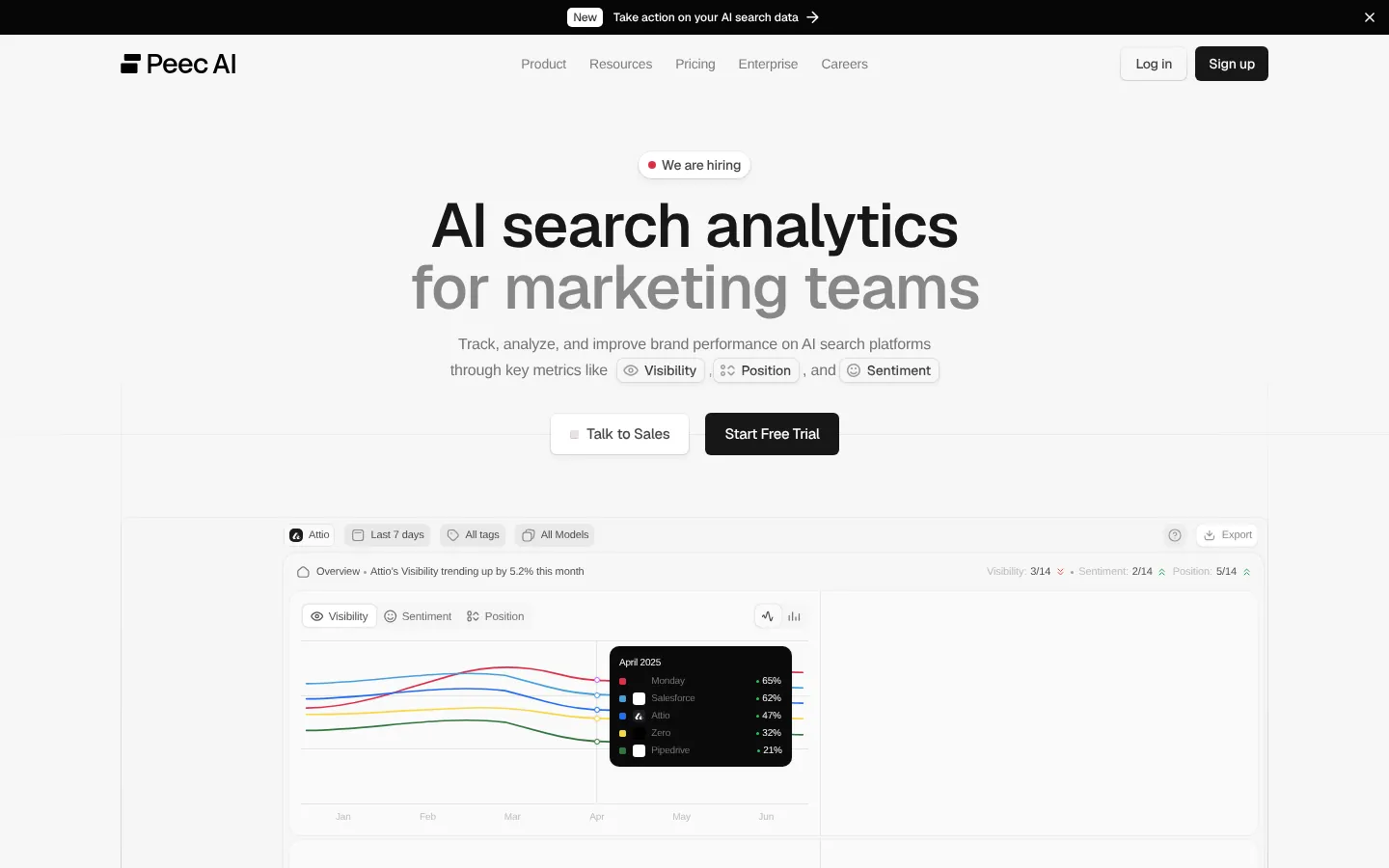
Peec AI is AI search analytics software that gives your team clear reports with unlimited seats. It suits bigger teams that share AI reports widely and want Looker Studio.
Key features
- Prompt ideas: During setup, Peec AI suggests prompt ideas for you.
- Competitor reports: Its reports put your visibility and position next to each competitor’s.
- Sentiment and sources: It tracks sentiment and the sources the models rely on.
- Model choice: Your prompts get checked daily on 3 models you pick from ChatGPT, Google AI Overviews, AI Mode, Gemini, Copilot and Naver AI. Perplexity is an add-on model.
- MCP and Looker Studio: You’ll find an MCP server, plus a Looker Studio connector on Advanced.
Pros
- Unlimited seats: Every plan has unlimited seats, so your sales and leadership teams can read the AI reports with no fee per person.
- Daily checks: Prompts get checked daily, even on Starter.
- Free trial: You can try it before you pay.
Cons
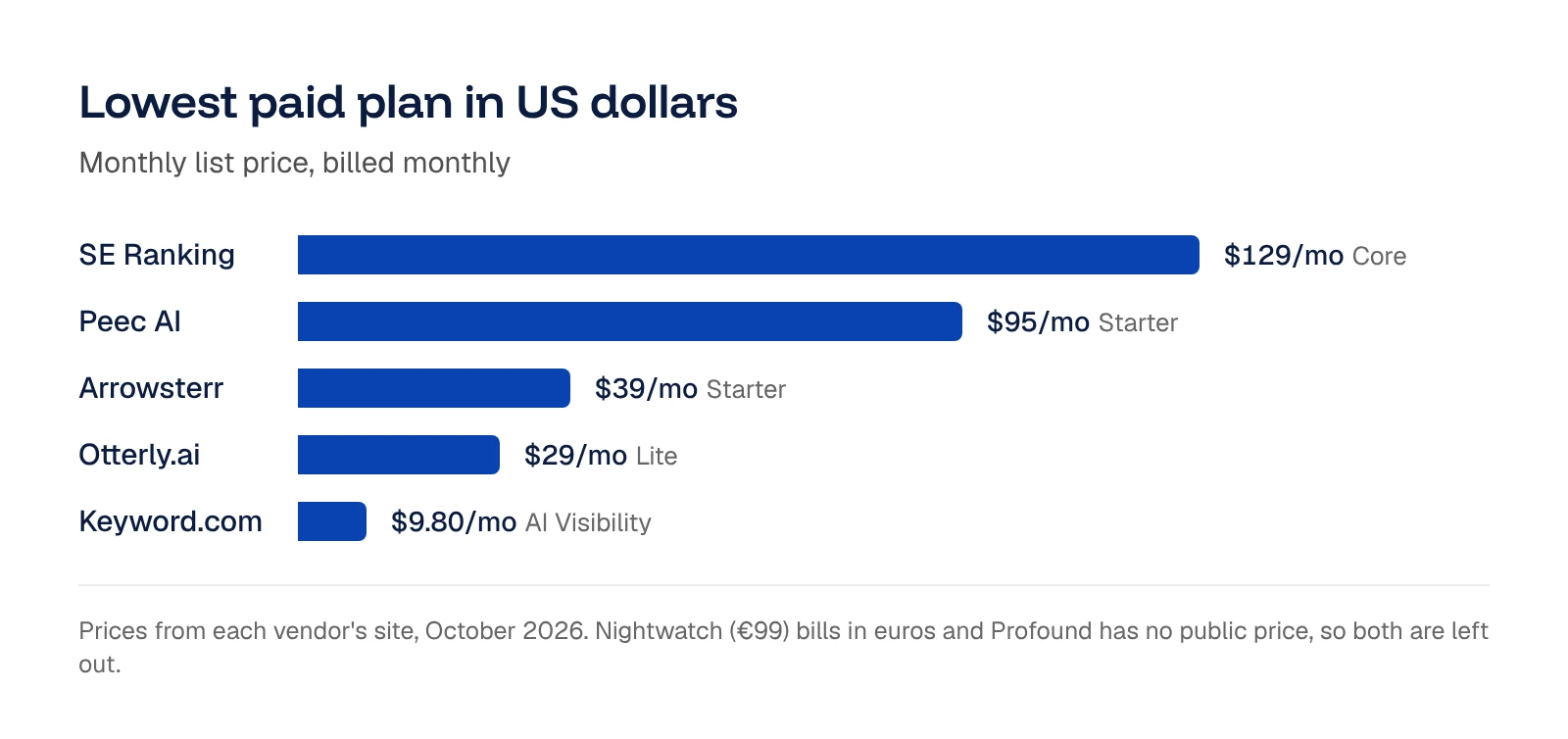
- Entry price: Starter is $95 a month for 50 prompts. Arrowsterr’s Starter is $39 and Otterly.ai’s Lite is $29.
- Claude on Enterprise: Claude and DeepSeek come with the Enterprise plan, so plan for that if your buyers use them.
- Extra models priced by plan: Each model beyond your 3 adds to the monthly bill.
- API on Enterprise: The API comes with Enterprise.
Price and plans
You can try Peec AI with a free trial. Paid plans are as follows.
- Starter: $95 per month for 50 prompts on 3 models, tracked daily, in 1 country.
- Pro: $245 per month for 150 prompts in 3 countries.
- Advanced: $495 per month, with Looker Studio, and the prompt count rises to 350.
- Extra models: $35 a month on Starter, $85 on Pro and $165 on Advanced.
- Enterprise: adds Claude, DeepSeek and others, plus the API and SSO.
 3. Profound
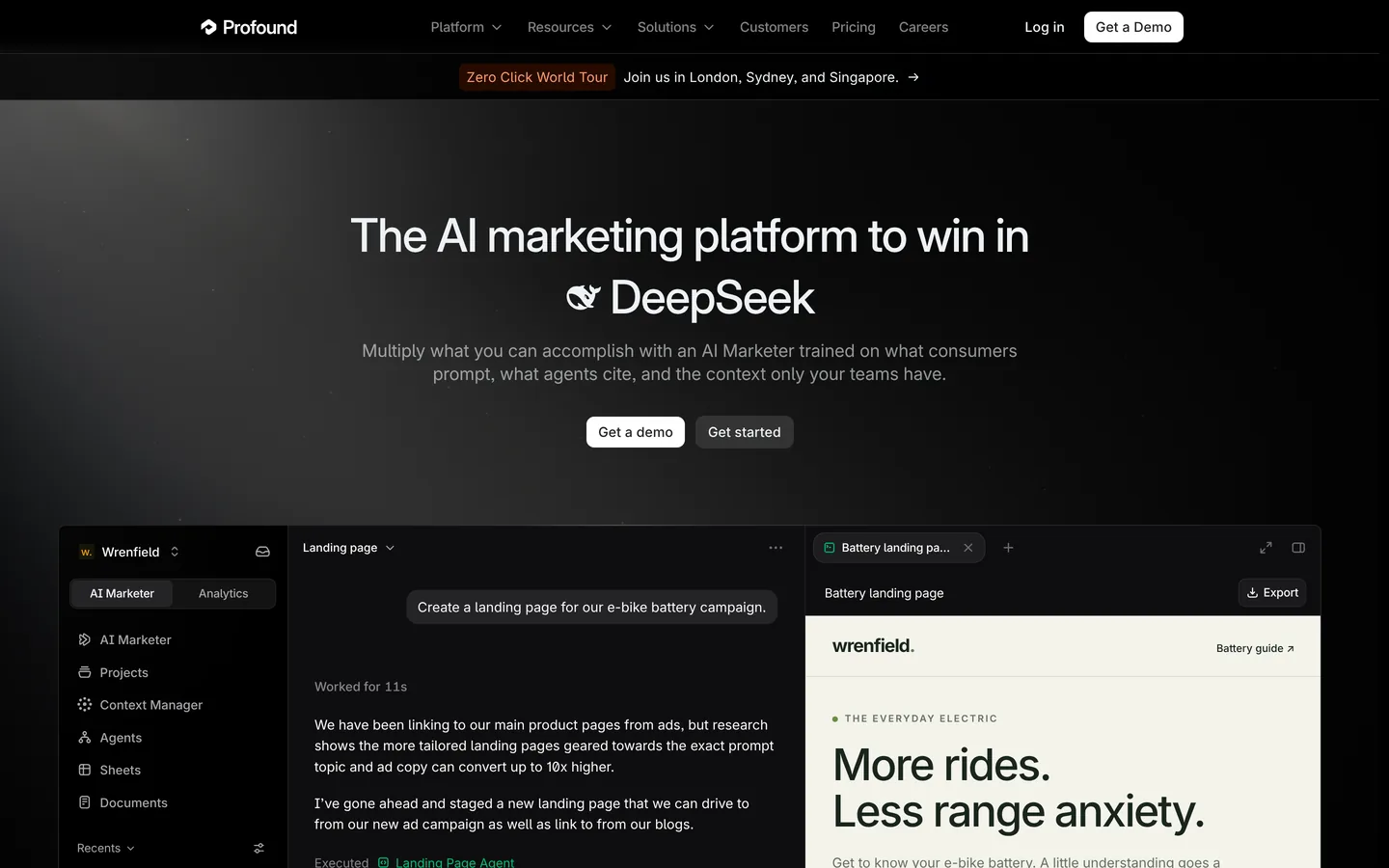
Profound is enterprise AI tracking software that runs large prompt sets and adds data such as prompt volumes and AI crawler activity. It suits enterprise brands with a budget and someone to work through the data. Its pricing page lists a free Trial and a custom Enterprise plan.
Key features
- Prompt Volumes: It estimates how often people ask AI about a topic, much like search volume in keyword research.
- Agent Analytics: It shows which pages AI crawlers read, from Cloudflare and Vercel logs.
- AI coverage: The trial covers ChatGPT, Gemini and Google AI Overviews. Enterprise covers up to 9 AI engines, with Claude and Perplexity among them.
- Enterprise security: For companies with security reviews, Enterprise adds SSO/SAML and SOC 2 compliance.
Pros
- Prompt volume data: Prompt Volumes give a sense of how often a topic comes up.
- Wide coverage on Enterprise: You can track up to 9 AI engines.
- Free trial: The trial checks 50 prompts daily on 3 AIs for 7 days.
Cons
- Sales-led pricing: Enterprise is priced through sales. If you prefer to pay by card, the self-serve tools in this list suit that.
- Preset trial prompts: The trial prompts are preset for your industry.
- Trial scope: The trial has no history or exports. To keep tracking after it ends, you talk to sales.
Price and plans
You can try Profound free for 7 days. Plans are as follows.
- Trial: free for 7 days, with 50 preset prompts checked daily on 3 AIs and 5 Prompt Volumes searches.
- Enterprise: custom pricing through sales, with up to 9 AI engines.
 4. SE Ranking

SE Ranking is an SEO suite that puts LLM tracking next to its Google rank tracking and competitor research tools. It’s built for SEO teams, and it suits you best if your team already does its SEO there.
Key features
- Mentions and rank: It counts how many prompts mention or link to you and how often you make the top 3.
- Cited sites: It groups the sites each AI cites by type.
- Answer history: It keeps copies of each AI answer, so you can go back and see how it described you on a given day.
- AI coverage: Core tracks 25 prompts daily on 5 AI engines, including ChatGPT, Gemini, Google AI Overviews and AI Mode.
- Markets and languages: AI tracking covers 7 supported markets and 5 languages.
- One account: Your keyword data and AI data sit in the same account, next to Google rank tracking and site audits.
Pros
- Answer archive: You can look back at how an AI described you on a given day.
- SEO and AI together: Teams that already do their SEO there can track AI in the same tool.
- Easy trial: The 14-day trial needs no credit card and includes 20 AI prompts a day.
Cons
- Claude not covered: SE Ranking’s AI engines leave out Claude.
- One seat on Core: Core includes 1 manager seat, and extra seats cost from $16.
- Built for SEO teams: Teams new to SE Ranking can also compare dedicated AI tools such as Arrowsterr or Profound, which cover more AIs or add more AI data.
Price and plans
You can try SE Ranking free for 14 days with no credit card. Paid plans are as follows.
- Core: $129 per month ($103.20 billed yearly) for 25 AI prompts tracked daily, 2,000 keywords and 1 manager seat.
- Growth: $279 per month ($223.20 yearly) for 5,000 keywords, 3 seats and 25 AI prompts.
- SE Visible: AI visibility from $71 per month, with tiers of 75, 200 and 1,000 prompts.
 5. Otterly.ai
Otterly.ai is AI search monitoring software that sends your prompts to the main AI search tools and reports whether you or your competitors get cited. It’s built for small teams starting out, and its Lite plan is an inexpensive way to try LLM tracking.
 Arrowsterr50
Key features
- Citation reports: Your reports track sentiment, plus citations by domain and URL.
- GEO URL audits: They check how well your pages suit AI search and give you a list of fixes. Lite includes 1,000 audits a month.
- AI coverage: It tracks ChatGPT, Google AI Overviews, Perplexity and Copilot. Gemini, AI Mode and Claude are paid add-ons.
- Daily tracking: Prompts are tracked daily on every plan.
- API, MCP and Looker Studio: Standard and up add an API, an MCP server and a Looker Studio connector.
Pros
- Low entry price: Lite costs $29 a month.
- Daily trend on every plan: Even the smallest plan gives you a daily trend.
- Unlimited team members: Every plan has unlimited team members.
- Free trial: You can try it before you pay.
Cons
- Lite plan size: Lite’s 15 prompts come to about 3 topics of 5 prompts each, a size that suits a solo marketer testing the idea. For 50 or more prompts, compare the bigger plans.
- Add-ons priced separately: On Standard, Gemini and AI Mode cost $59 a month each, and Claude costs $109.
Price and plans
You can try Otterly.ai with a free trial. Paid plans are as follows.
- Lite: $29 per month ($25 billed yearly) for 15 prompts on 4 AIs.
- Standard: $189 per month ($160 yearly), with prompts going up to 100, plus the API and MCP server.
- Premium: $489 per month ($422 yearly), and the prompt count rises to 400.
- Add-ons: Gemini and AI Mode from $9 per month each, and Claude from $29 per month.
 6. Keyword.com
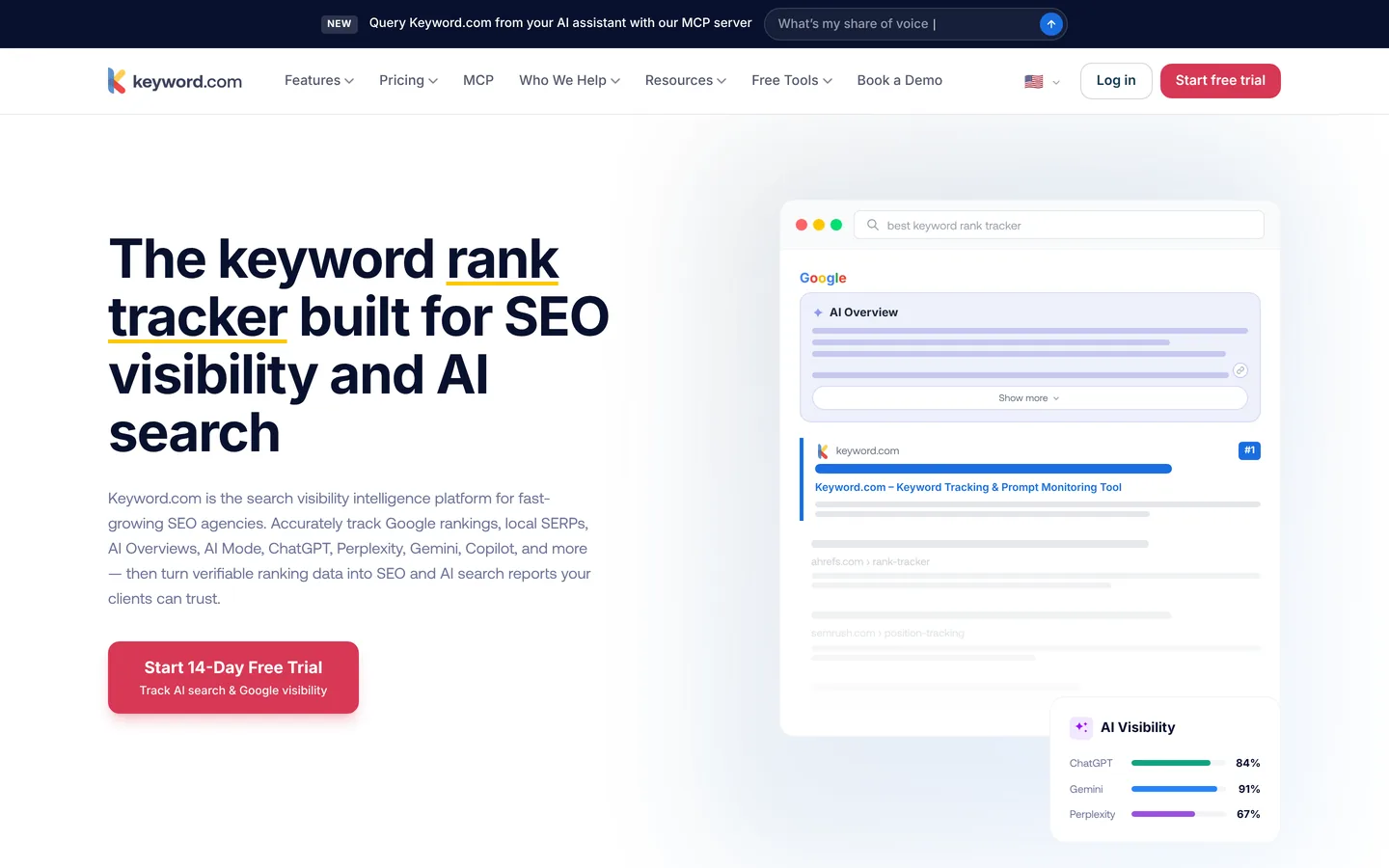
Keyword.com is rank tracking software that began with Google rankings and now tracks AI answers too. It’s built for teams on a budget, and it’s a good fit for freelancers and small teams who already track Google rankings.
Key features
- AI Visibility: It tracks your rank in AI answers, so you can track AI on its own.
- 360° Visibility: It adds Google rank tracking in the same account.
- Wide model list: The plan card lists ChatGPT, Google AI Mode, AI Overviews, Gemini and Copilot. The credit calculator adds API models such as Claude, Perplexity Sonar, Grok, Mistral and DeepSeek.
- Flexible schedule: You choose how often each prompt refreshes, anywhere from monthly up to daily.
- Credits by model: A run uses 0.25 credit on chat apps (ChatGPT, Gemini, Copilot, AI Overviews and AI Mode) and 1 on API models (Claude, Perplexity Sonar, Mistral and DeepSeek).
Pros
- Lowest entry price: It has the lowest entry price in this list.
- Your choice of models: Credits let you choose the models and schedule.
- Easy trial: The 14-day trial needs no credit card.
Cons
- Daily checks use more credits: A daily prompt uses more credits than a weekly one.
- API models use more credits: A run on Claude uses more credits than a run on ChatGPT.
- Credit-based plans: Credits are counted differently from prompts, so plans are harder to compare.
Price and plans
You can try Keyword.com free for 14 days with no credit card, and the trial comes with 100 keywords and 20 credits. Paid plans are as follows.
- AI Visibility: from $9.80 per month ($7.83 billed yearly) for 20 credits.
- 360° Visibility: from $33 per month ($26 billed yearly) for Google and AI.
 7. Nightwatch
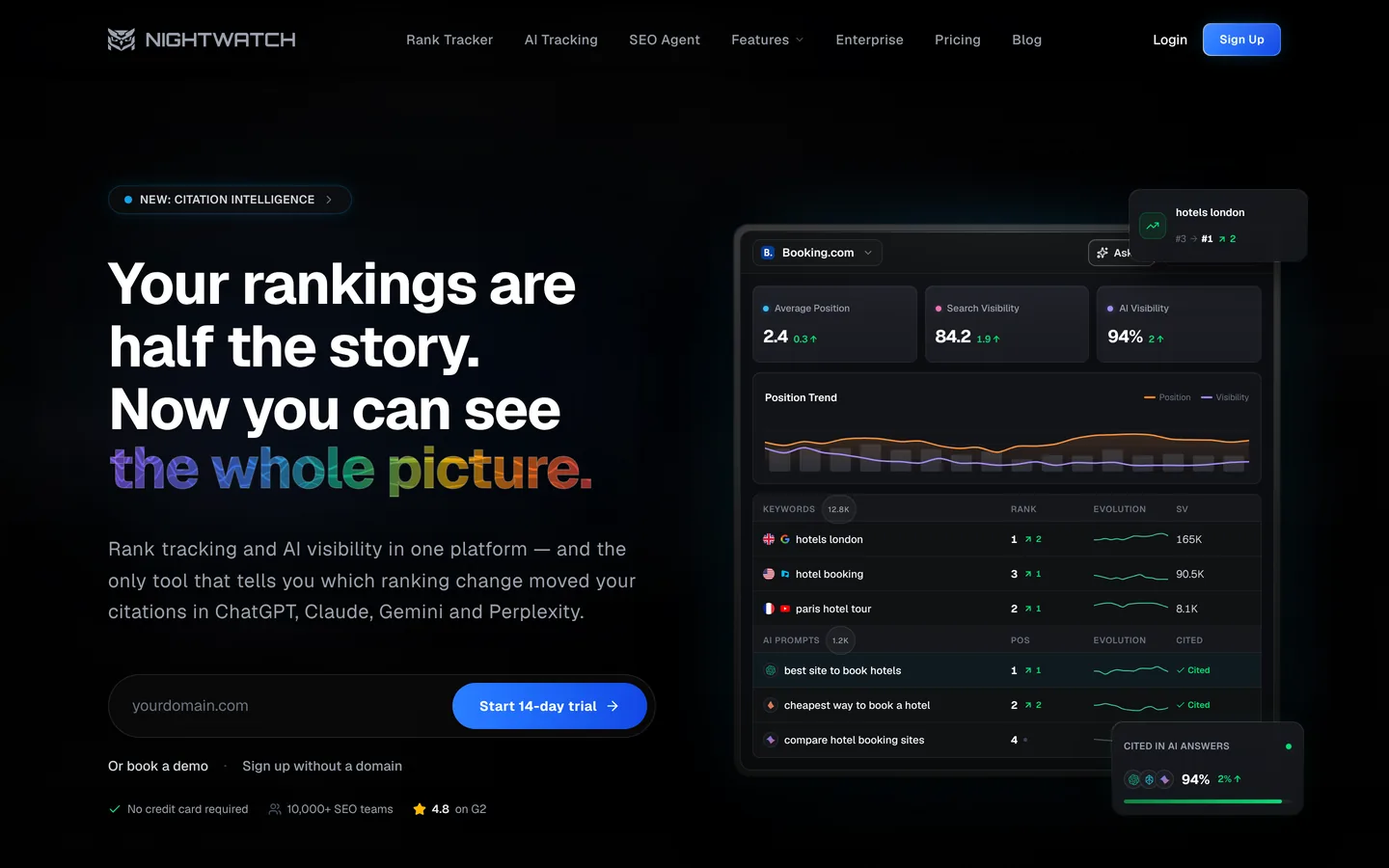
Nightwatch is rank tracking software that follows your rankings on Google and Bing and covers YouTube too. It’s built for SEO teams with big keyword lists who want AI data on the side, and every plan includes AI tracking.
Key features
- AI coverage: It tracks ChatGPT, Claude, Gemini, Perplexity, Google AI Mode and AI Overviews, next to Google, Bing and YouTube rankings.
- Daily updates: All 6 AIs update daily on every plan, including Claude and Perplexity.
- AI reports: You can see visibility, share of voice, average position in list answers, sentiment per mention and cited URLs.
- Agency tools: Professional and up give you white-label reports and API access.
Pros
- Daily data on 6 AIs: Every AI it tracks updates daily.
- No seat fees: The pricing page says there are no fees per seat.
- Easy trial: The 14-day trial needs no credit card.
Cons
- Extras on higher plans: White-label reports and the API start on Professional.
- Euro pricing: Prices are in euros only, so the cost in dollars moves with the exchange rate.
- Price for 50 prompts: Starter is €99 for 50 prompts run daily on all 6 AIs. Arrowsterr’s Starter is $39 for 50 prompts.
Price and plans
You can try Nightwatch free for 14 days with no credit card. Paid plans are as follows.
- Starter: €99 per month (€79 billed yearly) for 500 keywords and 50 AI prompts tracked daily.
- Professional: €199 per month (€159 billed yearly) for 2,500 keywords and 150 prompts.
- Agency: €499 per month (€399 billed yearly) for 7,500 keywords and 500 prompts.
 8. Rankscale
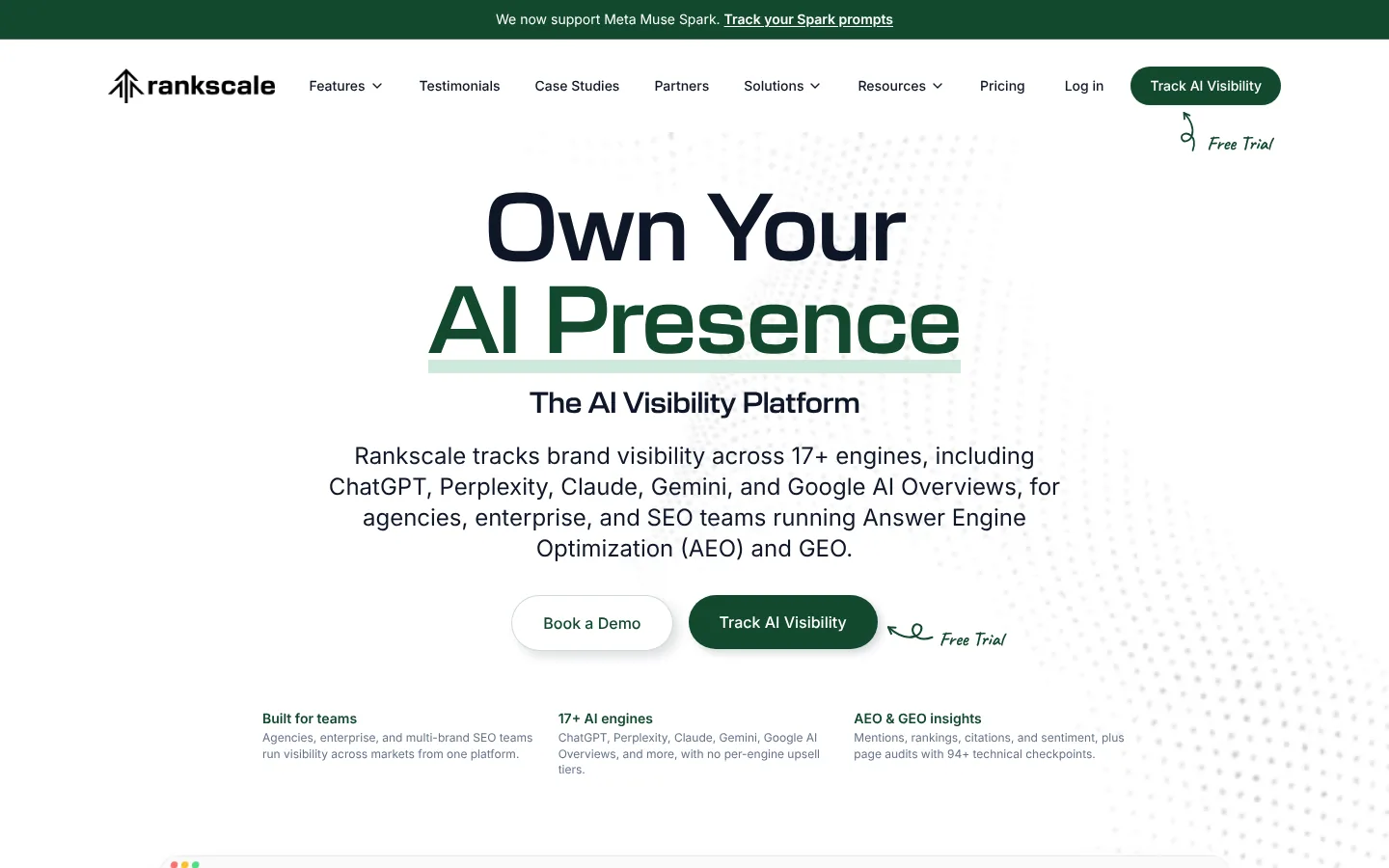
Rankscale is credit-based AI visibility software that covers 17+ AI engines on every plan. It suits teams and agencies that want a wide model list and a plan for nearly every budget.
Key features
- 17+ AI engines: Every plan covers ChatGPT, AI Mode, AI Overviews, Gemini, Perplexity, Claude, DeepSeek, Mistral, Grok, Copilot, Meta Muse Spark and more.
- Credits: A prompt typically uses 0.25 credit per engine. DeepSeek uses 1 credit and Claude uses 2.
- Credit rollover: Unused credits roll over, up to 2 times on Pro and Pro+ and 3 times on Growth and Enterprise.
- Dashboards and page audits: Each plan includes brand dashboards and page audits.
- API and MCP: Pro adds MCP and Data Studio, and Pro+ adds a REST API.
Pros
- Wide model list on every plan: Even Essentials covers every engine.
- Unlimited seats from Pro: Pro and higher plans have unlimited seats.
- White-label on Growth: Growth adds white-label dashboards and an agency program.
Cons
- Credits by engine: Each extra engine on a prompt uses more credits, so plan your engine list.
- Essentials scope: Essentials is billed yearly, with 120 credits and no seats, API or rollover.
Price and plans
You can try Rankscale Pro for free.
- Essentials: $17 per month, billed yearly, for 120 credits, 2 dashboards and 10 page audits.
- Pro: $99 per month ($84 billed yearly) for 1,200 credits, 10 dashboards and 50 audits.
- Pro+: $229 per month ($195 billed yearly) for 3,000 credits, 25 dashboards and the REST API.
- Growth: $385 per month ($327 billed yearly) for 5,500 credits and white-label dashboards.
- Enterprise: $780 per month ($663 billed yearly) for 12,000 credits.
 9. Scrunch
Scrunch is AI visibility software that tracks your brand, audits your site and serves AI bots a version of your pages built for them. It suits brands and agencies that want tracking and site work for AI search together.
Key features
- AI coverage: Core tracks ChatGPT, Perplexity, Google AI Overviews and Copilot. Enterprise covers 9, adding Claude, Gemini, Meta AI, AI Mode and Grok.
- Responses: Core includes 125 prompts and 5,000 responses a month.
- Site audits: Core includes 5 site audits a month.
- Agent Experience Platform (AXP): Serves AI bots a version of your pages built for them, on Enterprise.
- Enterprise tools: Enterprise adds the API and SSO.
Pros
- Five users on Core: Core includes 5 users, and extra users cost $25 a month each.
- Agency plan: Agency Core includes 250 prompts, unlimited users and pitch workspaces.
- Free trial: Core and Agency Core come with a 7-day free trial.
Cons
- Four AIs on Core: Claude, Gemini and AI Mode come with Enterprise.
- One brand per plan: Pricing is per brand, with 1 country, persona and language on Core.
Price and plans
You can try Scrunch free for 7 days. Plans are as follows.
- Core: $250 per month for 125 prompts, 5,000 responses, 5 site audits, 1 brand and 5 users.
- Agency Core: $500 per month for 250 prompts, 10,000 responses and unlimited users.
- Enterprise and Agency Enterprise: custom, with 9 AIs, AXP, the API and SSO.
 10. Knowatoa
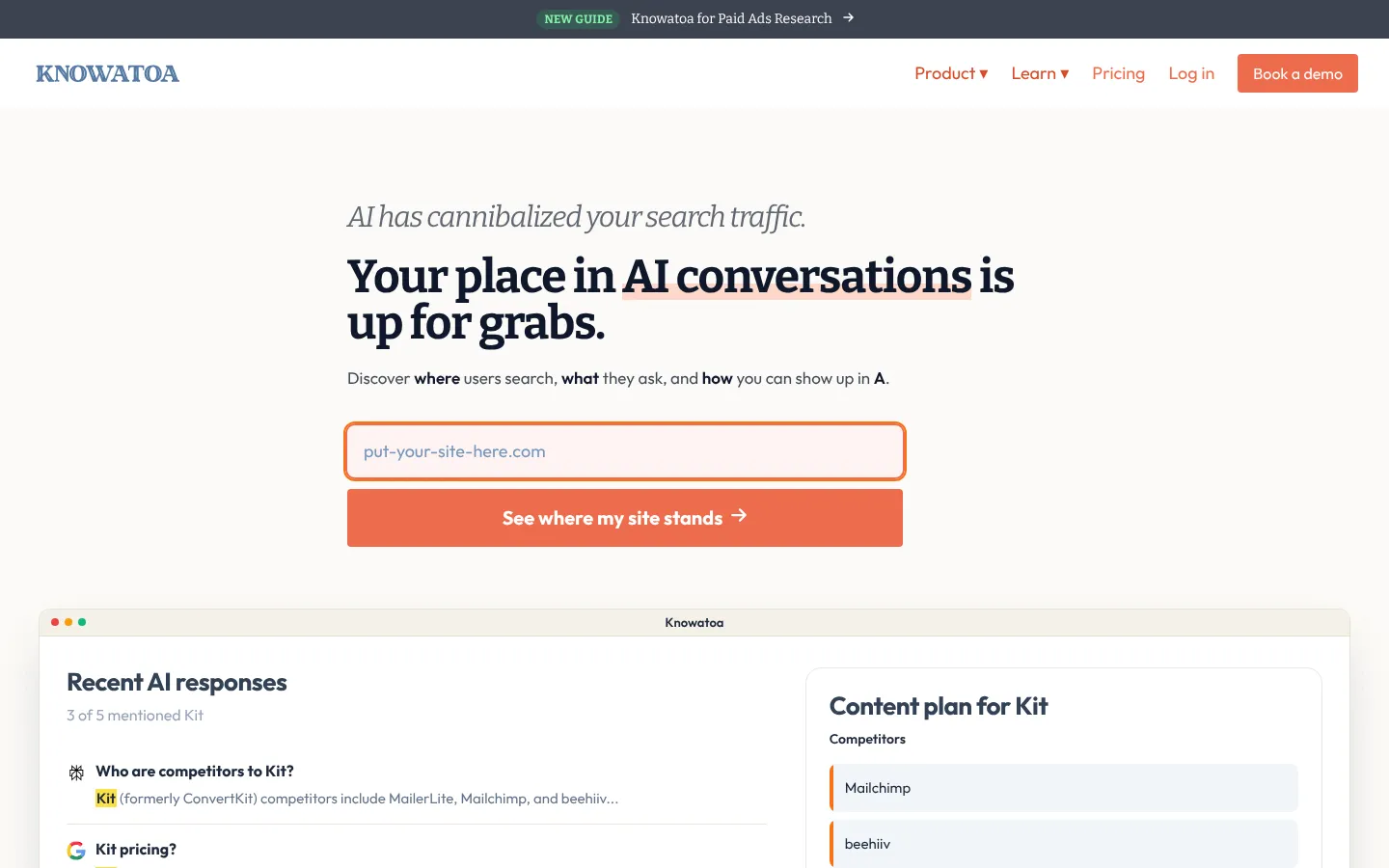
Knowatoa is AI search visibility software with competitor gaps and citation tracking. It suits small and mid-size teams, and agencies that track many sites.
Key features
- AI coverage: Tracks ChatGPT, Claude, Gemini, Perplexity, Google AI Overviews, AI Mode and Meta AI. Starter covers ChatGPT, AI Overviews and AI Mode.
- Competitor gaps: Shows where competitors appear in AI answers.
- Citation tracking: Lists the sources each answer cites.
- Alerts and digest: Sends brand sentiment alerts and a weekly digest of changes.
- Integrations: Growth and up add the API, MCP, Looker Studio and NinjaCat.
Pros
- Unlimited sites: You can track as many sites as you need.
- Markets and languages: It tracks answers across several markets and languages.
- Agency calculator: An agency pricing calculator helps you size a plan.
Cons
- Three AIs on Starter: The other AIs come with Growth and up.
- Question limits by plan: The pricing page lists plans without question counts, so confirm the limits during the trial.
Price and plans
You can try Knowatoa Starter or Growth with a free trial. Annual pricing is available.
- Starter: $59 per month.
- Growth: $199 per month, with the API, MCP and Looker Studio.
- Enterprise: custom.
 11. Waikay

Waikay is AI brand analysis software that adds fact checks, knowledge gaps and action plans to prompt tracking. It suits site owners and freelancers through to agencies.
Key features
- AI coverage: Tracks ChatGPT, Google, Claude and Perplexity (Sonar).
- Fact checks: Checks AI answers about your brand for hallucinations and factual errors.
- Source Intent Analytics: Analyzes the intent of the sources AI answers cite.
- AIO Action Plans: Turns findings into action plans.
- Countries and languages: Covers 100+ countries and 40+ languages, with custom scheduling.
Pros
- Low entry price: The first plan is $24.95 a month.
- Brand fact checks: Checks what AI answers say about your brand.
- API and MCP: Both are part of the product.
Cons
- Seats by plan: The first plan has 1 seat, Small Teams has 2 and Larger Teams has unlimited seats.
- Monthly prices only: The site lists monthly prices without yearly figures.
Price and plans
You can sign up for free to get started. Paid plans are as follows.
- Site Owners and Freelancers: $24.95 per month for 1 seat.
- Small Teams: $69.95 per month for 120 prompts, 30 action plans and 2 seats.
- Larger Teams: $199.95 per month for 360+ prompts, 90 action plans and unlimited seats.
- Enterprise: through sales.
 12. AthenaHQ
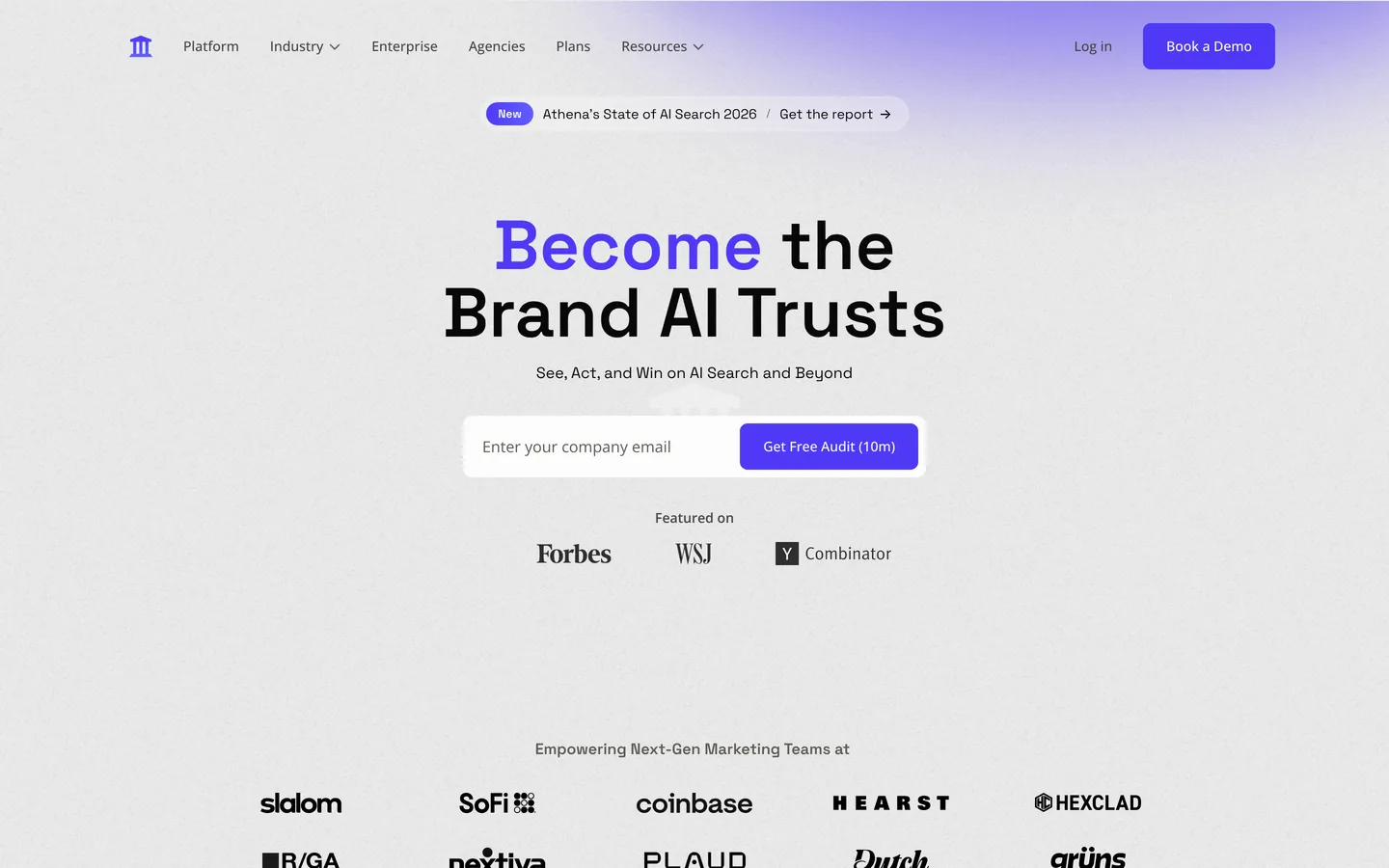
AthenaHQ is credit-based AI visibility software that covers 11 models on its Starter plan. It suits teams that want many models, unlimited prompts and unlimited seats on one plan.
Key features
- 11 models: Starter covers ChatGPT, Perplexity, AI Overviews, AI Mode, Gemini, Claude, Copilot, Grok, DeepSeek, Meta AI and Mistral.
- Credits: One credit buys one AI response. Claude, Grok, DeepSeek, Meta AI and Mistral use 5 credits each.
- Competitor citations: Shows which sources each competitor gets cited from, prompt by prompt.
- Action Center: Lists content to create or update.
Pros
- Unlimited prompts and competitors: Starter has no cap on prompts, topics or competitors.
- Unlimited seats: Every plan has unlimited users.
- Free plan: The Essential plan gives you 300 credits to start.
Cons
- Credits by model: Five of the 11 models use 5 credits per answer.
- Paid add-ons: The API and extra credits cost extra.
- One region on Starter: Multi-region tracking comes with Enterprise.
Price and plans
You can start on the free Essential plan.
- Essential: free, with 300 credits on ChatGPT, Perplexity, AI Overviews, Gemini and Copilot.
- Starter: $295 per month ($245 billed yearly) for 3,600 credits a month on 11 models.
- Enterprise: custom, from 8,000 credits, with SSO and multi-region tracking.
How to pick prompts for LLM tracking
Your prompt list shapes the results as much as the tool does. Here are 4 steps to build your first one.
Build your first prompt list
Four steps from buying questions to tracked topics
Start- 1Start with buying questions“Best [category] for [type of company]” and “[Competitor] alternatives.”
- 2Mine your own dataSearch Console, sales call notes and support tickets.
- 3Group prompts into topicsTrack 5 to 10 related prompts as one topic.
- 4Start small25 to 50 prompts across five topics.
- Start with buying questions: “Best [category] for [type of company].” “[Competitor] alternatives.” “[Your brand] vs [competitor].” “Is [your brand] worth it?” These are the prompts where a mention turns into a sale.
- Mine your own data, starting with Google Search Console, which shows long searches phrased as questions. Your sales call notes and support tickets are full of them too.
- Group your prompts into topics of 5 to 10 related prompts each, since small wording changes can change an answer.
- Start small, with 25 to 50 prompts across 5 topics, and add more once you know which topics bring in buyers.
How to act on LLM tracking data
The steps below show how a gap in AI answers becomes a published page in Arrowsterr.
AI visibility this week
ChatGPT64%Claude48%Gemini71%From gap to keyword
Editorial Calendar · buying intent first
Draft ready to publish
The best review software for cafes in 2026
- Find prompts where competitors get named and your brand has room to appear. Note which sites the AI cites for them, such as review sites or Reddit threads.
- Pull keywords from the gap and check their volume, difficulty and intent.
- Pick from the Topic Bank, starting with the keywords most likely to bring revenue, since buying intent comes first.
- Build the brief from Google’s top 10 results and write the draft in your brand voice. Comparison pages like “[Competitor] alternatives” or “best X for Y” get cited a lot, so use plain facts the AI can quote, such as prices and plan limits.
- Publish the page to your site, and work on getting your brand onto the sites the AI cites.
- Give each change 2 to 4 weeks, then check that topic’s trend and the visits that come from AI assistants.

For more tools, including Rank Prompt and Goodie, take a look at our guide to the best AI visibility tools.
LLM tracking FAQ
Is LLM tracking the same as AI visibility tracking?
Mostly, yes. LLM tracking, AI visibility, AI rank tracking and GEO tracking all describe seeing how AI models talk about your brand.
Which LLMs should you track?
Start with ChatGPT, since it has the most users, and add Google AI Overviews if you get Google traffic. Then add Gemini, Perplexity, Claude and Copilot to match where your buyers spend time.
How often should a tool check?
Daily is best, because answers move around a lot, and weekly is the usual minimum.
Can one tool track AI answers and help you improve them?
Some can, and Arrowsterr is one of them. It tracks what 6 AIs say about your brand, then helps with the work that follows: keyword research, content briefs, drafts and site fixes from Zippie, its AI agent. It also shows the traffic and leads those changes bring in.
Can you track LLM mentions for free?
You can check by hand, which works for a few prompts. Google Analytics 4 can show visits from sites like chatgpt.com and perplexity.ai. Arrowsterr’s Free forever plan checks 10 prompts weekly, and AthenaHQ’s free Essential plan comes with 300 credits. Most paid tools, Profound included, offer a free trial.
Summary: best LLM tracking tools
A good first step is to pick 25 prompts and track them for 30 days before you judge the results. Tracking shows you where your brand stands, and the SEO and content work is what changes the answers. If you want both in one tool, Arrowsterr does that. If your SEO team already uses SE Ranking or Nightwatch, you can start with the AI tracking there.
Before you choose, run a free AI Snapshot, and in about a minute you’ll see what ChatGPT and Google’s AI say about your brand.
The Arrowsterr team
We build Arrowsterr and spend our days helping brands show up in ChatGPT, Gemini, Perplexity and Google's AI answers. We sign up for every tool we review and check every price on the vendor's own site.

Mangools vs Semrush: Features, AI Tracking and Pricing Compared (2026)
Mangools vs Semrush: compare keyword research, backlinks, rank tracking, site audits, AI search tracking and list prices, checked on both vendors' own…

SE Ranking vs Semrush: Pricing and Features Compared (2026)
SE Ranking vs Semrush in 2026: plan prices, tracked keywords, keyword and backlink data, site audits and AI search tracking, checked on…

SEO PowerSuite vs Semrush: Features, AI Tracking and Pricing Compared (2026)
SEO PowerSuite vs Semrush: compare rank tracking, site audits, backlinks, AI search tracking and list prices, checked on both vendors' own pages.