
14 Best Content Planning Tools for SEO in 2026
The 14 best content planning tools for SEO in 2026 for topic research, keyword clusters, briefs and editorial calendars, with plan prices from each company’s site and the planning steps each tool covers.

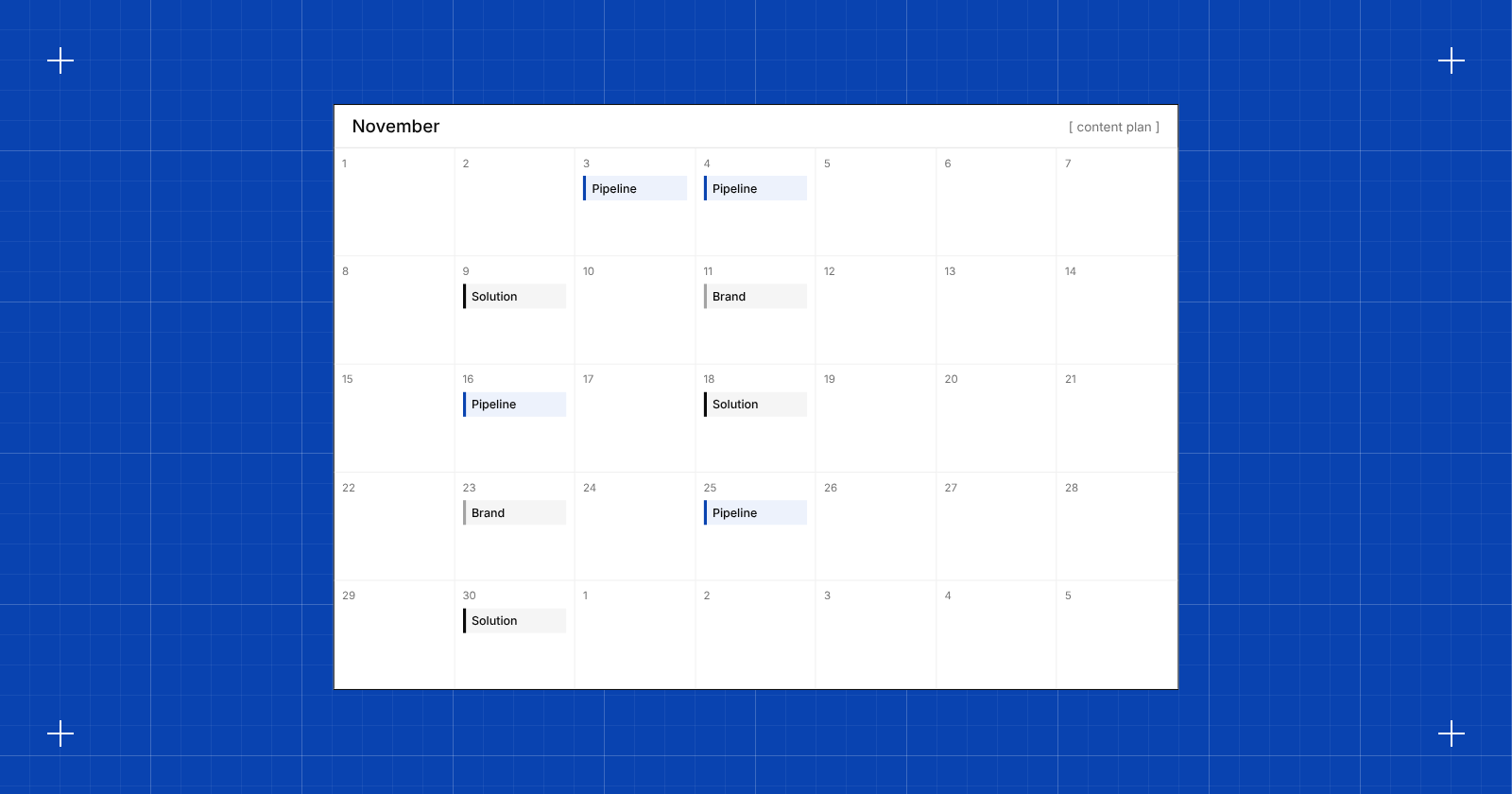
A content plan decides which pages get written, in what order and for which keywords. When the order is right, each post supports the next one and the team stays on topics that can rank and sell.
SEO content planning tools come in 2 kinds. SEO planning tools find topics, group keywords into clusters and build briefs from the pages that already rank. Calendar and workflow tools track who writes what and when it goes live. Most teams use a bit of both.
The 14 tools below cover both kinds. Each review says which kind it is and lists the main features, pros, cons and pricing.
Content planning tools for SEO: main points
- SEO planning tools start at $29 to $129 a month. Ahrefs Starter is $29, Arrowsterr $39 (plus a Free forever plan), Frase $49, Keyword Insights $58, the Semrush Content Toolkit $60, and Clearscope and SE Ranking $129.
- Calendar and workflow tools often start free. Google Sheets is free, Notion and Asana have free plans, and Notion Plus is $10 per seat a month billed yearly.
- Clustering often sits on a higher plan. Surfer’s Topical Map comes with Pro ($182 a month billed yearly), and Ahrefs’ Parent Topic clustering needs Standard ($249 a month).
- Brief limits vary widely. MarketMuse Optimize includes 5 briefs a month, Clearscope Essentials includes 20 Topic Explorations, and each Arrowsterr brief uses 100 tasks from the plan.
- Few tools cover every step. Arrowsterr runs from a Topic Bank ranked by revenue to briefs, an Editorial Calendar, an AI writer and publishing in one platform. Frase and StoryChief also pair briefs with a calendar.
Best content planning tools for SEO, by use case:
- Arrowsterr for planning by revenue and taking each topic through to a published page
- MarketMuse for topic authority scores and content inventories on large sites
- Clearscope for topic exploration and draft grading on a simple plan
- Surfer for topical maps tied to its Content Editor
- Frase for a cluster map that turns gaps into briefs and calendar items
- Semrush for topic ideas and briefs next to a big keyword database
- Ahrefs for Parent Topic clusters and content research from its own index
- SE Ranking for content ideas and briefs inside a full SEO suite
- Keyword Insights for keyword clustering based on Google results, at scale
- StoryChief for an editorial calendar that publishes to your CMS and social channels
- CoSchedule for a free marketing calendar
- Notion for a custom content database built from free templates
- Asana for content tasks, owners and deadlines across a team
- Google Sheets for a free plan that anyone can open
What is SEO content planning?
SEO content planning is the work of choosing which pages to create or update so a site earns search traffic that leads to sales. It starts with keyword research and ends with a dated list of pages, each with a target keyword, an owner and a brief.
A good plan answers 4 questions for every page:
- which keyword or group of keywords it targets,
- which existing page it supports or links to,
- why it matters to the business,
- when it ships and who writes it.
An editorial calendar covers the last question. SEO planning tools cover the first three, using search data to show what people look for and what already ranks.
SEO content planning steps
Most content plans move through the same 7 steps, whatever tools a team uses.
- Research keywords. Pull keywords from your topic, your competitors and your own Search Console data, with volume, difficulty and intent for each. A free keyword research tool is enough to start.
- Group them into clusters. Keywords that return mostly the same Google results belong on one page. Clustering stops two posts from competing for the same search.
- Prioritize. Rank the clusters by how likely they are to bring buyers, how hard they are to rank for and how well they fit what you sell.
- Write briefs. A brief lists the target keyword, the questions to answer, headings, length and links, based on the pages that rank now.
- Schedule on a calendar. Give each brief a writer, an editor and a publish date.
- Write and publish. Draft the page, check it against the brief and push it to your CMS.
- Measure. After a few weeks, check rankings, clicks and leads for each page, then feed what worked back into the next round of planning.
Content planning tools for SEO by planning step
This table shows where each tool on this list fits, since no single kind of tool covers every step.
| Planning step | What you need | Tools that do it |
|---|---|---|
| Keyword research | Volume, difficulty, intent and trend for each keyword | Arrowsterr, Semrush, Ahrefs, SE Ranking, MarketMuse |
| Clusters | Keywords grouped by shared search results | Keyword Insights, Frase, Surfer (Pro), Ahrefs (Standard), SE Ranking, MarketMuse |
| Prioritize | A ranked list of topics worth writing first | Arrowsterr (Topic Bank), MarketMuse (Inventory), Frase (Content Opportunities) |
| Briefs | An outline built from the pages that rank | Arrowsterr, MarketMuse, Frase, Semrush, SE Ranking, Keyword Insights |
| Calendar | Dates, owners and status for each page | Arrowsterr, Frase, StoryChief, CoSchedule, Notion, Asana, Google Sheets |
| Write and publish | Drafts and a push to the CMS | Arrowsterr, Clearscope, Surfer, Frase, Semrush, StoryChief, SE Ranking |
| Measure | Rankings, clicks and leads per page | Arrowsterr, Semrush, Ahrefs, SE Ranking, plus Google Search Console |
A common setup pairs one SEO planning tool for the first 4 steps with a calendar tool the whole team already uses.
How we chose the best content planning tools for SEO
Each tool was compared on the same points, using its trial or free plan, demos, docs and pricing pages from October 2026.
- Whether it is an SEO planning tool, a calendar and workflow tool, or both.
- Which planning steps it covers, from keyword research and clusters to briefs, the calendar, writing and publishing.
- The limits on each plan, such as briefs, clusters, credits, seats and sites, and which features need a higher plan.
- Free plans, trial terms and whether a card is needed.
How to choose an SEO content planning tool
Compare these points before you buy.
- Start from the steps you already cover. If your team has a keyword tool it likes, a clustering tool such as Keyword Insights may fill the gap. If you start from nothing, a platform that covers research through publishing saves you from moving data between tools.
- Check how the tool ranks topics. Ranking by volume alone tends to favor broad keywords, so look for priorities based on buying intent, your site’s authority or the gaps in your existing pages.
- Count how many pages you publish a month and check the brief allowance on the plan you’d buy. MarketMuse Optimize includes 5 briefs a month, and Keyword Insights uses about 100 credits for each brief.
- Some tools keep clustering on higher plans. Surfer’s Topical Map needs Pro, and Ahrefs’ Parent Topic clustering needs Standard. Arrowsterr has a free keyword clustering tool for a quick first pass.
- A calendar is most useful in the tool that writers and editors already check. If the team works in Asana or Notion, keep the calendar there and link each item to its brief.
- Frase Starter covers 1 seat and 1 site, and SE Ranking Core includes 1 manager seat. Agencies and larger teams should check seat prices before they compare entry plans.
Content planning tools for SEO compared
| Tool | Kind | Starts at | Best for |
|---|---|---|---|
| Arrowsterr |
Both | Free, then $39/mo | Teams that plan by revenue and take each topic through to a published page |
| SEO planning | Free | Large sites that need topic authority and content inventories | |
| SEO planning | $129/mo | Content teams that want topic exploration and draft grading | |
| SEO planning | $49/mo billed yearly | Writers who want topical maps tied to an editor | |
| Both | $49/mo | Small teams that want gaps turned into briefs and calendar items | |
| SEO planning | $60/mo (Content Toolkit) | Teams already in Semrush that want topic ideas and briefs | |
| SEO planning | $29/mo | Teams that want topic clusters from Ahrefs’ own index | |
| SEO planning | $129/mo | SEO teams that want content ideas inside their suite | |
| SEO planning | $58/mo | Agencies that need clustering based on SERPs at scale | |
| Calendar and workflow | €59/mo | Teams that want one calendar for their CMS and social channels | |
| Calendar and workflow | Free, then $29/mo billed yearly | Small teams that want a free marketing calendar | |
| Calendar and workflow | Free, then $10/seat billed yearly | Teams already in Notion that want a custom content database | |
| Calendar and workflow | Free, then $13.49/user | Teams already in Asana that want tasks, owners and deadlines | |
| Calendar and workflow | Free | Teams that want a free plan anyone can open |
Arrowsterr$39/moReviews of the 14 best content planning tools for SEO
1. Arrowsterr
Arrowsterr is an agentic SEO and GEO platform, and it works as both an SEO planning tool and a calendar. Its Agentic Content tools take your team from keyword research to a ranked Topic Bank, briefs, an Editorial Calendar, AI drafts and publishing. It suits startups, content teams and agencies that want to plan by revenue and take each topic through to a published page.
Try Arrowsterr free to plan your content by revenue and take each topic to a published page.
 ChatGPT64%
 Claude48%
 Gemini71%Best review software for small cafesRevora citedTop guest feedback tools for hotelsRevora cited
The best review software for cafes in 2026
Small cafes live and die by their reviews. One bad week on Google can cost you regulars, and most owners have no time to answer every comment. Review software pulls every review into one inbox and drafts the replies for you.
What to look for
- Written in your brand voice
- Claim check passed
- 6 stats, each with its source
- 4 screenshots placed
Key features
- Revenue-driven Topic Bank: An AI agent lists the keywords most likely to bring revenue and puts buying intent first, so the plan starts with pages that can sell.
- Organic Research: Keyword research shows volume, difficulty, intent, CPC and a trend over 12 months, and Competitive Analysis and keyword gap find the keywords competitors rank for and you don’t.
- Content Briefs: Each brief is built from Google’s top 10 results for the target keyword.
- Editorial Calendar: Topics move from the Topic Bank onto dated slots in the same workspace.
- Agentic Writer and publishing: On Pro and up, the writer turns a brief into a draft in your brand voice, and pages publish to 5 CMSs: WordPress, Webflow, Shopify, HubSpot or Ghost.
- Content Performance Report: On Pro, it shows how published pages perform, and the AI Visibility toolset shows whether AI answers start to name you.
Pros
- It covers research, priorities, briefs, the calendar, drafts and publishing in one place.
- The plan puts the pages most likely to bring revenue first.
- There’s a Free forever plan, and the 7 day trial needs no credit card.
Cons
- The Agentic Writer and Content Performance Report need Pro ($179/month).
- Each brief uses 100 tasks from the plan.
- Starter opens one toolset at a time, so AI tracking and content planning together need Pro.
Price and plans
You can start on the Free forever plan with no credit card, or try both toolsets for 7 days. Paid plans start at $39/mo ($33/mo billed yearly) and are as follows.
- Free: $0 forever, with 200 research tasks a month and 10 prompts checked weekly on ChatGPT and Google AI Overviews.
- Starter: $39/month ($33 billed yearly) for one toolset, with Organic Research giving 3,000 tasks, Topic Bank, briefs, Editorial Calendar, 3 brands and 2 seats.
- Pro: $179/month ($152 yearly) for both toolsets, 8,000 tasks, 10 brands, 5 seats, the Agentic Writer and the Content Performance Report.
- Agency: $499/month ($424 yearly) for 20,000 tasks, unlimited brands and 15 seats.
- Enterprise: from $1,500/month.
- Task packs: start at $15 for 1,000 tasks.
Try Arrowsterr free to plan your content by revenue and take each topic to a published page.
 2. MarketMuse
MarketMuse is an SEO planning tool and one of the older content planning platforms, built around topic authority. Siteimprove acquired it, and MarketMuse plans now run under a Siteimprove agreement dated June 2026. Larger content teams use it to measure topic coverage and content inventories across a big site.
Key features
- Topic Explorer: It builds a list of about 50 related topics for a subject, with volume, CPC and trend for each.
- Inventory: It keeps a record of your pages and topics, scored by authority, so you can see where the site has depth and where it has room to grow.
- Cluster Analysis and Planning: It shows how many pages a cluster needs and which existing pages to update, then turns that into a Planning document with a list of content ideas.
- Briefs: They cover audience, intent, keywords, gaps, an outline and link suggestions.
Pros
- Difficulty is based on your own site’s authority.
- You move from analysis to plan to brief in one flow.
- The free plan includes 10 queries a month.
Cons
- Optimize includes 5 briefs a month, and higher plans include more.
- Paid plans are quoted by sales.
- There’s no editorial calendar, so you need a separate tool for dates and owners.
Price and plans
You can start on the free plan for 1 user. Paid plan prices aren’t shown on the pricing page, and the plans are as follows.
- Free: 10 queries a month, 1 user.
- Optimize: 100 tracked topics, 5 briefs and 1 strategy document a month.
- Research: 1,000 tracked topics, 10 briefs and 3 strategy documents a month.
- Strategy: 10,000 tracked topics, 20 briefs, 5 strategy documents and 5 users.
 3. Clearscope
Clearscope is an SEO planning tool that started as a content grading tool and now adds topic research, AI drafts and AI answer tracking on the same plan. It suits writers and editors who want each draft checked against the pages that rank.
Key features
- Topic Exploration: It researches the topics around a keyword before you write.
- Content grading: It scores a draft against the terms and topics in the pages that rank.
- Draft with AI: It writes a first draft inside the editor.
- Content Inventory and LLM tracking: They watch your existing pages and track prompts in AI answers.
Pros
- Every feature is included on each plan, so there are no extras to add.
- Monthly plans have no minimum contract.
- You can test it for 14 days.
Cons
- Clearscope has no keyword clustering or editorial calendar.
- The entry plan is $129 a month.
Price and plans
You can try Clearscope free for 14 days. Paid plans are as follows.
- Essentials: $129/month for 20 Topic Explorations, 20 Drafts, 50 pages and 50 tracked prompts a month.
- Business: $399/month for 50 Topic Explorations, 300 pages, 300 tracked prompts and an account manager.
- Enterprise: custom pricing, with SSO.
 4. Surfer
Surfer is an SEO planning tool best known for its Content Editor, and its Topical Map plans clusters of articles around a site. It works best for teams that already write in Surfer’s Content Editor and want clusters to match.
Key features
- Topical Map: It suggests clusters of related articles to plan around a topic or a site.
- Sites: Each Site project includes a Topical Map to plan and track clusters for one domain.
- Content Editor: It gives terms, headings and length targets based on the pages that rank.
- AI writing and AI Tracker: Both sit in the same tool as your plan.
- MCP access: On Pro and up, the Surfer MCP can pull Topical Map ideas into an AI assistant.
Pros
- A 7 day trial of Pro lets you test the Topical Map.
- You plan and write pages in the same tool.
Cons
- Topical Map needs Pro, at $182 a month billed yearly.
- There’s no editorial calendar with owners and dates.
Price and plans
New accounts can try the Pro plan free for 7 days. Paid plans are as follows.
- Discovery: $49/month billed yearly, the entry plan.
- Standard: $99/month billed yearly.
- Pro: $182/month billed yearly, the first plan with Topical Map.
- Peace of Mind: $299/month billed yearly.
- Enterprise: custom and billed yearly.
- AI Search Analytics: $82/month billed yearly.
 5. Frase
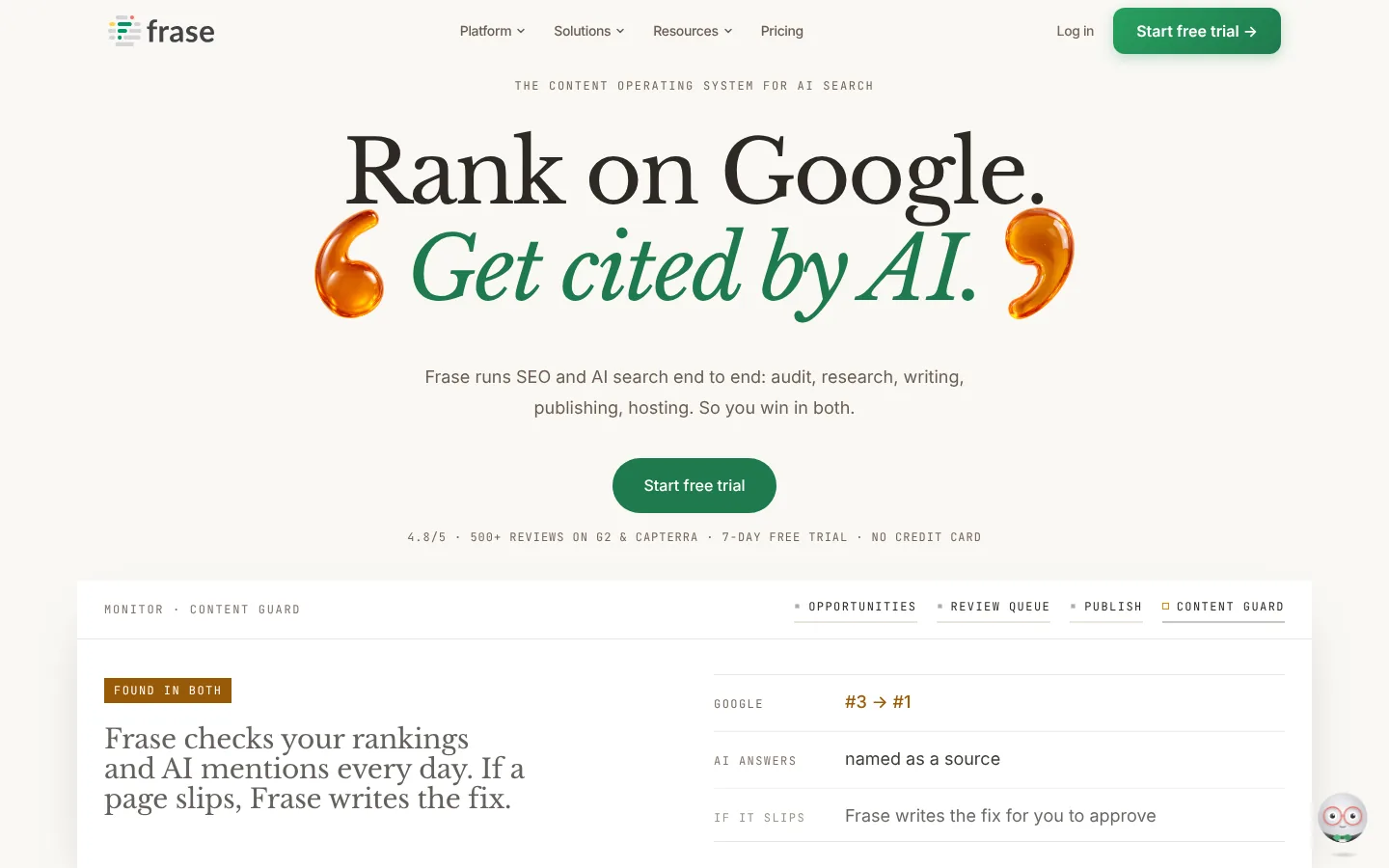
Frase is a content platform that maps clusters, finds gaps and builds briefs, with a calendar for the pages you plan, so it works as both an SEO planning tool and a calendar. It suits small teams that want planning and a calendar on one entry plan.
Key features
- Cluster map: It puts the pillar page in the center with supporting pages and briefs around it.
- Gap to brief: Click a missing subtopic and Frase builds a brief from it.
- Keyword clustering: It groups an uploaded keyword list by search result overlap and intent.
- Content Opportunities: You can add up to 50 pieces on new topics at a time to the Content Calendar.
Pros
- Clusters, briefs and a calendar come on the entry plan.
- The 7 day trial needs no credit card.
Cons
- Starter covers 1 seat and 1 site, and Professional ($129/month) covers 3 seats.
- Refreshes and decay alerts can’t be added to the calendar from Content Opportunities.
Price and plans
You can try Frase free for 7 days with no credit card. Paid plans are as follows.
- Starter: $49/month ($39 billed yearly) for 1 seat, 1 site, 10 articles and 50 audit pages a month.
- Professional: $129/month ($103 yearly) for 3 seats, 5 sites and 40 articles.
- Scale: $299/month ($239 yearly) for 5 seats, up to 10 domains and 100 articles.
- Enterprise: custom pricing, with white label reports.
 6. Semrush
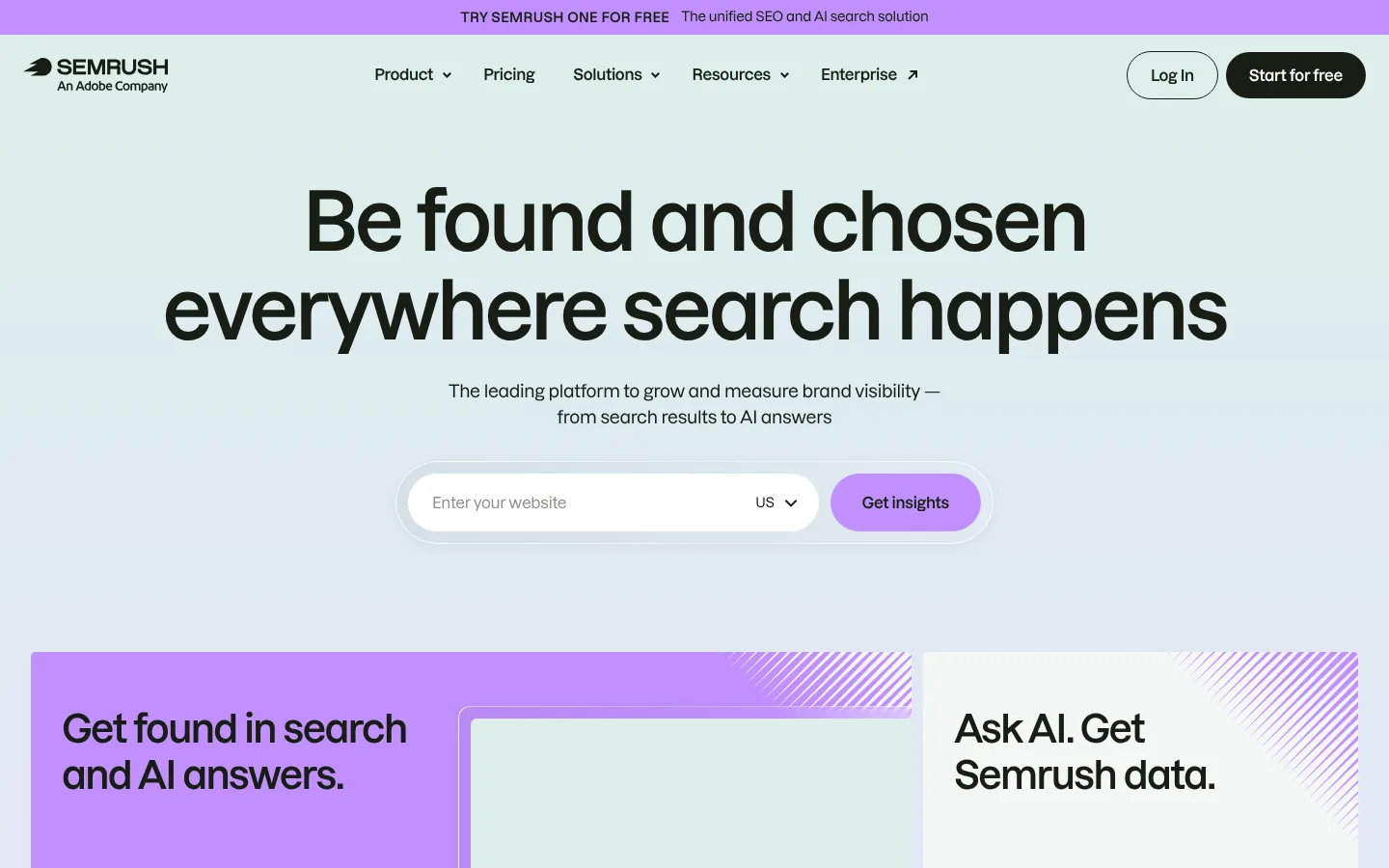
Semrush is an SEO planning tool that sells content planning in two places: the Content Toolkit, and Topic Research inside the SEO Toolkit. It suits teams that already use Semrush for keyword research and want topic ideas and briefs next to its keyword database.
Key features
- Topic Finder: It ranks topic ideas by demand, competition and growth.
- SEO Brief Generator: It builds briefs with keywords, an outline and competitor notes.
- Topic Research: It sits inside the SEO Toolkit.
- AI writing: It drafts articles, with 5 SEO Boosts a month and 10 more for $30/month.
Pros
- The $60 Content Toolkit gives you briefs and topic ideas from a large keyword database.
- The Content Toolkit has a free trial for 7 days.
Cons
- Topic Research comes with the SEO plan, a separate subscription from $139/month.
- Extra users cost $20/month each on the Content Toolkit.
- There’s no editorial calendar with owners and dates.
Price and plans
You can try the Content Toolkit free for 7 days. Paid plans are as follows.
- Content Toolkit: $60/month with Topic Finder, the SEO Brief Generator and 5 SEO Boosts a month.
- Extra SEO Boosts: 10 more cost $30/month.
- SEO: $139/month ($117.33 billed yearly) for 5 sites and 500 tracked keywords.
 7. Ahrefs
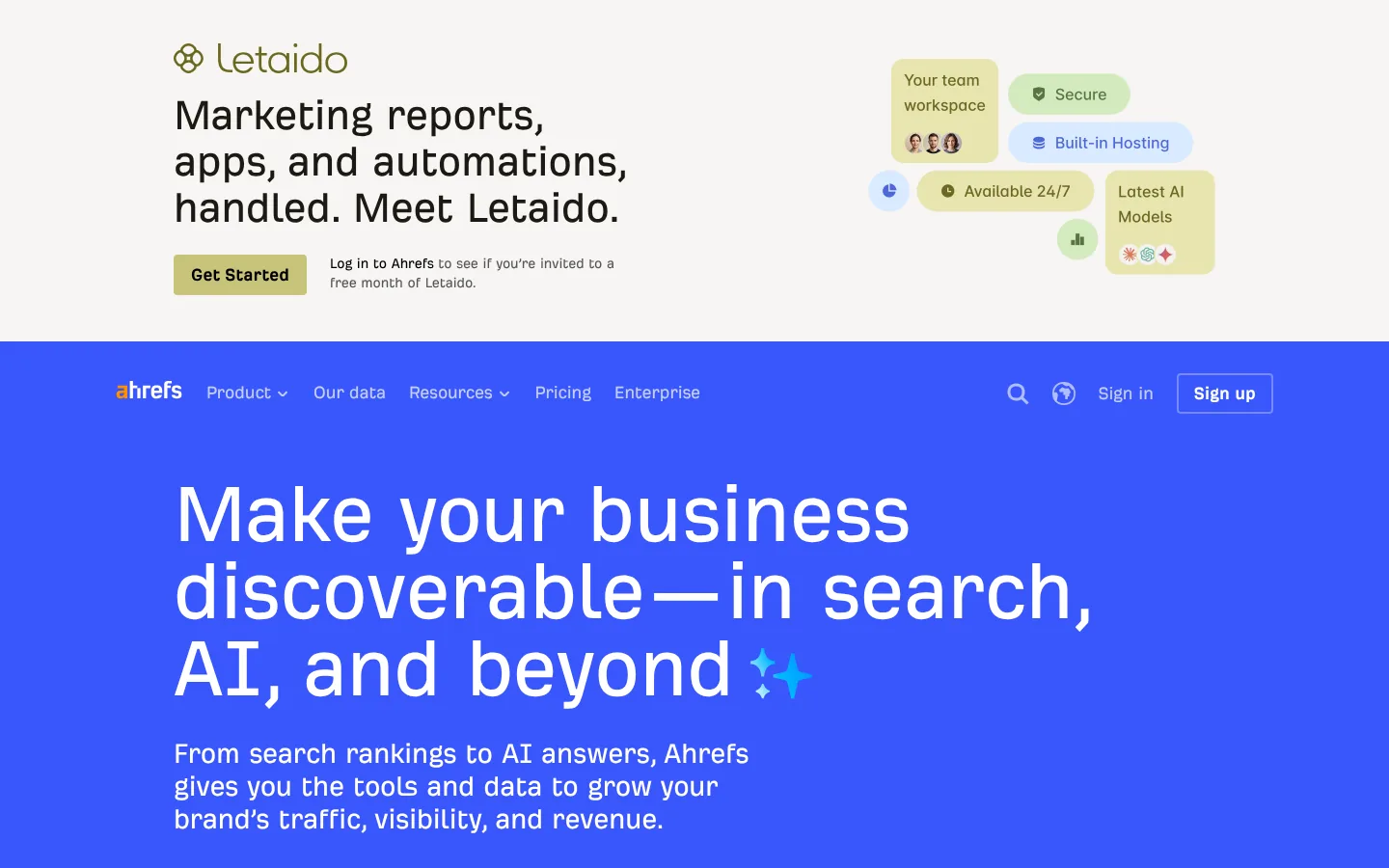
Ahrefs is a large SEO suite with its own web index. For content planning, teams use Keywords Explorer’s Parent Topic groups, Content Explorer and the AI Content Helper. SEO specialists who plan from keyword and competitor data get the most from it.
Key features
- Keywords Explorer: Starter includes it, along with Rank Tracker.
- Parent Topic: On Standard and up, it groups keywords by the broader topic the top page ranks for, which shows which keywords can share one page.
- Content Explorer: It searches Ahrefs’ index for popular pages on a topic.
- AI Content Helper: It helps plan and write a page around search intent.
Pros
- It’s $29 a month to start, and there’s a free account.
- Its keyword and backlink data help you prioritize topics.
Cons
- Parent Topic clustering needs Standard at $249 a month.
- Starter and Lite cap credits at 200 and 1,000 a month, and each report load or filter uses one.
- There’s no briefs workflow or editorial calendar.
Price and plans
You can start on Ahrefs Free, with AI Content Helper for 1 document a month. Paid plans are as follows.
- Starter: $29/month, monthly only, 200 credits.
- Lite: $129/month, 1,000 credits.
- Standard: $249/month, unlimited credits.
- Advanced: $449/month, and Enterprise $1,499/month billed yearly.
 8. SE Ranking

SE Ranking is an SEO suite whose plans now include a set number of Content Marketing articles, with idea, brief and writing tools. It’s an SEO planning tool for SEO teams that want content ideas and briefs next to their rankings.
Key features
- Content Idea Finder: It groups closely related keywords into clusters for new article ideas.
- Content Editor: It builds SEO briefs from search results, with word count, keywords and structure.
- AI Writer: It writes articles, headings, FAQs and meta tags from your keywords.
- WordPress publishing: You can publish to WordPress.
- SEO suite: Rank tracking, site audits and competitor research sit in the same login.
Pros
- Content tools come with the SEO plan.
- The 14 day trial needs no card.
Cons
- Core includes 1 manager seat.
- WordPress is the only publishing integration listed.
- There’s no full editorial calendar with owners and stages.
Price and plans
You can try SE Ranking for 14 days with no credit card. Paid plans are as follows, and extra articles start at $39.20.
- Core: $129/month ($103.20 billed yearly) with 25 Content Marketing articles a month and 1 manager seat.
- Growth: $279/month ($223.20 billed yearly) with 50 articles and 3 manager seats.
 9. Keyword Insights
Keyword Insights is an SEO planning tool that does clustering first, with briefs and AI writing added on top. SEO leads use it to cluster thousands of keywords before planning.

Key features
- Keyword clustering: It groups large keyword lists by overlap in Google results.
- Search intent: It labels each keyword’s intent, so you can see which clusters suit sales pages and which suit guides.
- Content briefs: You can build a brief for a chosen cluster.
- Writing tools: You get a writing assistant and an AI writing agent.
Pros
- Clustering is its main focus, and it handles large lists.
- A $1 trial clusters up to 500 keywords and gives you one brief.
Cons
- Pay as you go credits cover clustering only, so briefs and writing need a monthly plan.
- There’s no calendar, so the plan lives in another tool.
- Plan allowances need checking at checkout.
Price and plans
You can try Keyword Insights for $1 for 7 days. Paid plans are as follows.
- Basic: $58/month, with a set allowance of clustering credits and runs for other features.
- Professional: $99/month.
- Enterprise: custom.
- Extra seats: $10/month each.
 10. StoryChief
StoryChief is a content marketing workspace with an editorial calendar, briefs and publishing to blogs and social channels. It’s a calendar and workflow tool for content teams that publish on a set schedule.

Key features
- Content calendar: You can plan stories, assign them to writers and publish from one view, on every plan.
- Editorial briefs: Each story comes with a brief you can edit for the writer.
- SEO and readability scores: Writers see them in the editor while they work.
- Publishing: It sends posts to CMSs such as WordPress and Webflow, plus social channels.
Pros
- The calendar publishes to your CMS, so there’s no copy and paste.
- The Agency plan gives you separate client workspaces.
- You can try it with no credit card.
Cons
- SEO tools sit in the editor only, so keyword research and clusters come from another tool.
- Starter has 1 user, and Growth (5 users) is €299/month.
Price and plans
You can try StoryChief free with no credit card. Prices are in euros, and paid plans are as follows.
- Starter: €59/month (€49 billed yearly) for 1 user, 4 social channels and 25 articles a month.
- Growth: €299/month (€249 yearly) for 5 users and 100 articles.
- Scale: €479/month (€399 yearly) for 10 users and unlimited articles.
- Agency: €95/month per workspace (€79 yearly).
- Enterprise: from about €1,000/month.
 11. CoSchedule
CoSchedule is a marketing calendar for planning blog posts and social media in one view. It’s a calendar and workflow tool for small marketing teams, and its Free Calendar is free forever.

Key features
- Marketing Calendar: It shows blog posts, social posts and campaigns on one calendar.
- Social scheduling: Paid plans include unlimited social messages, with 3 profiles on Starter and 5 on Professional.
Pros
- You can start with a free calendar.
- You plan blog and social work side by side.
Cons
- It has no SEO data, clusters or briefs.
- Plan names and prices appear in more than one form on its site, so confirm the plan at checkout.
Price and plans
You can use the Free Calendar free forever. Paid plans are as follows.
- Free Calendar: $0. It holds up to 15 scheduled posts per social profile.
- Starter: $29/month billed yearly.
- Professional: $49/month billed yearly.
- Extra social profiles: $5/month each.
 12. Notion
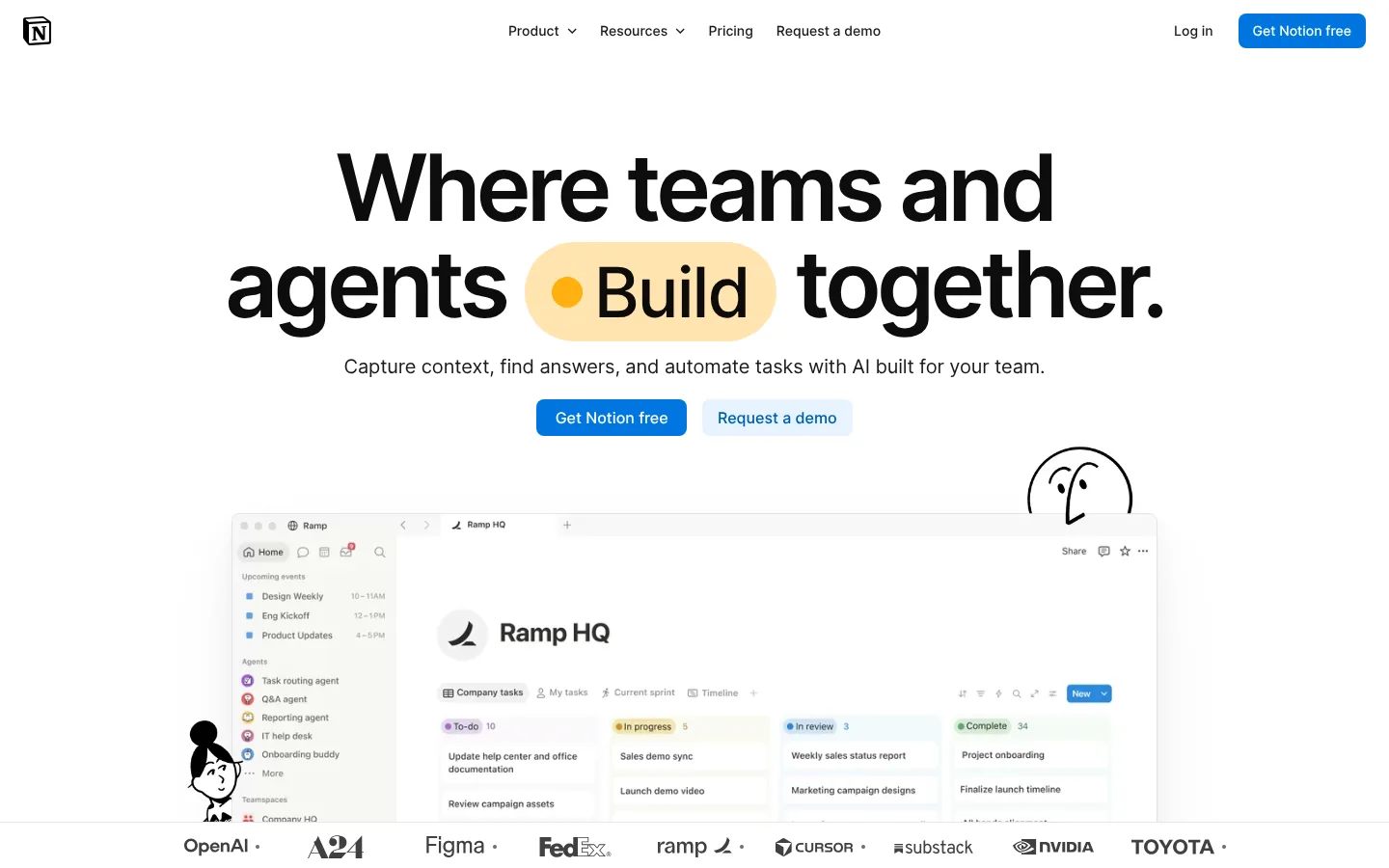
Notion is a workspace for docs and databases, and its template gallery includes free editorial and content calendars. It’s a calendar and workflow tool for teams that already keep their docs in Notion and want to build a content database from free templates.
Key features
- Templates: You get Notion’s own Editorial Calendar template and several free community calendars.
- Databases: You can add fields for target keyword, cluster, brief link, writer and status.
- Views: You see the same plan as a calendar, a board by status or a table.
Pros
- Briefs, drafts and the calendar can live in the same workspace.
- It’s free to start and easy to shape to your process.
Cons
- Keywords and clusters come from another tool.
- A team member needs to build and maintain the setup.
Price and plans
You can start on the free plan, which includes the free content calendar templates. Paid plans are as follows, billed yearly.
- Plus: $10 per seat a month.
- Business: $20 per seat a month.
 13. Asana
Asana is a work management tool that many content teams use to track each piece from brief to publish. It’s a calendar and workflow tool for content teams that need clear owners and deadlines more than SEO data.

Key features
- Timeline and calendar: Starter adds Timeline and Gantt views for publish dates.
- Custom fields and forms: You can track keyword, cluster and status, and take content requests through a form.
- Approvals and proofing: Advanced adds approvals so editors can sign off on each piece.
Pros
- It works well for teams with many writers, editors and reviewers.
- You can start on a free plan.
Cons
- You’ll need another tool for SEO data and briefs.
- Pricing is per user, so the cost grows with the team.
Price and plans
Personal is free forever for 1 or 2 people. Paid plans are as follows.
- Starter: $13.49 per user a month ($10.99 billed yearly).
- Advanced: $30.49 per user a month ($24.99 billed yearly).
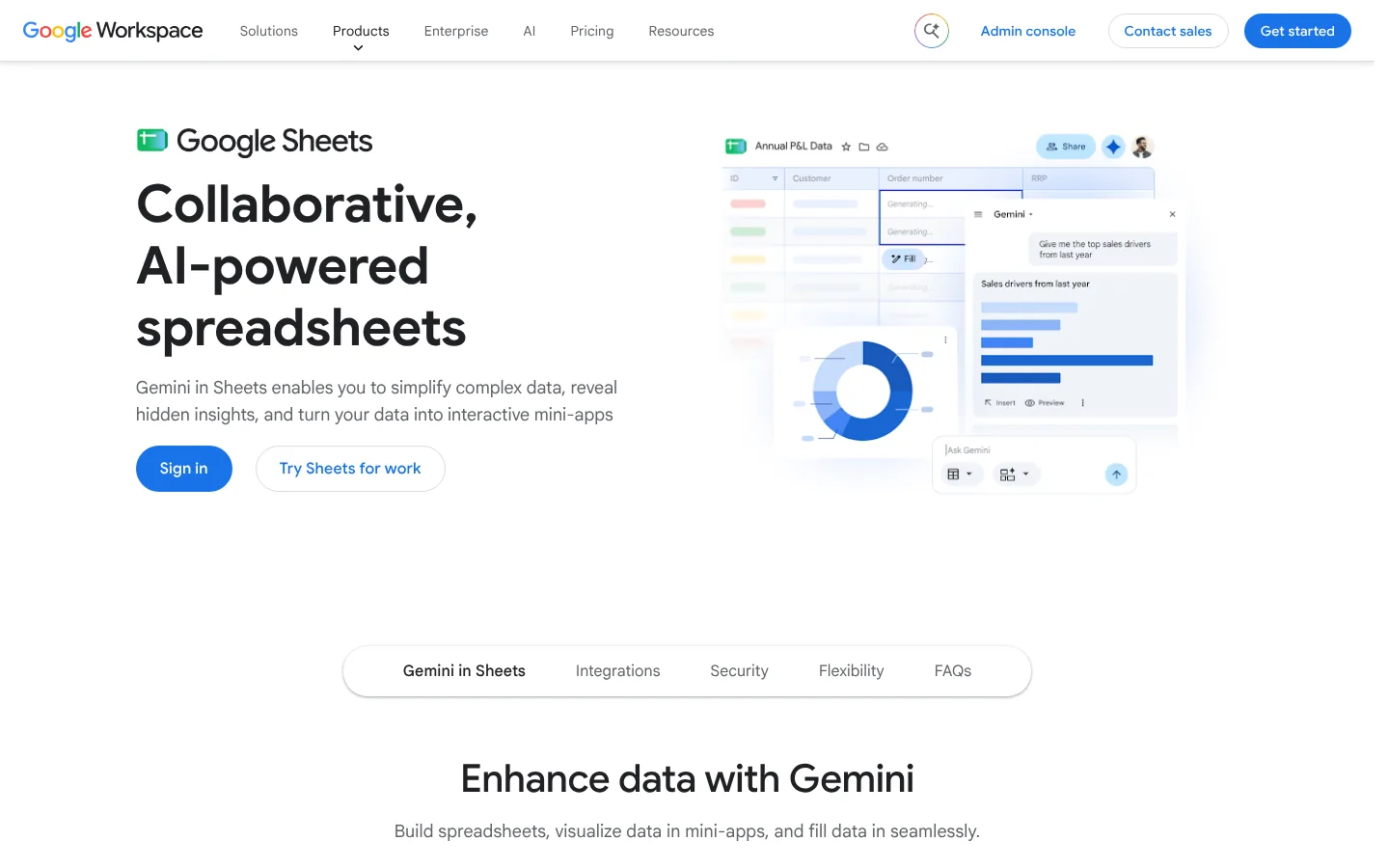
 14. Google Sheets (free)
Google Sheets is Google’s free spreadsheet app, and it remains the most common place to start a content plan. It’s a calendar and workflow tool for solo marketers and small teams starting their first plan.
Key features
- Sharing: Anyone with the link can view or edit, with no seat to buy.
- Filters and formulas: You can sort by priority, flag overdue pages and count pages per cluster.
- Imports: Most SEO tools export to CSV, which Sheets opens directly.
A simple plan needs one row per page and these columns:
- Keyword and cluster: The main keyword and the cluster it belongs to.
- Volume, difficulty and intent: Pasted from your keyword tool.
- Priority and status: A score, plus a stage such as Brief, Draft, Edit or Live.
- Owner, date and URL: Who writes it, when it ships and where it lives.
Pros
- It’s free with a Google account.
- It opens the export from any SEO tool.
Cons
- Keyword data updates only when someone pastes in fresh numbers.
- There are no reminders, briefs or publishing.
Price and plans
Google Sheets is free with a Google account.
- Personal use: free, with 15 GB of storage shared across Google services.
How to build an SEO content plan
These are the steps from a keyword list to a published page in Arrowsterr.
AI visibility this week
ChatGPT64%Claude48%Gemini71%From gap to keyword
Editorial Calendar · buying intent first
Draft ready to publish
The best review software for cafes in 2026
In Arrowsterr, the work runs in this order:
- Organic Research shows volume, difficulty, intent and CPC, and Competitive Analysis finds the keywords rivals rank for and you don’t.
- The Topic Bank’s AI agent ranks the topics and puts the keywords most likely to bring revenue first.
- A brief built from Google’s top 10 sets the headings and questions to answer for each page.
- You move each topic onto the Editorial Calendar.
- On Pro, the Agentic Writer drafts the page in your brand voice, and it publishes to WordPress, Webflow, Shopify, HubSpot or Ghost.
- The Content Performance Report shows which pages bring traffic.
The tips below work with any tool.
Cluster keywords by shared search results
Two keywords belong on one page when Google shows mostly the same results for both. “Content calendar template” and “editorial calendar template” usually share most of their top 10, so one page can target both.
Prioritize keywords with buying intent
Early in a plan, pages close to a purchase pay off fastest. Comparison pages, “best tools for” lists, alternatives pages and pricing questions often convert better than broad guides with more volume. Fill those gaps before you write top of funnel posts.
Build a pillar page and its supporting pages
Pick one cluster and finish it before you start the next. A pillar page with 5 to 10 supporting pages, all linked to each other, shows search engines the site covers the topic in depth.
Schedule content refreshes next to new posts
Pages ranking in positions 4 to 20 often improve faster than new pages. Give refreshes their own slots on the calendar. Many teams plan 1 refresh for every 2 or 3 new posts.
Write content briefs that answer search questions
AI assistants and Google both pull short, direct answers. Put the main questions from the search results into each brief as headings, and ask writers to answer each one in the first sentence below it. The GEO tools guide covers how to check whether AI answers start citing those pages.
Review your SEO content plan every month
Check rankings and clicks for pages that went live 4 to 8 weeks ago. Add more pages to the clusters that are working, and drop or rethink topics that show no movement.
SEO content planning tools FAQ
What is the difference between a content plan and an editorial calendar?
A content plan decides which pages to create and why, based on keywords, clusters and business value. An editorial calendar sets the dates, owners and status for those pages. Most teams need both, and some tools, such as Arrowsterr, Frase and StoryChief, hold both in one place.
Do you need a paid tool to plan SEO content?
No. A free keyword tool, a free clustering tool and a Google Sheet can run a small plan. Paid tools save time once you plan more than a few pages a month, since they cluster keywords, rank topics and build briefs for you.
How many keywords should one page target?
One main keyword plus the close variations that share the same search results. A cluster can hold anywhere from a handful to dozens of keywords. If two keywords show very different results, give each its own page.
How far ahead should you plan content?
Most teams plan 1 quarter ahead and set firm dates for the next 4 to 6 weeks. That leaves room to add pages for clusters that start working and to drop topics that don’t.
Can one tool handle the whole plan from keyword to published page?
Yes. Arrowsterr covers keyword research, a Topic Bank ranked by revenue, briefs, an Editorial Calendar, the Agentic Writer on Pro and publishing to 5 CMSs. Frase also pairs clusters and briefs with a calendar.
Summary: best content planning tools for SEO
SEO teams already on Semrush, Ahrefs or SE Ranking can plan inside the suite they use and add a calendar in Notion, Asana or Google Sheets. Teams that want clusters, briefs and a calendar in one tool can look at Frase, or at Arrowsterr if they also want topics ranked by revenue, an AI writer and publishing in the same place.
To try it on your own site, start on Arrowsterr’s free forever plan, or try both toolsets for 7 days. No credit card is needed.
The Arrowsterr team
We build Arrowsterr and spend our days helping brands show up in ChatGPT, Gemini, Perplexity and Google's AI answers. We sign up for every tool we review and check every price on the vendor's own site.

Surfer SEO vs Semrush: Content Tools, AI Tracking and Pricing (2026)
Surfer SEO vs Semrush in 2026: content editor, keyword research, backlinks, rank tracking, AI visibility tracking and prices, checked on each vendor's…

Mangools vs Semrush: Features, AI Tracking and Pricing Compared (2026)
Mangools vs Semrush: compare keyword research, backlinks, rank tracking, site audits, AI search tracking and list prices, checked on both vendors' own…

SE Ranking vs Semrush: Pricing and Features Compared (2026)
SE Ranking vs Semrush in 2026: plan prices, tracked keywords, keyword and backlink data, site audits and AI search tracking, checked on…