
Best GEO Tools for Generative Engine Optimization in 2026
The best GEO tools for generative engine optimization in 2026: 7 paid trackers and 5 free tools, grouped by the job each one does.


Getting your brand named in AI answers comes down to 4 jobs: tracking what ChatGPT, Gemini, Perplexity and Google’s AI Overviews say about you, finding the outside sites AI trusts, writing pages with clear facts AI can quote, and making sure AI crawlers can read your site.
The 12 tools below include 7 paid trackers and 5 free tools that many teams already use. Every paid tracker handles the first job, and each one covers a different mix of the others. Arrowsterr covers all 4, with its writing tools on the Pro plan. Here is what each tool does best.
- Arrowsterr tracks AI answers and does the SEO and GEO work that follows, with an AI agent
- Peec AI gives clean reports with unlimited seats and a choice of models
- Profound suits enterprise brands that want prompt demand data and up to 9 AI engines
- AthenaHQ lets you test many AIs on a free plan
- SE Ranking puts AI tracking inside an SEO suite
- Otterly.ai pairs low-cost tracking with page audits for AI search
- Writesonic tracks AI answers and writes the articles to fill the gaps
- HubSpot AI Search Grader gives a free one-time score for your brand
- Google Search Console checks indexing and turns up prompt ideas
- Bing Webmaster Tools covers Bing indexing and Copilot citation data
- Screaming Frog SEO Spider finds pages that crawlers can’t reach
- Google Analytics 4 measures the visits AI sends you
GEO tools: main points
- GEO is getting your brand named and cited in AI answers, and it builds on your SEO work.
- You need a tracker to see AI answers. Paid self-serve trackers here start at $29 a month (Otterly.ai Lite) and go up to $295 (AthenaHQ Starter). Arrowsterr and AthenaHQ also have free plans, and HubSpot’s AI Search Grader gives a free one-time score.
- Tracking is the first job, and some tools help you act on the data too. Arrowsterr combines tracking with keyword research, content, site fixes and AI traffic in one platform.
- Free tools cover much of the rest: Search Console, Bing Webmaster Tools, Screaming Frog (up to 500 URLs) and GA4.
- Source reports show which sites AI cites, which tells you where a brand can get mentioned next.
What is GEO?
For years, SEO mostly meant ranking on the first page of Google. Now brands also want AI to name them when people ask for advice. Generative engine optimization, or GEO, is the work of getting your brand named and cited in answers from ChatGPT, Gemini, Claude, Perplexity and Google’s AI Overviews and AI Mode. These “generative engines” write out an answer where a search page would show you a list of links.
The four jobs of GEO
What it takes to get named in AI answers
Start- 1Track AI answersSee what ChatGPT, Gemini, Perplexity and AI Overviews say about you.
- 2Find the sources AI trustsSpot the review sites and forums AI cites.
- 3Write pages AI can quoteUse clear facts like prices, numbers, names and dates.
- 4Let AI crawlers inMake sure AI crawlers can reach and read your site.
GEO builds on SEO, and pages that rank well often get cited by AI too. If you already do SEO, that work carries over.
What GEO tools do
Next to the 4 GEO jobs sit 2 SEO jobs: finding the searches you’re missing and measuring the traffic AI sends. Your SEO tools help with those 2, even though most of them don’t show the AI answer itself.
| Job | Type of tool | Tools in this guide |
|---|---|---|
| See what AI says about you | AI visibility tracker | Arrowsterr, Peec AI, Profound, AthenaHQ, SE Ranking, Otterly.ai, Writesonic, HubSpot AI Search Grader (one-time) |
| Find the sources AI trusts | Tracker with source reports | Arrowsterr, Peec AI, Profound, SE Ranking, Otterly.ai |
| Find the searches you’re missing | Keyword and competitor research | Arrowsterr, SE Ranking, Search Console |
| Make sure AI can read your site | Site audit, crawler and webmaster tools | Arrowsterr (Zippie’s site audit), Otterly.ai (GEO Audit), Writesonic (site audits), Screaming Frog, Search Console, Bing Webmaster Tools |
| Write pages that get cited | Content planning and writing | Arrowsterr (Pro), Writesonic |
| Measure the traffic AI sends | Web analytics | Arrowsterr, Google Analytics 4 |
Arrowsterr shows up in most rows, since it handles most of these jobs in one platform. The free tools add data straight from the search engines. Search Console and Bing Webmaster Tools show what Google and Bing have indexed, and Screaming Frog crawls your pages the way a bot does.
How we chose the best GEO tools
First, we checked access: whether you can open a free trial or account, or whether a feature needs a sales call and demo. Then we set up each tool with a brand, a few competitors and buyer prompts like “best CRM for a 10-person sales team.”
For tracking, we checked brand mentions and the prompts competitors win. We also looked at how well cited sources turn into an outreach list, and whether keyword research, content and site fixes sit in the same tool. For the free tools, we looked at how each one helps your pages get crawled and cited.
What to look for in a GEO tool
Start with the AIs it checks, since ChatGPT plus Google’s AI Overviews covers most buyers. Gemini and Perplexity are good extras, and Claude matters if your buyers use it at work.
Next, check how often prompts run, because daily data evens out the odd days. With weekly data, you’ll wait 1 to 2 months to see a clear trend.
Look for source reports too, since they show which sites AI draws on. If ChatGPT keeps citing one review site or Reddit thread for your category, that site is your next outreach target.

Help with writing prompts is worth having, because prompts work best when they’re long enough and leave out your own brand name. A good prompt sounds like a buyer typing into ChatGPT, with details such as team size or budget in it.
It also helps when the tool lets you act on the data. Some add keyword research, content writing and site fixes next to tracking, so your next steps happen in the same place.
Check seats and countries as well, because if you’re an agency with 10 clients, you’ll want a login for each one. Answers can also differ by country, so see how many countries each plan covers.
Expect results to vary, since AI answers change from run to run. The same question can return different brands in a different order, so watch the trend over a few weeks.
GEO tools compared
| Tool | Starts at | AIs tracked | Best for |
|---|---|---|---|
| Arrowsterr |
Free, then $39/mo | 6 AIs | Teams that want tracking plus the SEO, content and fixes that follow, in one platform |
| $95/mo | 3 models | Teams who want clean reporting with unlimited seats and an MCP server | |
| Custom (free trial) | 3 AIs on the trial, up to 9 on Enterprise | Enterprise brands that want prompt volume and AI crawler data | |
| Free, then $295/mo | 5 AIs free, 11 on Starter | Funded brands that want credits across many AI models | |
| $129/mo | 5 AIs | SEO teams who want AI tracking inside a full SEO suite | |
| $29/mo | 4 AIs, plus 3 add-ons | Small teams that want tracking and page audits for AI search | |
| $79/mo billed yearly | 3 AIs, more on Enterprise | Content teams that want tracking and AI articles in one tool |
Arrowsterr$39/moThe 12 best GEO tools in 2026, by job
1. Arrowsterr
Arrowsterr is agentic SEO and GEO software that gives your team AI tracking and the SEO work that follows in one place. Of all the tools here, it is the one with a feature for each of the 4 jobs. It suits teams that want tracking plus the content and site fixes that follow, in one platform.
Try Arrowsterr free to see which AI answers name your brand.

 ChatGPT64%
 Claude48%
 Gemini71%Best review software for small cafesRevora citedTop guest feedback tools for hotelsRevora cited
The best review software for cafes in 2026
Small cafes live and die by their reviews. One bad week on Google can cost you regulars, and most owners have no time to answer every comment. Review software pulls every review into one inbox and drafts the replies for you.
What to look for
- Written in your brand voice
- Claim check passed
- 6 stats, each with its source
- 4 screenshots placed

Key features
- AI Visibility: Enter your URL and it suggests 5 topics with 5 prompts each, then shows each AI’s full answer with your visibility, position, sentiment and share of voice.
- Source reports: Next to the prompts competitors win, you see the cited pages grouped by type, such as Reddit threads and review sites.
- Organic Research: It shows volume, difficulty, intent and CPC, plus the keywords competitors rank for and you don’t.
- Agentic Content (Pro): You get a Topic Bank of the keywords most likely to bring revenue and an Editorial Calendar. Briefs come from Google’s top 10, and the Agentic Writer drafts pages in your brand voice and publishes them to WordPress, Webflow, Shopify, HubSpot or Ghost.
- Zippie site fixes: Zippie audits your site for issues like missing alt text or robots.txt rules that block AI crawlers, then applies fixes to WordPress or Ghost once you approve.
- Traffic and Visitors: One line of code on your site shows exact visits from ChatGPT, Perplexity, Gemini and other AI assistants, plus each visitor’s journey and a 0 to 100 buyer score.
Pros
- One login for every job: Tracking, keyword research, content, site fixes and AI traffic share one login.
- Free forever plan: You can check 10 prompts weekly on ChatGPT and Google AI Overviews with no credit card.
- Six AIs from $39: Paid plans start at $39 a month for 6 AIs.
- Free trial: The 7-day trial needs no credit card and opens both toolsets.
- Pro for less: Pro costs $179 with both toolsets and the Agentic Writer, and for comparison, Peec AI Pro costs $245.
- Safe site fixes: Zippie waits for your approval, and you can undo every change.
Cons
- One toolset on Starter: Starter includes one toolset, AI Visibility or Organic Research.
- Writing on Pro: The writing tools are on the Pro plan.
- Weekly runs on two AIs: Claude and Perplexity run weekly, while ChatGPT, Gemini, Google AI Overviews and AI Mode run daily.
- No Copilot: Copilot isn’t tracked.
Price and plans
You can start on the Free forever plan or the 7-day trial with no credit card. Paid plans are as follows.
- Free: $0 forever, with 10 prompts checked weekly.
- Starter: $39 per month ($33 per month billed yearly) for one toolset and 2 seats. The toolset is 50 prompts checked daily or 3,000 research tasks.
- Pro: $179 per month ($152 billed yearly), with both toolsets and the Agentic Writer.
- Agency: $499 per month ($424 billed yearly), with 400 prompts and white-label reports.
- Enterprise: from $1,500 per month, with 1,000 prompts and SSO.
Try Arrowsterr free to see which AI answers name your brand.
 2. Peec AI
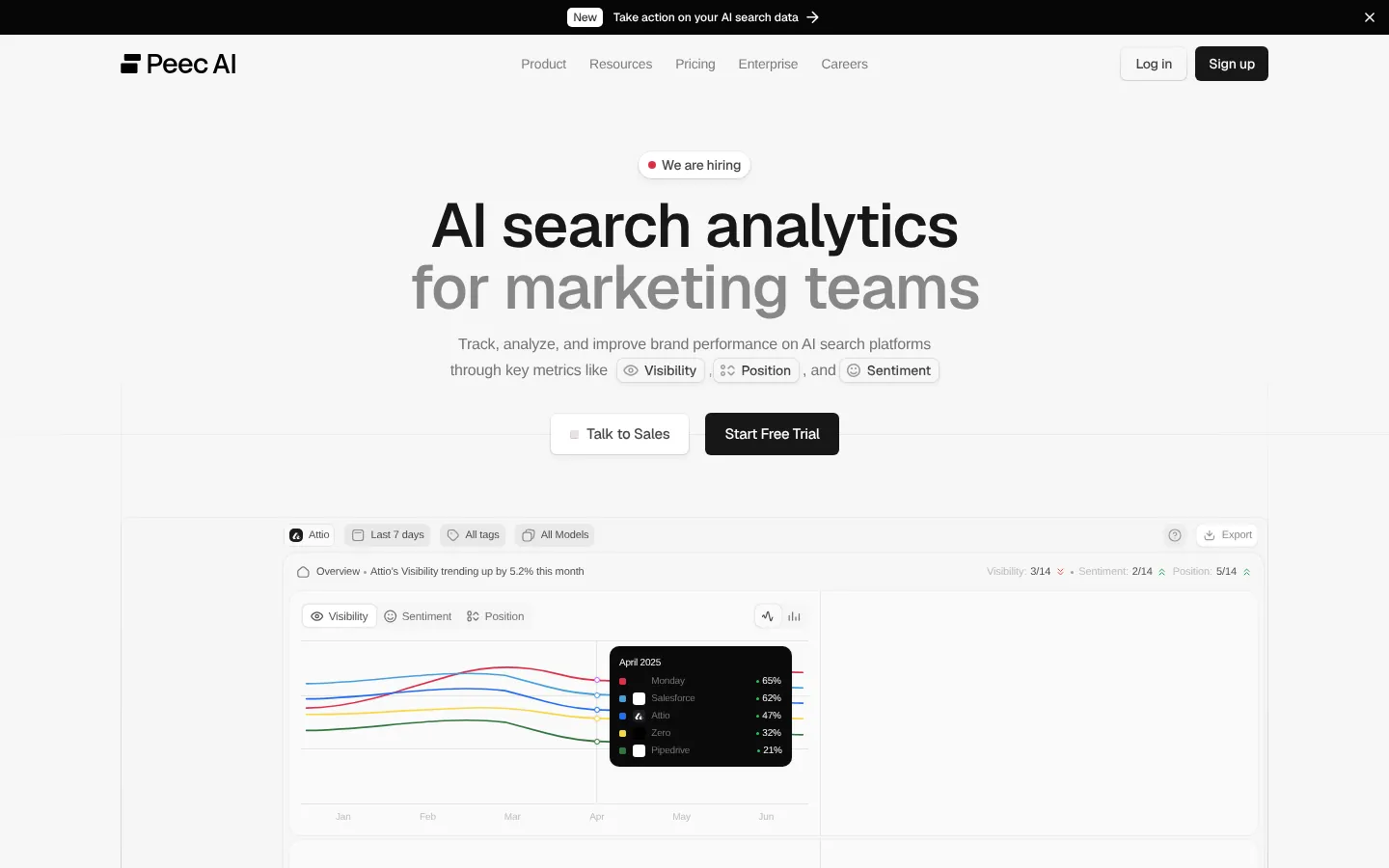
Peec AI is AI visibility software that tracks your brand in AI answers and the sources they cite, with clean reports. It’s built for teams who report to others, and it covers the first 2 jobs.
Key features
- Model choice: You pick 3 models from a list that includes ChatGPT, Google AI Overviews, AI Mode, Gemini and Copilot, so a local business might pick AI Overviews and AI Mode.
- Competitor view: Compare your visibility and position with competitors, and see the sources each answer cites.
- Sentiment: Peec AI scores how each AI talks about you.
- Actions: This feature turns the data into a ranked list of tasks.
- Exports: You get CSV and an MCP server, plus Looker Studio on Advanced and an API on Enterprise.
Pros
- Unlimited seats: Every client gets a login at no extra cost.
- Good for agencies: If you’re an agency doing client reports, Pro suits you well.
- Room to grow: Pro’s 150 prompts also fit a brand with several product lines.
- Free trial: You can try it before you pay.
Cons
- Extra models cost more: Starter covers 3 models, and each extra model costs $35 a month.
- Claude on Enterprise only: Claude, DeepSeek and Grok are on the Enterprise plan, so plan for that if your buyers use Claude.
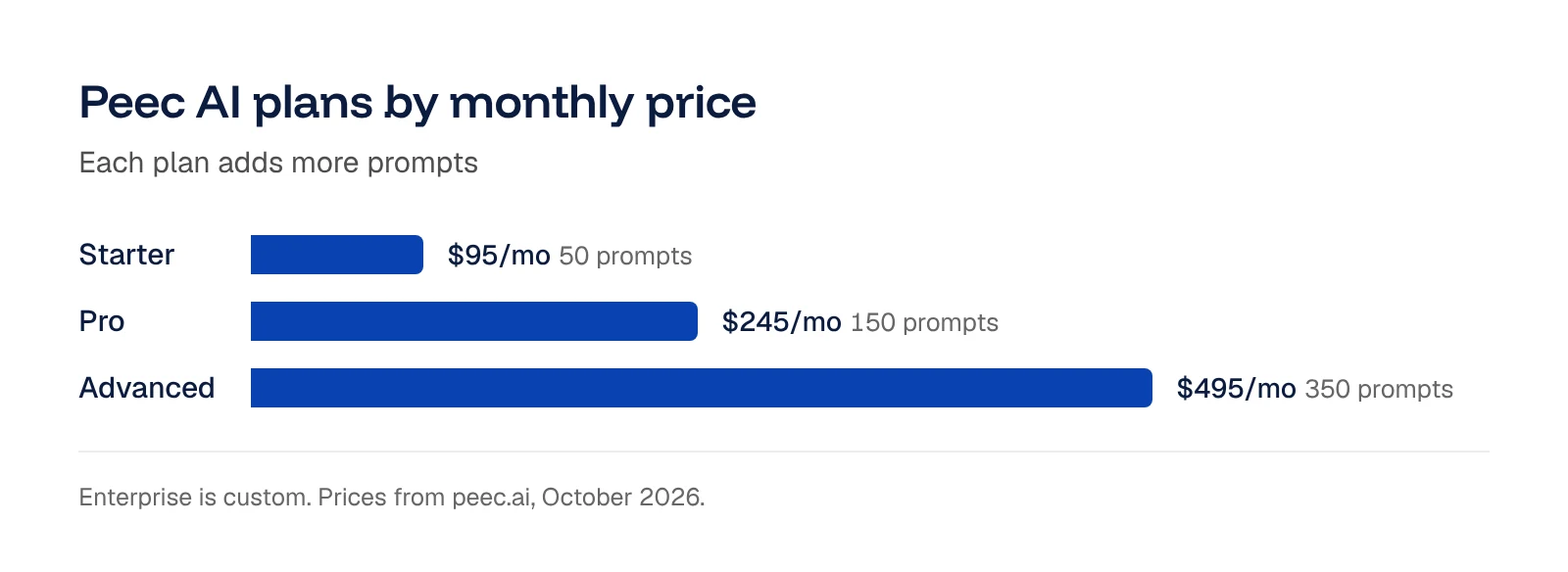
- Entry price: Starter is $95 a month for 50 prompts on one project and one country.
Price and plans
Peec AI offers a free trial. Paid plans are as follows.
- Starter: $95 per month for 50 prompts checked daily on 3 models, plus $35 per extra model.
- Pro: $245 per month for 150 prompts, plus $85 per extra model.
- Advanced: $495 per month for 350 prompts, plus $165 per extra model.
- Enterprise: custom pricing.
 3. Profound
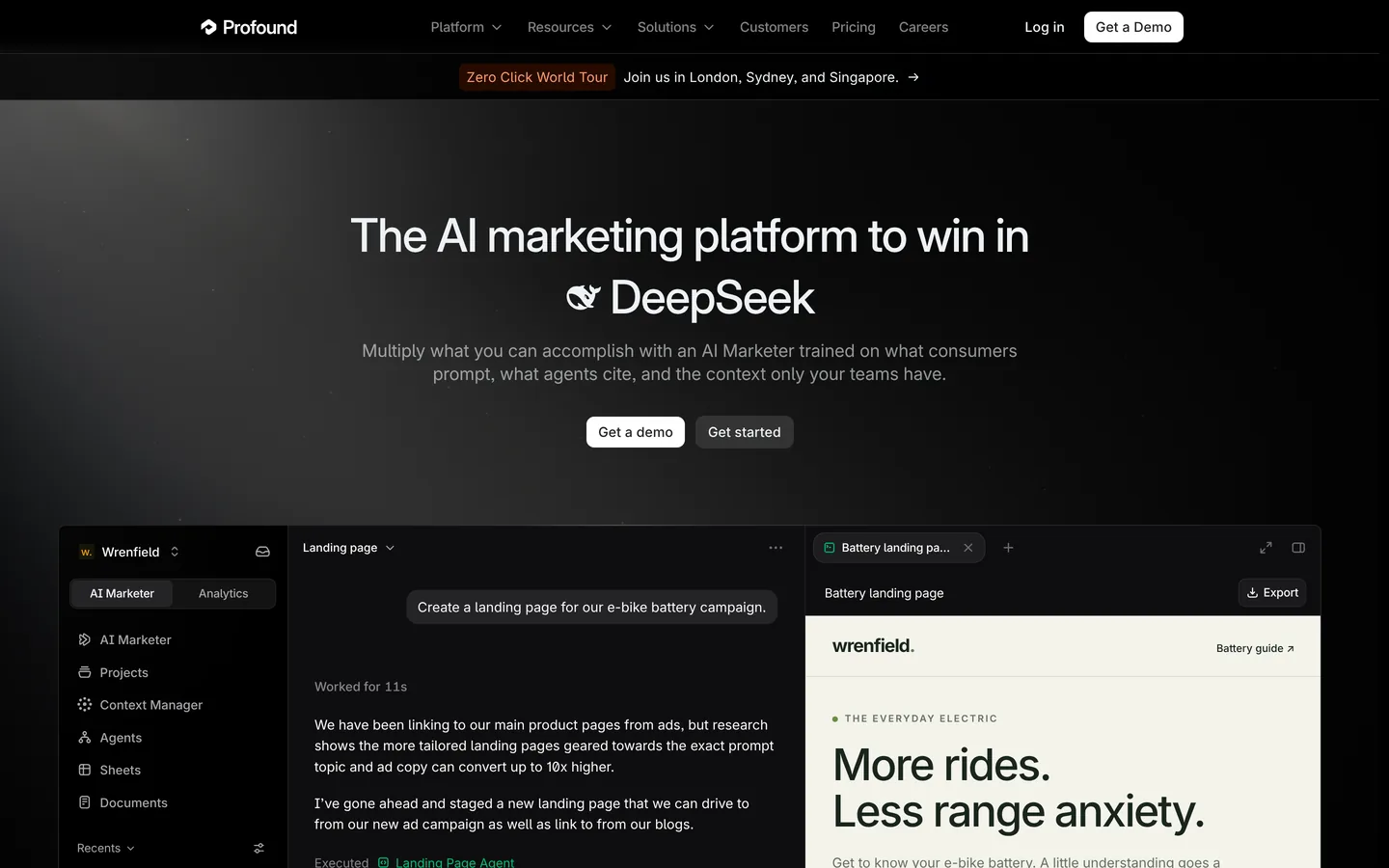
Profound is AI visibility software that tracks your brand in AI answers for enterprise teams running a full GEO program. On top of tracking, it adds demand data to help you pick topics, and Agent Analytics covers part of the crawler job. It suits enterprise brands where one person owns GEO full time.
Key features
- Prompt Volumes: It estimates AI search demand from a pool of over 2 billion conversations, sorted by intent such as informational and commercial.
- Daily tracking on many AIs: Enterprise checks your prompts daily on up to 9 AI engines, including Claude, Perplexity, AI Mode and Copilot.
- Agent Analytics: See which AI crawlers visit your pages, so you can tell when a new page got crawled.
- Unlimited seats: Seats are unlimited on the trial and on Enterprise.
Pros
- Demand data: You can pick topics from estimated AI search demand.
- Wide AI coverage: Enterprise covers up to 9 AI engines.
- Crawler data: Agent Analytics shows when AI crawlers reach your pages.
Cons
- Prices through sales: Every paid plan starts with a sales call.
- Preset trial prompts: Trial prompts are preset for your industry and can’t be edited.
- Sales-led setup: Small teams may prefer a tracker they can sign up for on their own.
Price and plans
You can try Profound free for 7 days with 50 preset prompts, checked daily on ChatGPT, Gemini and Google AI Overviews. Profound removed its self-serve Starter and Growth plans in September 2026, so paid plans are custom Enterprise contracts.
- Enterprise: custom pricing, with up to 9 AI engines and unlimited seats.
 4. AthenaHQ
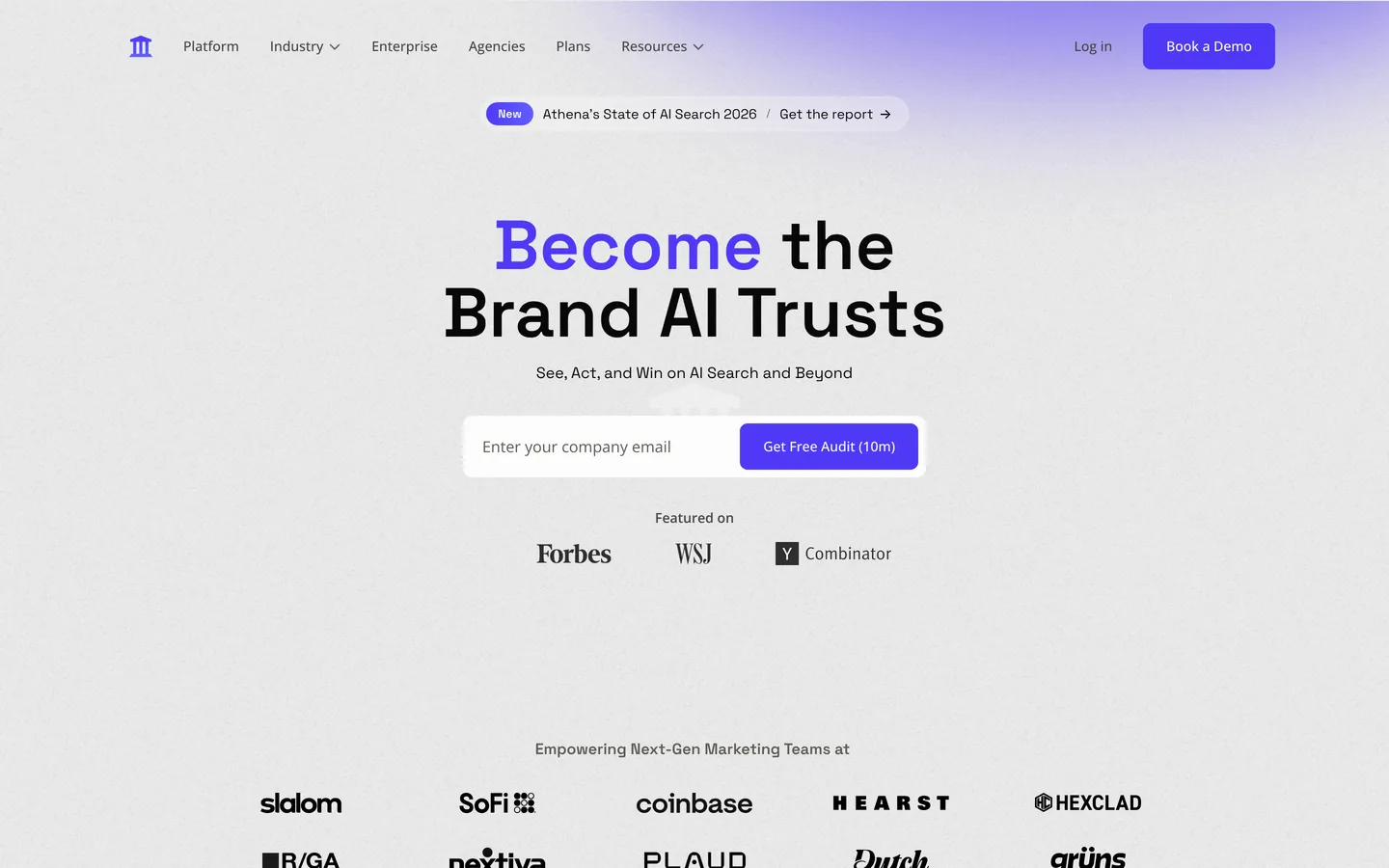
AthenaHQ is AI visibility software that tracks mentions by prompt across many AIs. It focuses on the first job, and it’s an easy way to see answers from Grok or Meta AI without a sales call. It suits funded brands that want credits across many AI models.
Key features
- Competitor gaps: This view points out the prompts where competitors earn AI citations.
- Many AI models: Starter lists 11 models, including AI Mode and Claude.
- Credits: 1 credit buys 1 AI answer, and Claude, Grok, DeepSeek, Meta AI and Mistral cost 5 credits an answer.
- Free plan (Essential): It covers ChatGPT, Perplexity, AI Overviews, Gemini and Copilot.
Pros
- Free to start: The Essential plan gives you 300 credits, which is enough for a trial run.
- Unlimited seats: Essential has unlimited users, and Starter has unlimited seats, prompts and competitors.
- No sales call: You can see answers from Grok or Meta AI on your own.
Cons
- One paid tier: The next step after the free plan is Starter at $295 a month.
- One region on Starter: Starter covers 1 region, and more regions come with Enterprise.
- Extra fees: API access and extra credits are billed separately.
Price and plans
You can start on the free plan (Essential), with 300 credits. Paid plans are as follows.
- Starter: $295 per month ($245 billed yearly) for 3,600 credits a month, 11 models, 1 region and unlimited seats.
- Enterprise: custom pricing.
 5. SE Ranking

SE Ranking is an SEO suite that covers AI tracking and sources next to rank tracking and site audits. It’s built for SEO teams, so you get AI tracking and SEO tools under one login and one bill. If your team already pays for rank tracking, SE Ranking is a natural fit.
Key features
- AI tracking: Core and Growth each check 25 prompts daily across 5 AI engines, including ChatGPT, Gemini, AI Mode and Google AI Overviews.
- Source reports: See the sources AI answers cite next to your tracking data.
- Rank tracking: Core includes 2,000 keywords tracked daily.
- SE Visible: A standalone AI tracker covers more prompts, with unlimited users.
- Site audits and research: Run site audits and competitor research from the same login.
Pros
- One login and one bill: AI tracking and SEO tools sit together.
- Free trial: You get 14 days with no card.
Cons
- No Claude: Claude isn’t one of the 5 AIs it tracks.
- Full suite price: The price covers the full SEO suite.
- 25 prompts on Core and Growth: For more prompts, SE Visible is sold as its own product.
Price and plans
You can try SE Ranking free for 14 days with no credit card. Paid plans are as follows.
- Core: $129 per month ($103.20 billed yearly), with 25 prompts tracked daily.
- Growth: $279 per month ($223.20 billed yearly), with 25 prompts, 30 projects and 3 seats.
- SE Visible: from $71 per month for 75 prompts.
 6. Otterly.ai

Otterly.ai is AI visibility software that tracks brand mentions and citations, with a GEO Audit for your pages. It covers the first 2 jobs, and its audit helps with the crawler job. It suits small teams starting out.
Key features
- AI tracking: It checks ChatGPT, Google AI Overviews, Perplexity and Copilot daily, with Gemini, AI Mode and Claude as add-ons.
- Citations: See which domains and URLs AI cites, with sentiment for your brand.
- GEO Audit: It checks crawler access, content that reads without JavaScript, page speed and structured data. Lite includes 1,000 GEO URL audits a month.
- Integrations: Standard adds an API, an MCP server, Agent Analytics and a Looker Studio connector.
Pros
- Low entry price: Lite costs $29 a month, or $25 billed yearly.
- Unlimited team members: Every plan includes unlimited team members.
- Audits included: The GEO Audit comes with every plan.
Cons
- Add-on AIs: Gemini, AI Mode and Claude are priced separately.
- 15 prompts on Lite: Extra prompts start on Standard.
Price and plans
Otterly.ai offers a free trial. Paid plans are as follows.
- Lite: $29 per month ($25 billed yearly) for 15 prompts and 1 workspace.
- Standard: $189 per month ($160 billed yearly) for 100 prompts and unlimited workspaces.
- Premium: $489 per month ($422 billed yearly) for 400 prompts.
- Add-ons: Gemini and AI Mode cost $9, $59 or $149 per month each by plan, and Claude costs $29, $109 or $439.
- Enterprise: custom, from 1,000 prompts.
 7. Writesonic

Writesonic is an AI writing platform that also tracks your brand in AI search. It covers the tracking job and the writing job, and its site audits help with the crawler job. It suits content teams.
Key features
- Daily prompt tracking: Self-serve plans check ChatGPT, Gemini and Google AI Overviews, and Enterprise covers all 9 AI platforms Writesonic tracks.
- AI articles: Starter includes 15 AI articles a month.
- Site audits and agentic fixes: It audits your site, and agentic workflows help apply fixes.
- AI bot analytics: See when AI bots visit your pages.
- Sentiment and Action Center: Growth adds sentiment and an Action Center trial.
Pros
- Writing and tracking together: You can track a gap and write the page in the same tool.
- Free trial: You can try it with no credit card.
- Ads monitoring: Writesonic also includes ads monitoring.
Cons
- Three AIs on self-serve plans: More AIs are on Enterprise.
- One user on Starter: Basic has 2 users and Growth has 3.
Price and plans
You can try Writesonic free with no credit card. Prices below are per month, billed yearly.
- Starter: $79 per month for 50 prompts, 15 articles and 1 user.
- Basic: $199 per month for 100 prompts and 2 users.
- Growth: $399 per month for 200 prompts and 3 users.
- Enterprise: custom pricing.
 8. HubSpot AI Search Grader (free)

HubSpot’s AI Search Grader is a free, one-time check of how ChatGPT, Perplexity and Gemini describe your brand. It gives a first look at the tracking job before you pick a tracker. HubSpot customers can add ongoing tracking with HubSpot AEO.
Key features
- Score out of 100: Sentiment counts for 40 points, presence quality 20, recognition 20, share of voice 10 and market competition 10.
- Three AIs: The grader checks ChatGPT, Perplexity and Gemini.
- HubSpot AEO: Ongoing tracking inside Marketing Hub, now in beta, with prompt suggestions from your CRM and competitor and citation analysis.
Pros
- Free: The grader costs nothing to use.
- Quick first look: You get a score for your brand in one check.
- Fits HubSpot users: HubSpot AEO lets you act on gaps inside HubSpot, on your blog, LinkedIn and Reddit.
Cons
- One-time check: The grader gives a single score, so you’ll want a tracker for trends.
- Three AIs: Google AI Overviews and Claude aren’t part of the check.
Price and plans
The AI Search Grader is free.
- HubSpot AEO: $50 per month on its own.
- HubSpot for Marketers: $900 per month, with AEO included.
 9. Google Search Console (free)
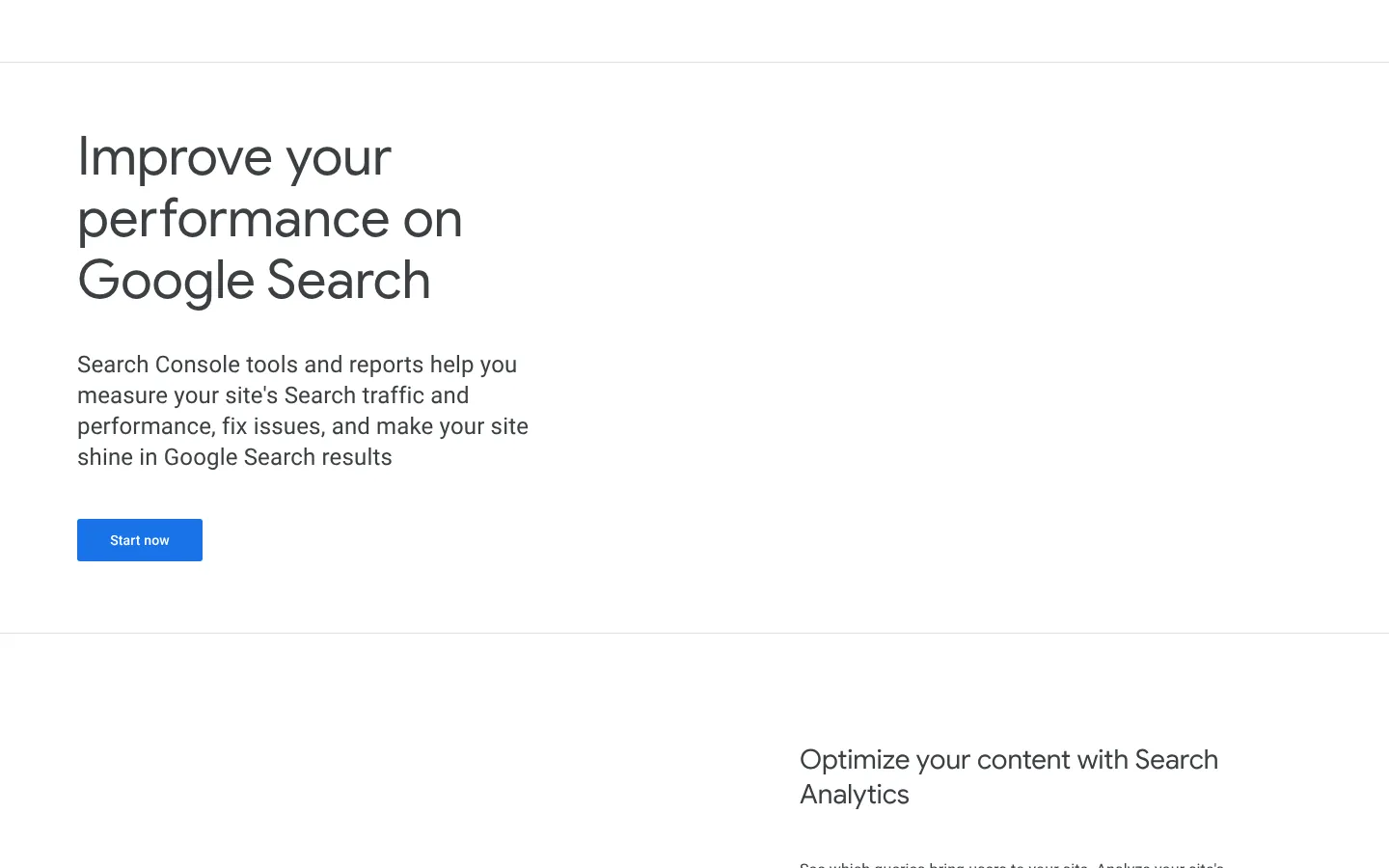
Google Search Console is free Google software that shows how your pages perform in Google Search, and it handles the crawler job for Google. AI Overviews and AI Mode draw on Google’s index, and Search Console shows you if your pages are in it. It’s a good first tool to set up before you add a paid one.
Key features
- Index check: See whether your pages are in Google’s index.
- Prompt ideas: In the Performance report, filter queries by “best,” “vs,” “how” and “which” to find long questions people also ask AI.
- Generative AI performance report: Rolled out to all sites by the end of August 2026, it shows impressions in AI features on Search.
- AI appearances in Web data: Google’s docs say AI Overviews and AI Mode appearances count under the “Web” search type in the Performance report.
Pros
- Free: It costs nothing to use.
- Data from Google: The data comes straight from Google.
- Real questions: You can turn real queries phrased as questions into prompts.
Cons
- No AI answers: You won’t see the AI answer or which competitors got named.
- Mixed clicks: AI clicks are mixed in with regular web search clicks.
Price and plans
Search Console is free.
 10. Bing Webmaster Tools (free)
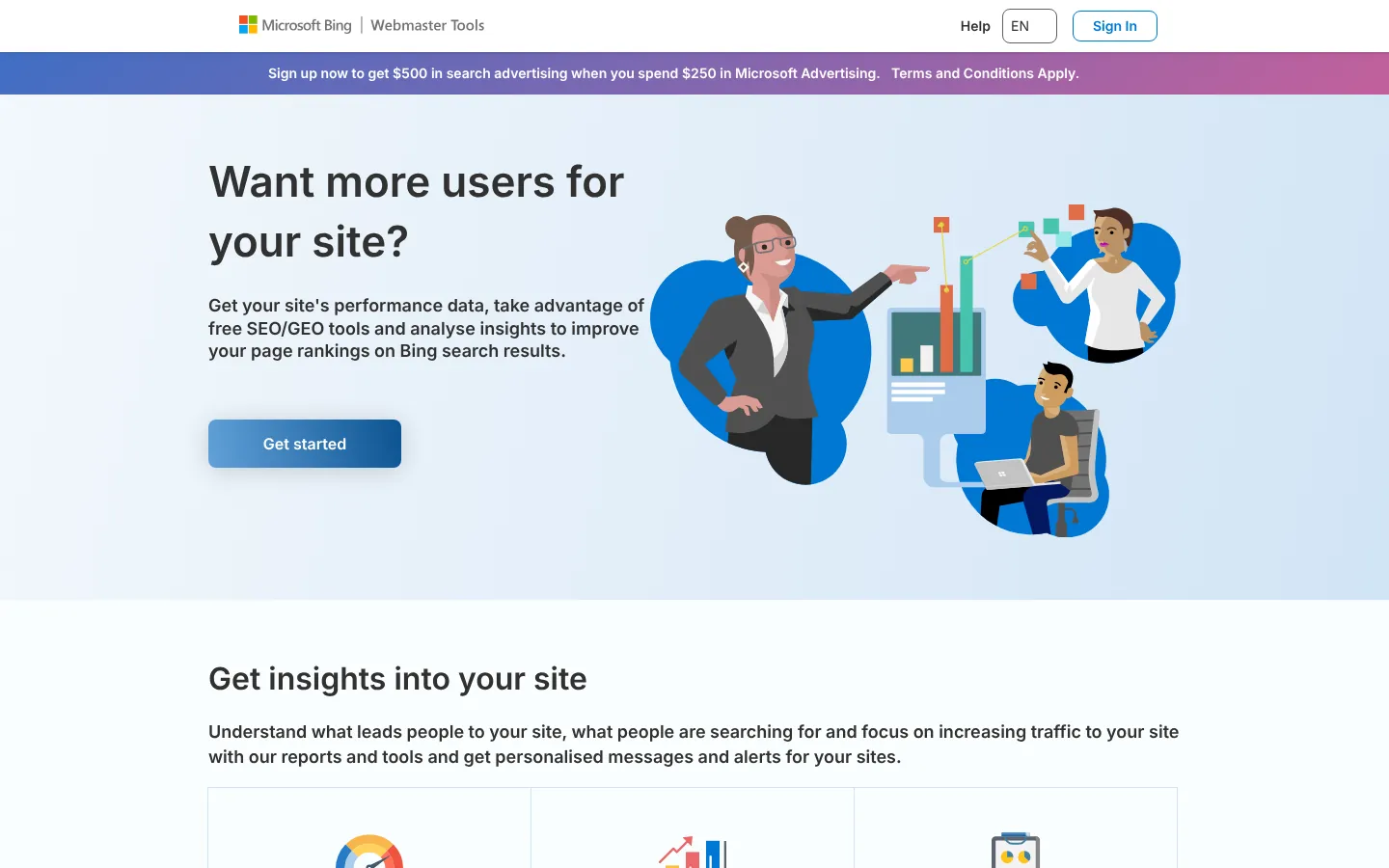
Bing Webmaster Tools is free Bing software that helps site owners with the crawler job for Bing, and it also covers some tracking. Microsoft Copilot is built on Bing, and other tools use Bing’s results too. Use it to check your Bing indexing and how often Copilot cites you.
Key features
- Sitemaps and indexing: Submit your sitemap and check indexing next to your Bing search data.
- AI Performance report: In public preview since February 2026, it shows how often Copilot and Bing’s AI summaries cite your pages.
- Grounding queries: See the phrases the AI used when it went looking for content to cite, so you can pick the pages to improve first.
- IndexNow: This free protocol tells participating search engines when you add or change a URL.
- Search Console import: Import your sites from Google Search Console.
Pros
- Free AI citation data: It shows Copilot citations at no cost.
- Free: Like Search Console, it costs nothing.
- Reach past Bing search: Copilot is built on Bing, and other tools use Bing’s results too.
Cons
- No click data: The report has no click data for AI citations.
- Sampled data: Bing says the citation data is a sample of overall activity.
Price and plans
Bing Webmaster Tools is free.
 11. Screaming Frog SEO Spider (free up to 500 URLs)
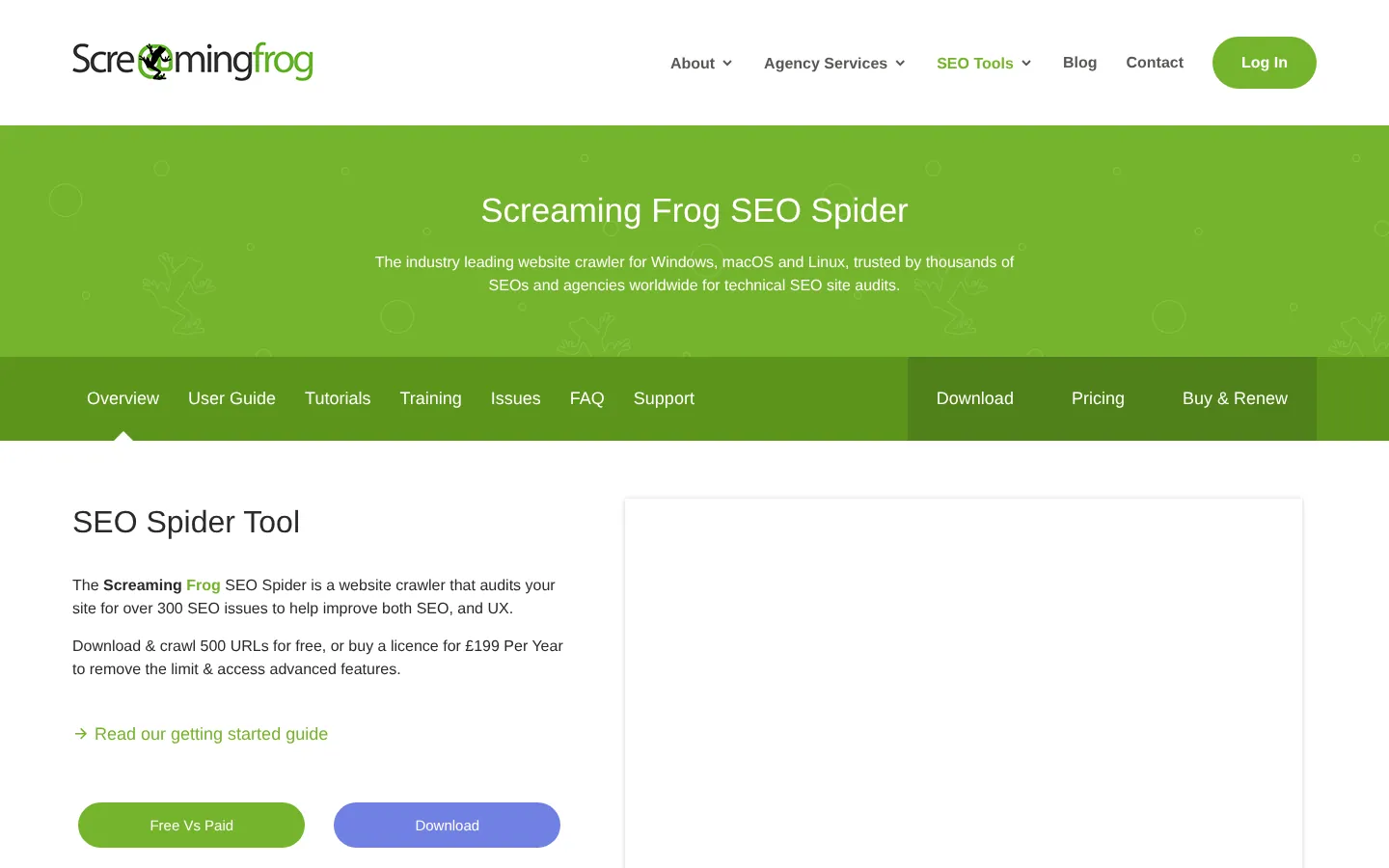
Screaming Frog is desktop crawler software that shows your site the way a bot sees it. AI crawlers have to reach a page before AI can cite it, so it covers the crawler job. Most small sites can use it for free.
Key features
- Site crawl: Run a crawl and it lists the issues a bot would meet, such as blocked pages, broken links, thin pages and missing titles.
- Tabs for beginners: If you’re new to SEO, start with the Response Codes and Page Titles tabs.
- Free crawls: It’s free for up to 500 URLs per crawl, which usually covers a small business site.
Pros
- Free for small sites: Most small sites pay nothing.
- Shows what bots see: It lists the issues a crawler meets before AI can cite a page.
Cons
- Takes time to learn: The desktop interface shows a lot of data at once, so new users may need some time to learn it.
- No AI answers: It doesn’t show AI answers, so you’ll still want a tracker for that job.
Price and plans
You can use Screaming Frog free for up to 500 URLs per crawl. If your site has more than 500 URLs, a paid license removes the limit.
- License: £199, $279 or €245 per user per year, billed yearly.
 12. Google Analytics 4 (free)
Google Analytics 4 is free Google web analytics software that shows the people who click through from an AI answer and what they do next. It does the measuring that comes after the 4 jobs.
Find AI visits in GA4
Five steps in Google Analytics 4
Start- 1Open Traffic acquisitionGo to Reports, then Acquisition, then Traffic acquisition.
- 2Set the dimensionPick Session source / medium.
- 3Look for AI sourcesFind chatgpt.com, perplexity.ai, gemini.google.com and copilot.microsoft.com.
- 4Add a custom channel groupUse a matches regex condition with those sources.
- 5Check what AI visitors doSee if they went on to sign up or buy.
Key features
- AI visits: Go to Reports, then Acquisition, then Traffic acquisition, and set the dimension to “Session source / medium” to find chatgpt.com, perplexity.ai, gemini.google.com and copilot.microsoft.com.
- Custom channel group: Default channel groups can’t be edited, so add a custom one with a “matches regex” condition like
chatgpt\.com|perplexity\.ai|gemini\.google\.com|copilot\.microsoft\.com, and it then shows up in your Acquisition reports. - What AI visitors do next: See if AI visitors went on to sign up or buy, or if anyone clicked after ChatGPT named you.
Pros
- Free: You won’t pay anything for GA4.
- Real visits: It shows real visits from AI tools.
Cons
- Clicks only: GA4 counts clicks only, so mentions that don’t lead to a visit won’t appear.
- Regex setup: The regex setup takes some care the first time.
Price and plans
GA4 is free.
GEO workflow, step by step
GEO follows the same loop as SEO: measure, find the gaps, fix them and measure again. In Arrowsterr, the path from a gap in AI answers to a published page looks like this.
AI visibility this week
ChatGPT64%Claude48%Gemini71%From gap to keyword
Editorial Calendar · buying intent first
Draft ready to publish
The best review software for cafes in 2026
- AI Visibility shows the prompts where competitors get named and you don’t.
- Organic Research turns those gaps into keywords you can rank for.
- The Topic Bank picks the keywords most likely to bring revenue.
- You get a brief from Google’s top 10, then the Agentic Writer drafts the page in your brand voice.
- You publish it to WordPress, Webflow, Shopify, HubSpot or Ghost.
- You see the visits from ChatGPT, Perplexity and Gemini, and check if your mentions move.
This schedule works with any tracker, and Arrowsterr handles most of the steps in one platform.
| When | What to do | Tools |
|---|---|---|
| Week 1 | Pull question-style queries, add 25 to 50 prompts in about 5 topics, and fix anything that blocks crawlers | Search Console, Arrowsterr or your tracker, Screaming Frog, Bing Webmaster Tools |
| Weeks 2 to 4 | Let the data build, and wait for a trend before you react to changes | Arrowsterr or your tracker |
| Month 2 | Get on the sites AI cites for topics competitors win, and write the missing pages | Arrowsterr (Topic Bank and Agentic Writer), or your tracker plus content tools |
| Month 3 on | Check each topic’s trend 2 to 4 weeks after a change, and watch AI traffic to improved pages | Arrowsterr (AI Visibility and Traffic), or your tracker plus GA4 |
While you fix crawler blocks in week 1, check your robots.txt so you don’t block GPTBot or OAI-SearchBot by mistake. GPTBot collects content that may be used for training. OAI-SearchBot lets your pages show up in ChatGPT search, and you can allow it while blocking GPTBot.

How to write GEO content that AI cites
Once crawlers can reach your site, these habits make your pages easier for AI to cite:
- Put the direct answer in the first sentence under each heading.
- Use real facts like prices, numbers, names and dates, which are easy to quote. A phrase like “industry-leading” gives AI nothing to repeat.
- Write some headings as questions, because “How much does X cost?” matches how people ask AI.
- Update your main pages often and show the date.
- Add comparison tables, since AI pulls from them easily.
If you’d like more tracking tools across every AI model, see our full guide to the best AI visibility tools.
GEO tools FAQ
Is GEO replacing SEO?
No, GEO builds on SEO, since AI tools that search the web often find pages that already rank well.
What’s the difference between GEO and AEO?
Very little, since AEO stands for answer engine optimization and usually means the same work.
Can one tool track AI answers and help you fix them?
Yes. Arrowsterr tracks 6 AIs, finds the keywords that match your gaps, and plans and writes the pages to fill them. Zippie, its AI agent, audits your site and applies fixes to WordPress or Ghost after you approve.
Can you do GEO for free?
Yes, you can start for free. Search Console, Bing Webmaster Tools, GA4 and HubSpot’s AI Search Grader are free, and Screaming Frog is free up to 500 URLs. Arrowsterr and AthenaHQ have free plans. SE Ranking’s trial runs 14 days, Arrowsterr and Profound offer 7, and Peec AI, Otterly.ai and Writesonic also have free trials.
How long does GEO take to work?
New mentions on sites AI already cites can show up within weeks. Bigger shifts take months, so give each change at least a month.
Summary: best GEO tools
If you want tracking and content work in one tool, Arrowsterr may suit you best. If your SEO team already uses SE Ranking, you can add AI tracking there. Content teams may like Writesonic, and Otterly.ai suits a small first budget. Whichever tracker you pick, the free tools add data on what Google and Bing see.
Before you choose, see where your brand stands today. Run a free AI Snapshot, and in about a minute you’ll see what ChatGPT and Google’s AI say about your brand.
The Arrowsterr team
We build Arrowsterr and spend our days helping brands show up in ChatGPT, Gemini, Perplexity and Google's AI answers. We sign up for every tool we review and check every price on the vendor's own site.

Surfer SEO vs Semrush: Content Tools, AI Tracking and Pricing (2026)
Surfer SEO vs Semrush in 2026: content editor, keyword research, backlinks, rank tracking, AI visibility tracking and prices, checked on each vendor's…

Mangools vs Semrush: Features, AI Tracking and Pricing Compared (2026)
Mangools vs Semrush: compare keyword research, backlinks, rank tracking, site audits, AI search tracking and list prices, checked on both vendors' own…

SE Ranking vs Semrush: Pricing and Features Compared (2026)
SE Ranking vs Semrush in 2026: plan prices, tracked keywords, keyword and backlink data, site audits and AI search tracking, checked on…