
13 Best SEO Tools for Startups (2026)
The best SEO tools for startups in 2026, compared on free plan limits and the lowest paid plan, with the main features, pros and cons of each tool.


Many startups run SEO with a small team. That team still needs to know which searches its buyers type and which pages turn visits into signups. Free tools from Google and Bing cover most of the work, and one paid plan adds the keyword data.
Of the 13 tools below, 11 have a free plan or a free version you can keep using. Each review lists the free limits, the lowest paid plan, the main features, pros and cons.
SEO tools for startups: main points
- Google Search Console, Google Analytics 4, Bing Webmaster Tools, Ahrefs’ free plan for verified sites and Screaming Frog (up to 500 URLs a crawl) are free, and so are the core Rank Math and Yoast plugins.
- Keyword data is the first thing to pay for. Keywords Everywhere starts at $84 a year, Ahrefs Starter and Ubersuggest at $29 a month, and Arrowsterr Starter at $39 a month with 3,000 research tasks.
- Free plans have set limits. Semrush’s free account allows 10 requests a day in its main tools, Ubersuggest gives 3 searches a day with an account, and Arrowsterr Free includes 200 research tasks a month.
- Full suites start above $100 a month. SE Ranking Core is $129, Semrush’s SEO plan is $139 and Arrowsterr Pro, which includes an AI writer, is $179.
- AI search is part of SEO now. Arrowsterr’s free plan checks 10 prompts weekly on ChatGPT and Google AI Overviews, and Bing Webmaster Tools shows Copilot citations for free.
The best SEO tools for startups, by job:
- Arrowsterr for keyword research, content and AI search tracking in one platform, with a free forever plan
- Google Search Console for free data on the Google searches that already find you
- Google Analytics 4 for free data on which visits turn into signups
- Bing Webmaster Tools for free Bing indexing data and Copilot citations
- Ahrefs for a free site audit on verified sites, and a $29 plan for keyword and backlink data
- Semrush for an established SEO suite with a free account to try it
- SE Ranking for rank tracking and AI tracking at a lower price than most full suites
- Ubersuggest for keyword research at a low price, with a lifetime plan
- Keywords Everywhere for keyword volume inside Google results for $84 a year
- Screaming Frog SEO Spider for a free technical crawl of a small site
- Rank Math for a free WordPress SEO plugin with a paid upgrade
- Yoast SEO for an established WordPress plugin with a simple setup
- Surfer for writers who want an on page score while they draft
What is an SEO tool for startups?
An SEO tool helps a website get found in search. For a startup, the right tool is one that covers the basic jobs at a price that fits an early budget.
Those basic jobs are:
- finding the searches your buyers type,
- checking that Google and Bing can crawl and index your pages,
- fixing broken links, missing titles and slow pages,
- writing pages that answer those searches,
- measuring which pages bring visits and signups.
Large SEO suites do all of this for a few hundred dollars a month. Startups can cover most of it for much less by mixing free tools from Google and Bing with one paid tool for keyword data.
Search also now includes AI assistants. Buyers ask ChatGPT, Gemini and Google’s AI Overviews which product to use, so it helps to know whether those answers name you. Our guide to GEO tools covers that side in more depth.
Startup SEO setup before you buy a tool
Before you buy any tool, set up the free ones and fix the basics. These 6 steps take about a week.
- Verify your site. Add it to Google Search Console and Bing Webmaster Tools, then submit your XML sitemap to both.
- Measure signups. Install Google Analytics 4 and mark your signup or demo form as a key event, so you can see which pages bring buyers.
- Crawl the site. Run Screaming Frog or Ahrefs’ free Site Audit and fix broken links, missing page titles and pages blocked by robots.txt.
- Set up your plugin. On WordPress, install Rank Math or Yoast and write a clear title and meta description for each main page.
- Pick 20 to 30 keywords. Start with searches that show buying intent, such as “[category] for [audience],” “[competitor] alternatives” and “[your product] pricing.” The free keyword research tool gives volume and difficulty for each.
- Write the missing pages. Turn the best keywords into use case, comparison and alternatives pages before you write general blog posts.
How we chose the best SEO tools for startups
We compared each tool on the same points, using its free plan or trial, docs and pricing pages from October 2026.
- What the free plan lets you do, and its daily or monthly limits.
- The lowest paid plan: its list price, whether it bills monthly or only yearly, and what it includes.
- The jobs it covers: keyword research, site audits, on page help, rank or AI tracking and reporting.
- How quickly a founder or first marketer can get useful data from it.
How to choose SEO tools for a startup
- Start with the free Google and Bing tools. Search Console is the only tool that shows your real Google clicks and impressions, so set it up first and use it every week.
- Pay for keyword data first. Most free plans cap keyword lookups at a few a day. A paid plan such as Ahrefs Starter, Ubersuggest, Keywords Everywhere or Arrowsterr Starter raises that limit.
- Check how the plan bills. Keywords Everywhere, Rank Math PRO, Yoast SEO Premium and Screaming Frog bill only yearly. Ahrefs Starter bills only monthly. A yearly plan is harder to cancel early.
- Count the limits that matter to you. Ahrefs Starter has 200 credits a month and tracks 50 keywords. Arrowsterr Starter has 3,000 research tasks, and a keyword lookup uses 10. Decide how many lookups you need in a month before you compare plans.
- Look for help with the writing. Keyword data tells you what to write, and the pages still need someone to write them. Arrowsterr Pro and Surfer help with drafts, and the WordPress plugins help with titles and on page checks.
- Track AI search early. A baseline taken now lets you see later whether ChatGPT and Google’s AI answers start to name you. Arrowsterr’s free plan and Bing Webmaster Tools both cover this at no cost.
The 13 best SEO tools for startups compared
| Tool | Free plan | Lowest paid plan | Best for |
|---|---|---|---|
| Arrowsterr |
200 research tasks and 10 AI prompts | $39/mo | Teams that want keyword research, content and AI tracking in one platform |
| Free | None | Teams that want the Google searches that already find them | |
| Free | Analytics 360 (paid tier) | Teams that want to see which visits turn into signups | |
| Free | None | Teams that want Bing indexing and Copilot citations | |
| Free plan for verified sites | $29/mo | Teams that want a free site audit, then paid keyword and backlink data | |
| 10 requests a day | $139/mo | Teams that want a full SEO suite once they have the budget | |
| 14 day trial | $129/mo | Teams that want rank tracking and AI tracking in one suite | |
| 3 searches a day | $29/mo | Teams that want keyword research at a low price and a lifetime plan | |
| Limited free features | $84/yr | Teams that want keyword volume while they search Google | |
| 500 URLs a crawl | $279/yr | Teams that want technical crawls of a small site | |
| Free plugin | $7.99/mo billed yearly | WordPress sites that want more features for free | |
| Free plugin | $118.80/yr | WordPress sites that want a simple setup | |
| None | $49/mo billed yearly | Writers who want an on page score while they draft |
The 13 best SEO tools for startups in 2026
1. Arrowsterr
Arrowsterr is an agentic SEO and GEO platform for startups that want keyword research, content and AI tracking in one place. It also finds and fixes site issues, and its AI agent, Zippie, applies those fixes after you approve them. Its startup plans begin with a free forever plan that needs no credit card.
Try Arrowsterr free to research keywords and track AI answers in one place.
 ChatGPT64%
 Claude48%
 Gemini71%Best review software for small cafesRevora citedTop guest feedback tools for hotelsRevora cited
The best review software for cafes in 2026
Small cafes live and die by their reviews. One bad week on Google can cost you regulars, and most owners have no time to answer every comment. Review software pulls every review into one inbox and drafts the replies for you.
What to look for
- Written in your brand voice
- Claim check passed
- 6 stats, each with its source
- 4 screenshots placed
Key features
- Organic Research: Keyword research shows volume, difficulty, intent, CPC and a trend over 12 months, and Competitive Analysis lists the keywords your competitors rank for and you don’t.
- Topic Bank and Editorial Calendar: An AI agent lists the keywords most likely to bring revenue, with buying intent first, so you can plan them on a calendar.
- Briefs and Agentic Writer: Briefs are built from Google’s top 10. On Pro, the Agentic Writer drafts the page in your brand voice and publishes it to WordPress, Webflow, Shopify, HubSpot or Ghost.
- Zippie, the AI agent: Zippie audits your site for issues like missing meta descriptions, missing alt text and robots.txt rules that block AI crawlers, then fixes them on WordPress or Ghost once you approve.
- AI Visibility: From your URL it suggests 5 topics with 5 prompts each, then tracks how often ChatGPT, Gemini, Google AI Overviews and AI Mode name you, plus Claude and Perplexity weekly on paid plans.
- AI traffic and MCP: One line of code shows exact visits from ChatGPT, Perplexity, Gemini and other AI assistants, and the Arrowsterr MCP server lets you ask Claude or ChatGPT about your numbers.
Pros
- Free forever plan: You get keyword research and AI tracking for free, and you can try both toolsets for 7 days with no card.
- One login: Keyword research, briefs and AI search data sit in the same tool.
- Safe site fixes: Zippie only changes your site after you approve, and you can undo every change.
Cons
- One toolset on Starter: Starter opens one toolset at a time, so research and AI tracking together need Pro at $179 a month.
- Writer on Pro only: The Agentic Writer starts on the Pro plan.
- Free allowance: The free plan includes 200 research tasks a month, and a keyword lookup uses 10.
- Fixes on two platforms: Zippie applies fixes on WordPress and Ghost only.
Price and plans
You can use Arrowsterr free forever with no credit card. Paid plans are as follows.
- Free: $0 forever for 200 research tasks a month and 10 prompts checked weekly on ChatGPT and Google AI Overviews.
- Starter: $39 per month ($33 per month billed yearly) for one toolset, 3 brands and 2 seats. The toolset is Organic Research with 3,000 tasks a month, or AI Visibility with 50 prompts checked daily.
- Pro: $179 per month ($152 billed yearly) for both toolsets, 8,000 tasks, 150 prompts, the Agentic Writer, 10 brands and 5 seats.
- Agency: $499 per month ($424 billed yearly) for 20,000 tasks, 400 prompts, unlimited brands, 15 seats and white label reports.
A keyword lookup uses 10 tasks and a content brief uses 100. Task packs start at $15 for 1,000.
Try Arrowsterr free to research keywords and track AI answers in one place.
 2. Google Search Console (free)
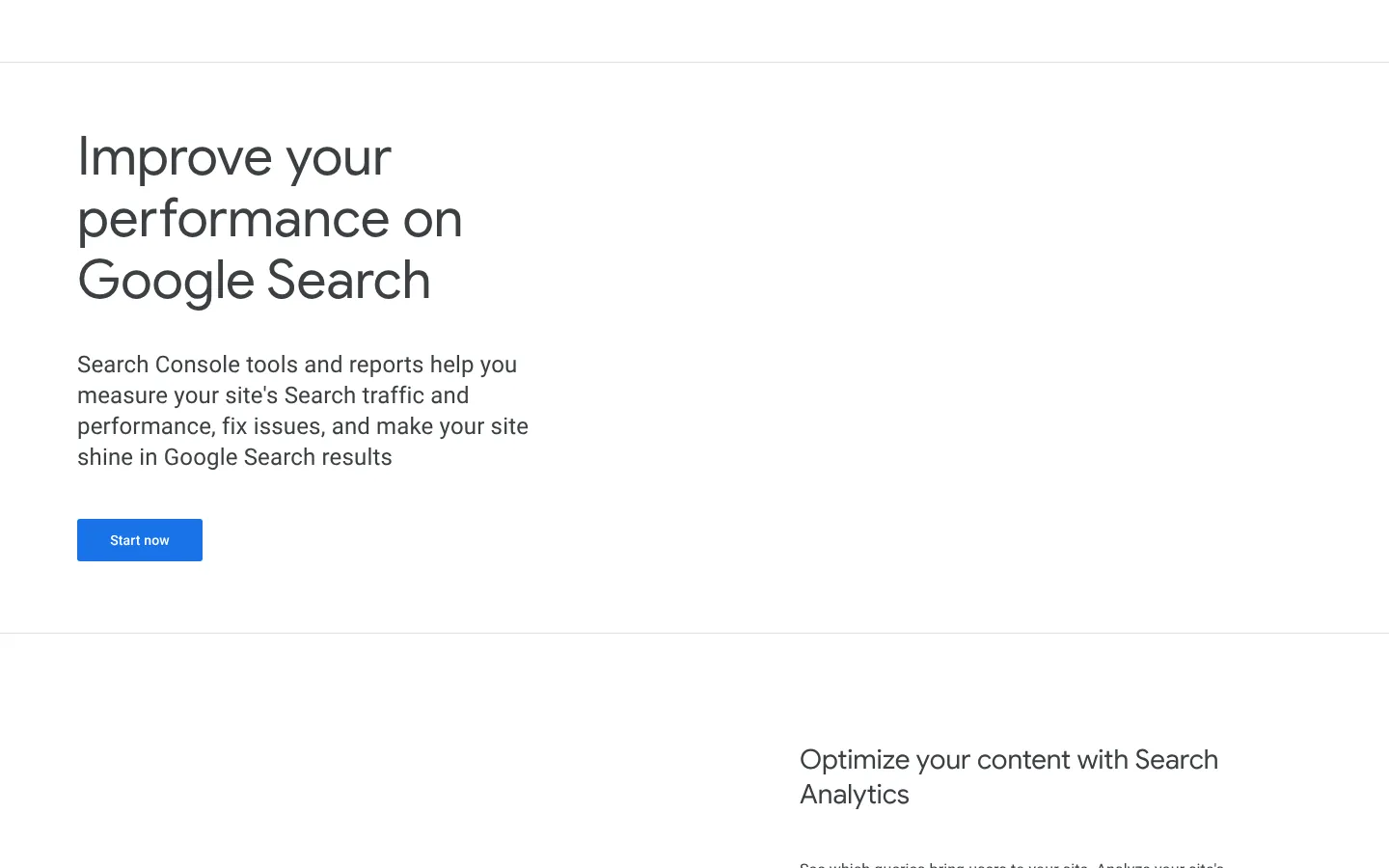
Google Search Console is Google’s free service for checking how your site shows up in Google Search. It is the only place to see your real Google queries, clicks and impressions. Every startup should set it up first, before any paid tool.
Key features
- Performance report: See the queries that bring people to your site, with impressions, clicks and average position.
- Indexing: Submit sitemaps and single URLs, and see which pages are in Google’s index.
- URL Inspection: Get crawl and index details for any page, taken from Google’s index.
- Alerts and reports: Get email alerts when Google finds problems, plus Core Web Vitals and rich result reports.
- Search Console API: Pull your data into other tools for free, within usage limits.
Pros
- Free data from Google: The data comes straight from Google, and it costs nothing.
- Quick wins: It shows the keywords you almost rank for, which are often the quickest wins.
- One account for all sites: One free account covers every site you verify.
Cons
- Your site only: It shows only your own site, with no competitor or keyword volume data.
- Data for new sites: A new site builds up data over its first few weeks.
Price and plans
Google Search Console is free, and it has no paid plans.
 3. Google Analytics 4 (free)
Google Analytics 4 is Google’s free analytics tool. For SEO, it shows which pages bring visitors who sign up.
Key features
- Landing pages: See which pages people from Google and other search engines arrive on, with visits by channel.
- Key events: Mark signups, demo requests or purchases and see which pages lead to them.
- Search Console link: Connect it to Search Console and Google Ads.
- AI referrals: Visits from chatgpt.com, perplexity.ai and gemini.google.com show up under Session source / medium.
Pros
- Free: A standard GA4 property costs nothing.
- Business results: It shows how SEO affects signups and demos.
Cons
- Learning time: Reports take some time to learn.
- No keyword data: It gives no keyword data for Google visits, so you need Search Console for that.
Price and plans
Google Analytics 4 is free with a standard GA4 property. Google also has a paid tier for large companies.
- Analytics 360: custom pricing.
 4. Bing Webmaster Tools (free)
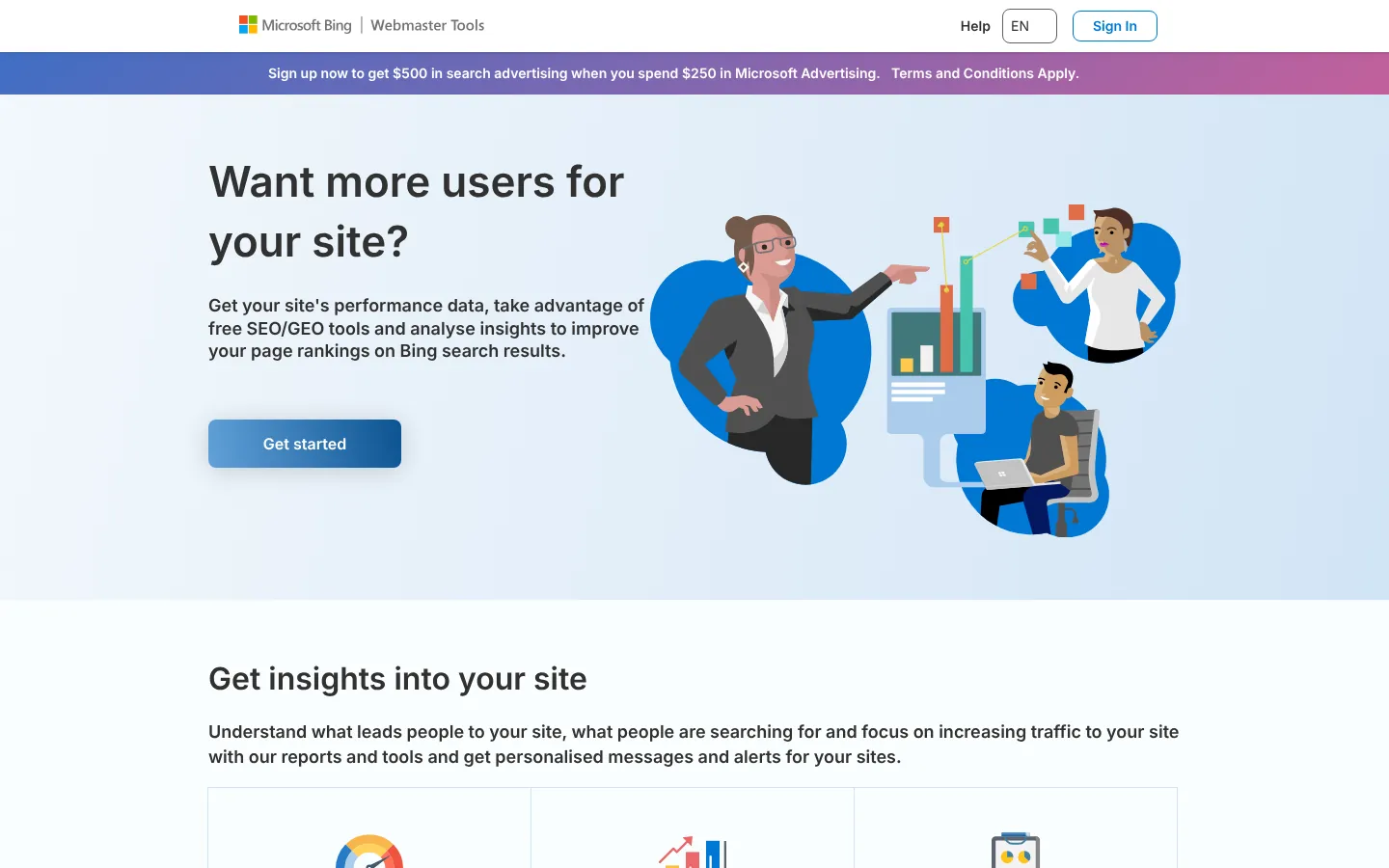
Bing Webmaster Tools is Microsoft’s free tool for checking your site in Bing. Microsoft Copilot uses Bing, so it now reports AI citations too. That makes it a good free way to see how often Copilot cites you.
Key features
- Search performance and indexing: See how your site does in Bing search and which pages Bing has indexed.
- AI Performance report: In public preview since February 2026, it shows how often Copilot and Bing’s AI summaries cite your pages.
- New AI insights: Since June 2026 the preview adds Intents, Topics, Citation Share and Compare.
- IndexNow: This free protocol tells participating search engines when you add or change a URL.
- Search Console import: Copy your verified sites over from Google Search Console.
Pros
- Free AI citation data: It shows Copilot citations at no cost.
- Quick setup: Setup takes a few minutes if you already use Search Console.
- One account for all sites: One free account covers every site you verify.
Cons
- Share of traffic: For most sites, Bing sends a smaller share of search traffic than Google.
- Preview reports: The AI reports are still in preview and may change.
Price and plans
Bing Webmaster Tools is free, and it has no paid plans.
 5. Ahrefs
Ahrefs is a large SEO suite known for its backlink data. Its free plan for verified sites and its $29 Starter plan suit startups. You can run a free site audit now and add keyword and backlink data later on Starter.
Key features
- Free Site Audit: Crawl verified sites and flag technical SEO issues, with 5,000 crawl credits per verified project a month on unlimited verified sites.
- Simple verification: Verify your site through Search Console, an HTML file, a DNS record or a meta tag.
- Site Explorer on verified sites: Verified projects get 500 extra credits a month to look up your own URLs.
- Starter reports: Site Explorer and Keywords Explorer show up to 250 rows per report, with one month of history.
- Rank Tracker: Starter tracks up to 50 keywords.
Pros
- Free site audit: You get it with no card and no time limit.
- Low entry price: Ahrefs’ keyword and backlink data starts at $29 a month.
Cons
- Credit use: Opening reports uses credits, and Starter includes 200 a month.
- Starter limits: Starter has no exports, extra seats or extra credits.
- Next plan: The next plan, Lite, is $129 a month.
Price and plans
You can use Site Audit and Site Explorer free on verified sites. Paid plans are as follows.
- Starter: $29 per month, billed monthly only, with 200 credits a month for Site Explorer and Keywords Explorer and 50 tracked keywords.
- Lite: $129 per month.
- Standard: $249 per month.
- Advanced: $449 per month.
Every plan except Starter can also be billed yearly.
 6. Semrush
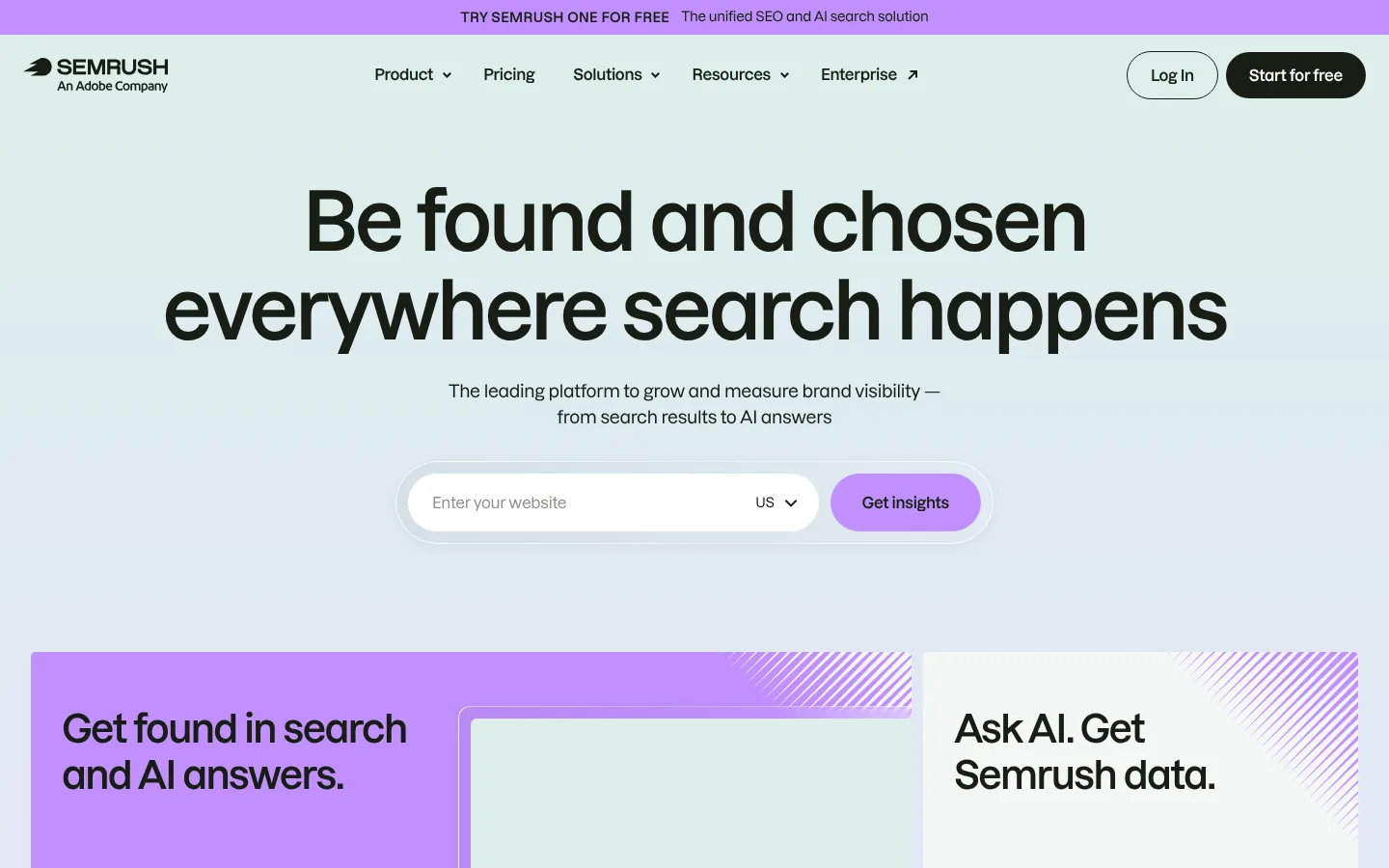
Semrush is one of the biggest SEO suites. Its free account is good for a few checks a day, and many startups move to a paid plan once SEO becomes a main channel. It fits best when you have a marketer working on SEO full time and a budget above $100 a month.
Key features
- Keyword and competitor research: Look up keywords and see which ones your competitors rank for.
- Site Audit: Crawl your site and flag technical issues.
- Position Tracking: The SEO plan tracks 500 keywords across 5 sites.
- Semrush One: This bundles the SEO Toolkit with AI Visibility, starting at $199 per month with 50 prompts tracked daily.
Pros
- Free account: It needs no card, and it’s good for a few lookups a day.
- Deep data: You get many tools in one suite.
Cons
- Entry price: The SEO plan starts at $139 a month.
- Extra users: Extra users start at $45 a month each.
- AI tracking on other plans: AI tracking comes with Semrush One or the AI Visibility Toolkit ($99 a month).
Price and plans
You can use a free Semrush account. Semrush One plans have a free trial of 7 days, and the standalone AI Visibility Toolkit has none. Plans are as follows.
- Free: 10 requests a day in the main tools, 1 project, 10 tracked keywords and audits of up to 100 pages a month.
- SEO: $139 per month ($117.33 per month billed yearly) for 5 sites and 500 tracked keywords.
- AI Visibility Toolkit: $99 per month for 25 prompts.
- Semrush One Starter: $199 per month ($165.17 billed yearly) for 50 prompts.
- Semrush One Pro+: $299 per month ($248.17 billed yearly) for 100 prompts.
- Semrush One Advanced: custom.
 7. SE Ranking

SE Ranking is an SEO suite with rank tracking, site audits and competitor research. Its entry plan also tracks AI answers. It suits startups that track many keywords and want AI tracking in the same tool.
Key features
- Rank tracking: Core checks 2,000 keywords every day.
- AI search tracking: Core tracks 25 prompts a day across 5 AIs.
- Projects: Core covers 10 projects.
- Audits and research: Site audits and competitor research sit in the same login.
Pros
- Many tracked keywords: The entry plan tracks 2,000 keywords daily, compared with 500 on Semrush’s SEO plan.
- Free trial with no card: You get 14 days to test it.
Cons
- No free plan: There’s no free plan after the trial.
- One seat: Core includes 1 seat.
- Full suite price: Core is $129 a month for a full suite, which is more than a team needs for keyword ideas alone.
Price and plans
You can try SE Ranking free for 14 days with no credit card, with 750 tracked keywords and 20 AI prompts a day. Paid plans are as follows.
- Core: $129 per month ($103.20 per month billed yearly) for 2,000 keywords tracked daily, 10 projects, 1 seat and 25 AI prompts a day.
- Growth: $279 per month ($223.20 billed yearly) for 5,000 keywords, 3 seats and 25 AI prompts a day.
- AI Visibility (SE Visible): from $71 per month for 75 prompts.
 8. Ubersuggest
Ubersuggest is a keyword research tool with low prices from Neil Patel’s company. It is one of the few SEO tools with a lifetime plan you pay for once. It suits founders who want keyword ideas for under $30 a month.

Key features
- Keyword ideas: Enter a keyword and get related ideas with search volume.
- Chrome extension: See keyword data while you search.
- Lifetime plan: Pay once for the Individual plan.
Pros
- Low price: It has one of the lowest monthly prices for a full keyword tool.
- Pay once: The lifetime plan suits teams that would rather pay one time.
Cons
- Free plan size: The free plan includes 3 searches a day.
- Focused toolset: It has fewer tools than the full suites on this list.
Price and plans
You get 3 searches a day with a free account, and monthly plans have a free trial of 7 days, once. Paid plans are as follows.
- Individual: $29 per month, or $290 once for lifetime access.
- Business: $49 per month, with more capacity.
- Enterprise: $99 per month, with more capacity.
 9. Keywords Everywhere
Keywords Everywhere is a browser extension that adds keyword data to the sites you already use, such as Google. It sells yearly credit plans. It suits founders and writers who want keyword volume on a small budget.

Key features
- Keyword data in your browser: See volume, CPC, competition and trend data next to the searches you run.
- Free features: Some features work for free, such as its prompt templates.
- API on every plan: Every plan includes the full extension and the API.
- Credit packs: Extra packs start at 200,000 credits for $80.
Pros
- Lowest price: It has the lowest paid price on this list, at $84 a year.
- No new app: It fits into how you already research.
Cons
- Yearly plans only: There’s no monthly option.
- Credits expire: Credits expire 12 months after purchase.
- Keyword data only: It has no audits or tracking.
- Data needs a paid plan: Volume, CPC, competition and trend data are paid features.
Price and plans
Some features work on the free plan, and the keyword data needs a paid plan. Paid plans bill yearly and are as follows.
- Bronze: $84 per year for 100,000 credits and 1 seat.
- Silver: $168 per year for 400,000 credits and 3 seats.
- Gold: $480 per year for 2,000,000 credits and 10 seats.
- Platinum: $1,440 per year for 8,000,000 credits and 20 seats.
 10. Screaming Frog SEO Spider (free up to 500 URLs)
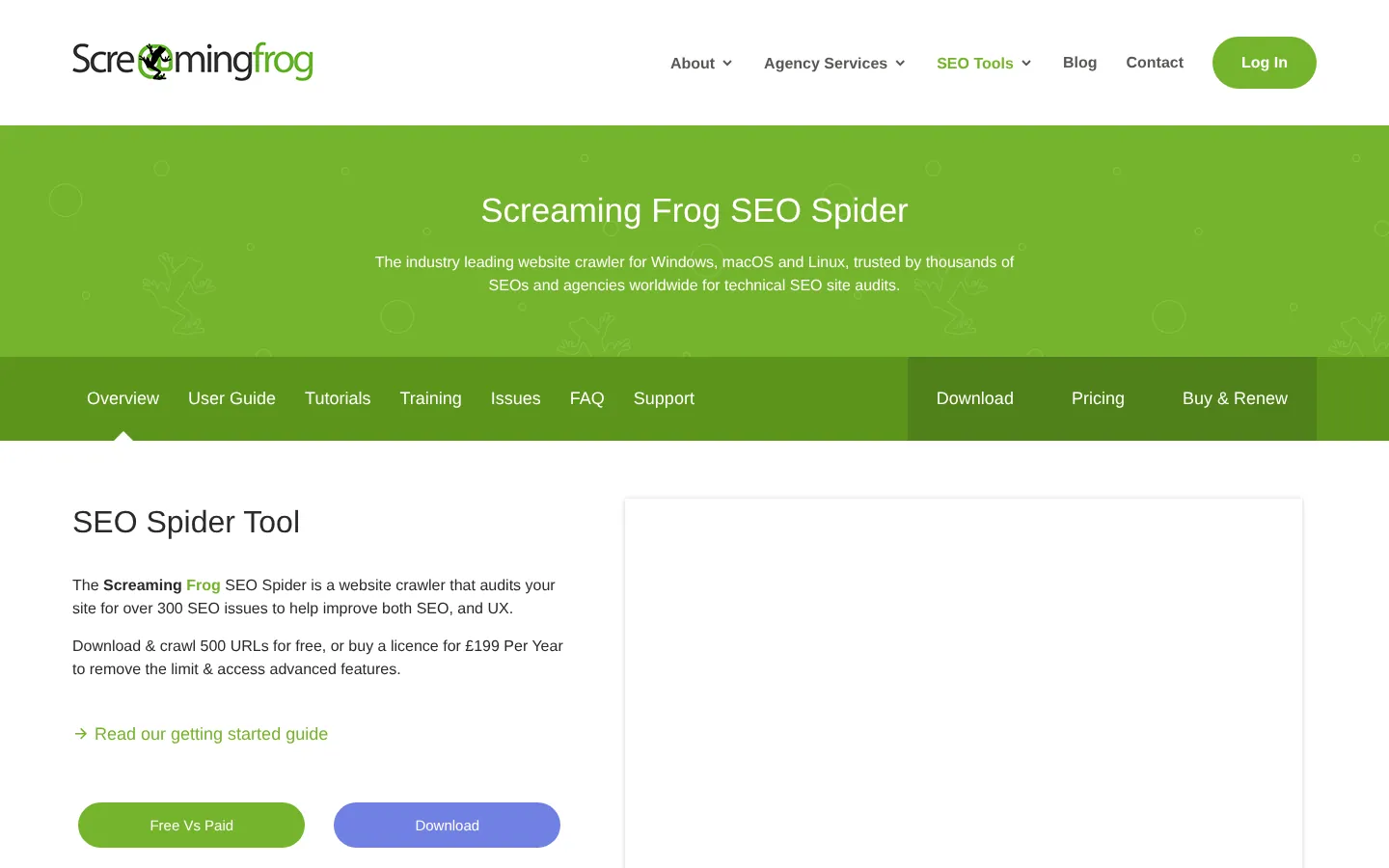
Screaming Frog is a desktop crawler that shows your site the way a search engine bot sees it. Most startup sites fit inside the free version’s 500 URL limit. That makes it a good fit for a monthly technical check of a small site.
Key features
- Full crawl: List every page with its status code, title, meta description and headings.
- Problem finding: Flag broken links, redirect chains, missing titles and duplicate pages.
- Blocked pages: See which pages are blocked as part of the same technical audit.
- Bulk discounts: 5 or more licenses drop to $265 each a year, and 20 or more drop to $235.
Pros
- Free for small sites: It’s free for most startup sites.
- Thorough crawl: It finds issues that a quick look at the site would miss.
Cons
- 500 URL cap: The free version stops at 500 URLs per crawl.
- Learning time: The desktop interface has many options to learn.
Price and plans
You can use Screaming Frog free for up to 500 URLs per crawl. Paid licenses are as follows.
- License: $279 per user per year, with bulk discounts from 5 licenses.
 11. Rank Math
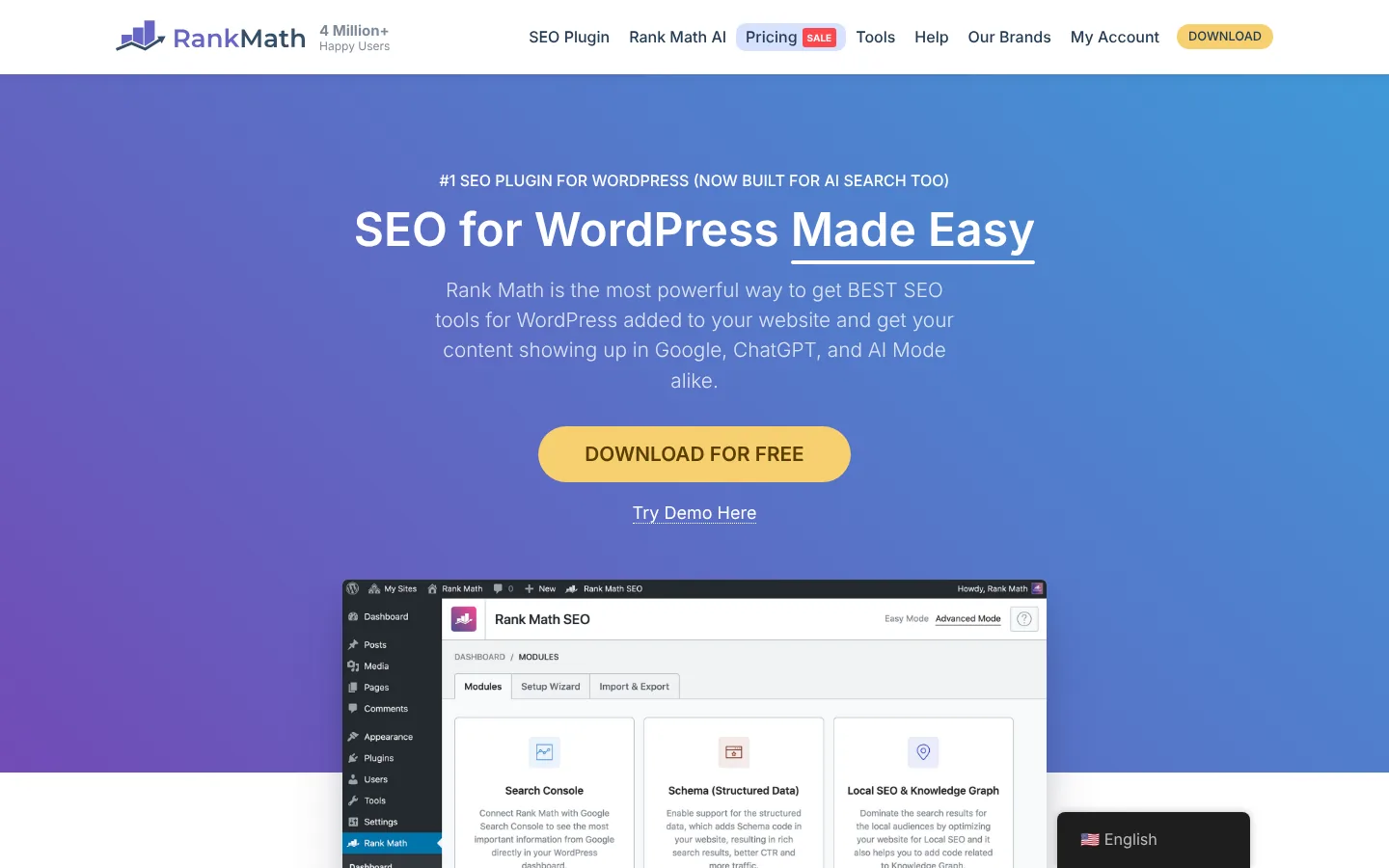
Rank Math is a WordPress SEO plugin. The free version covers the on page basics, and PRO adds more for a low yearly price. It suits startups on WordPress that want a free plugin with lots of features.
Key features
- On page checks: Score each post against a focus keyword as you edit, and set titles and meta descriptions.
- Sitemaps and schema: Build XML sitemaps and add structured data to your pages.
- PRO on many sites: One PRO plan covers unlimited personal websites, and client sites need the Business or Agency plans.
Pros
- Strong free version: It covers most on page needs.
- Low PRO price: PRO is $7.99 a month, billed yearly.
- Refund window: PRO comes with a refund window of 30 days.
Cons
- WordPress only: It works only on WordPress sites.
- Yearly billing: Paid plans bill yearly only, and PRO renews at $8.99 a month.
Price and plans
The Rank Math plugin is free. Paid plans bill yearly and are as follows.
- PRO: $7.99 per month billed yearly, renewing at $8.99 per month, for unlimited personal websites.
- Business and Agency: plans that cover client sites.
 12. Yoast SEO
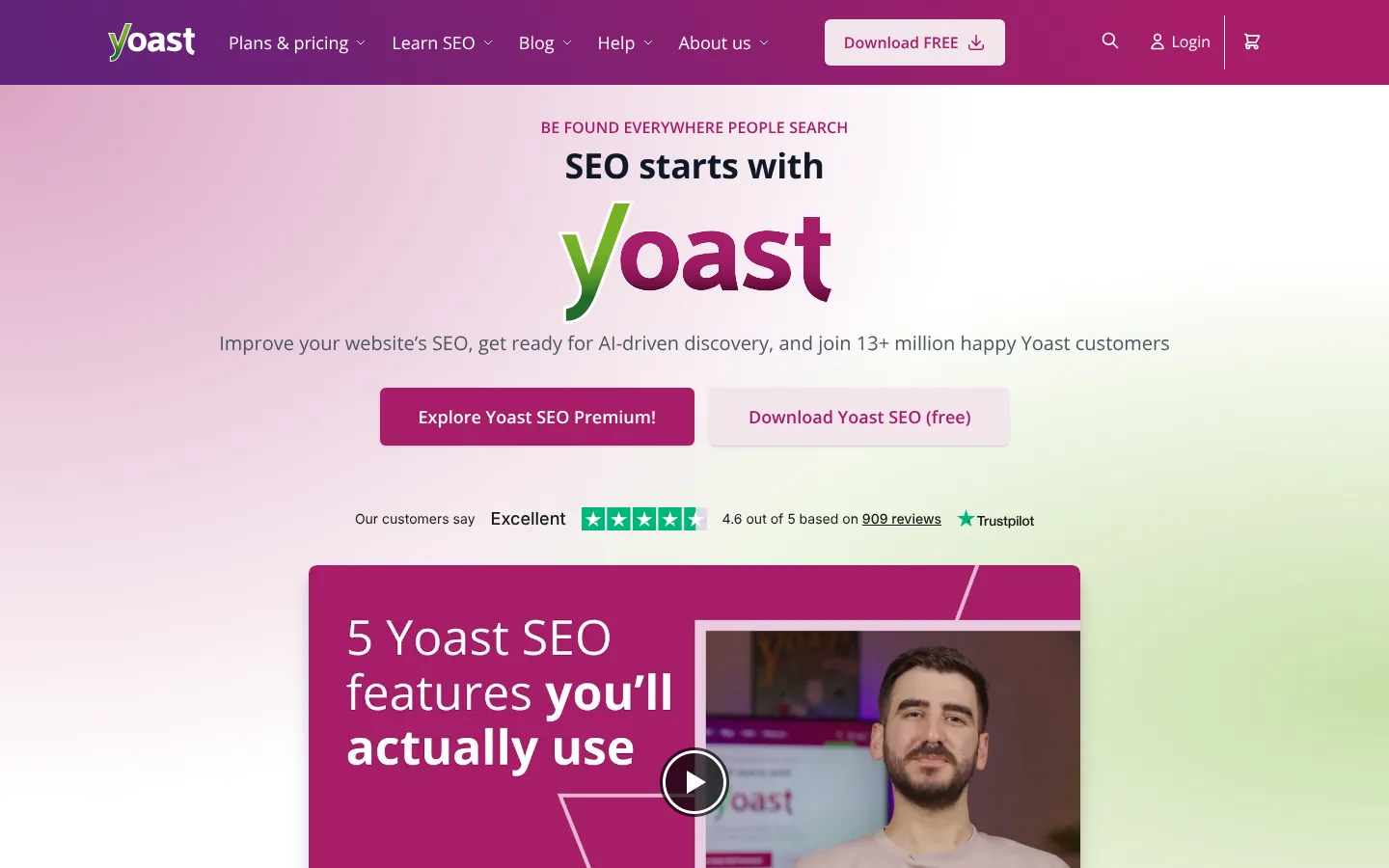
Yoast SEO is one of the oldest WordPress SEO plugins. The free version handles the basics, and Premium adds extra SEO tools. It suits startups on WordPress that want a simple, familiar plugin.
Key features
- On page and readability checks: Get simple feedback on each post as you write.
- WordPress basics: Set titles and meta descriptions, and build sitemaps.
- Premium extras: Premium includes Local SEO, Video SEO and News SEO.
- Bigger bundles: Yoast SEO AI+ is $358.80 a year, and WooCommerce SEO is $178.80.
Pros
- Easy free version: The free plugin is easy for beginners.
- Refund guarantee: Premium has a money back guarantee for 30 days.
Cons
- WordPress only: It works only on WordPress sites.
- One site per plan: One Premium subscription covers one site, so each extra site needs its own.
Price and plans
The Yoast SEO plugin is free. Paid plans are as follows, before VAT.
- Yoast SEO Premium: $118.80 per year per site.
- Yoast SEO AI+: $358.80 per year.
- WooCommerce SEO: a yearly price of $178.80.
 13. Surfer
Surfer is a content tool that scores a draft against the pages that rank for the same keyword. It suits a startup that writes its own content and wants a guide while it drafts.
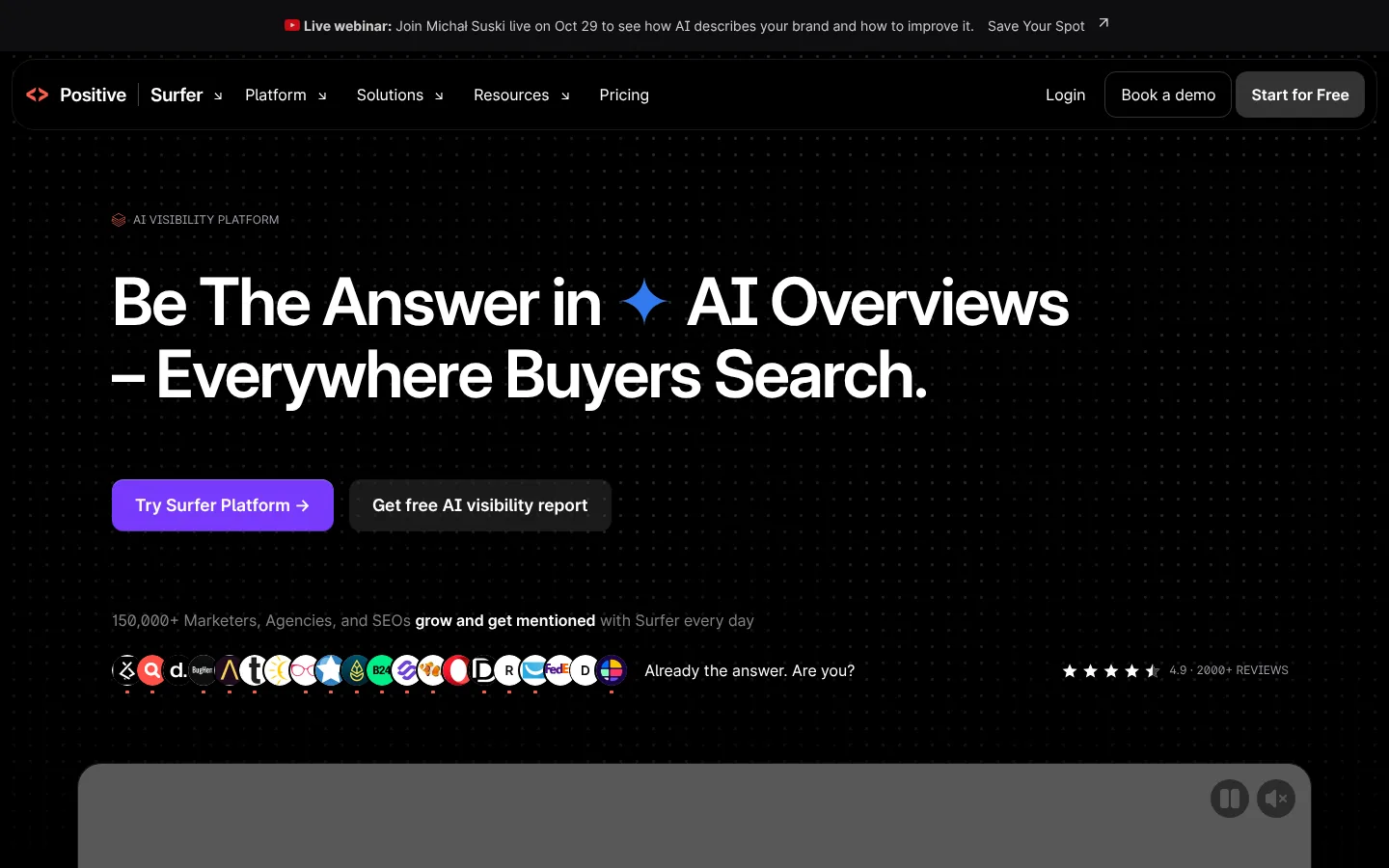
Key features
- Content Editor: It gives a draft a score and lists terms to cover, based on the pages that rank.
- Plans by team size: Discovery is for solo writers, Standard is for small teams and Pro is for teams with several brands.
Pros
- Clear guidance: It helps people who are new to writing for search.
Cons
- No free plan: You need a paid plan to use it.
- Paid up front: The $49 price is for yearly billing, charged up front.
- Writing focus: Keyword and audit tools come from other products.
Price and plans
Surfer has no free plan. Pricing billed yearly is as follows, and monthly billing costs more.
- Discovery: $49 per month, for solo content creators.
- Standard: $99 per month, for small teams.
- Pro: $182 per month, for teams with several brands.
How to grow startup search traffic with Arrowsterr
These are the steps from a keyword gap to a published page in Arrowsterr.
AI visibility this week
ChatGPT64%Claude48%Gemini71%From gap to keyword
Editorial Calendar · buying intent first
Draft ready to publish
The best review software for cafes in 2026
The steps are:
- Find the gaps: Competitive Analysis lists the keywords your competitors rank for and you don’t.
- Pick the topics: The Topic Bank sorts those keywords by how likely they are to bring revenue, with buying intent first.
- Brief and draft: A brief built from Google’s top 10 goes to the Agentic Writer, which drafts the page in your brand voice.
- Publish: Send the page to WordPress, Webflow, Shopify, HubSpot or Ghost.
- Track the results: See your top pages, AI visits and whether ChatGPT and Google’s AI start to name you.
The SEO tips for startups below work with any tool.
Target bottom of funnel keywords first
Early traffic works best when it brings buyers. Searches like “[category] for [audience],” “[competitor] alternatives” and “[tool A] vs [tool B]” have lower volume than broad topics, and the people who type them are often ready to choose.
Choose low difficulty keywords for a new site
A new domain is still building authority, so keywords with high difficulty can take a year or more to rank. Check difficulty before you write, with your SEO tool or the free keyword difficulty checker, and start with the easier ones.
Find quick SEO wins in Google Search Console
After 1 or 2 months, open the Performance report and sort by impressions. Pages at positions 8 to 20 are close to page 1, and updating their titles and adding direct answers often moves them up faster than a new page would.
Build your first backlinks as a startup
Links from other sites still help a new domain rank. Good first sources for a startup include partner and integration pages, founder interviews and podcasts, startup directories and guest posts on sites your buyers read.
Track your startup in AI search answers
Buyers also ask ChatGPT and Google’s AI which tool to use. Track a few of your most important questions now, so you have a baseline. Our guide to AI visibility tools compares the trackers.
Review SEO results once a month
SEO changes take weeks to show, so check your traffic, signups and rankings once a month and judge each page on 3 months of data.
SEO tools for startups FAQ
What SEO tools does a startup need first?
Google Search Console, Google Analytics 4 and a free site crawler such as Screaming Frog or Ahrefs’ free Site Audit. On WordPress, add Rank Math or Yoast. Add one paid tool for keyword research once you start writing pages each week.
Can a startup do SEO for free?
Yes, for the basics. The free tools in this guide cover indexing, site audits, on page setup and analytics. Free keyword research is limited, though: Semrush allows 10 requests a day, Ubersuggest 3 searches a day and Arrowsterr Free 200 research tasks a month.
How much should a startup spend on SEO tools?
Most startups can begin with the free tools and one paid plan for keyword data. Keywords Everywhere costs $84 a year, Ahrefs Starter and Ubersuggest cost $29 a month and Arrowsterr Starter costs $39 a month. For full suites, SE Ranking Core is $129 a month, Semrush’s SEO plan is $139 and Arrowsterr Pro is $179.
Is Ahrefs or Semrush better for a startup?
For a first paid plan, Ahrefs is easier to start with, thanks to its free plan for verified sites and its $29 Starter plan. Semrush’s SEO plan starts at $139 a month, and its free account suits a few lookups a day. Both work well once you have more budget.
Do startups need to track AI search?
It helps, since buyers now ask ChatGPT and Google’s AI for product advice. A free option is enough to start: Arrowsterr’s free plan checks 10 prompts weekly, and Bing Webmaster Tools shows Copilot citations. You can also run a free AI Snapshot to see what AI says about your brand today.
Summary: best SEO tools for startups
A startup can cover the basics of SEO with free tools. Set up Search Console, Bing Webmaster Tools and GA4, crawl your site, fix what you find and write the pages your buyers search for.
When you are ready to pay, start with keyword data. Keywords Everywhere, Ahrefs Starter, Ubersuggest and Arrowsterr Starter all cost under $50 a month. Move to a full suite such as SE Ranking, Semrush or Arrowsterr Pro when SEO becomes a main source of signups.
Arrowsterr suits teams that want keyword research, content and AI search data in one place. SE Ranking and Ahrefs suit teams that mainly need rank tracking or backlink data.
To try it without a card, start on Arrowsterr’s free forever plan. It includes 200 research tasks a month and 10 AI prompts checked every week.
The Arrowsterr team
We build Arrowsterr and spend our days helping brands show up in ChatGPT, Gemini, Perplexity and Google's AI answers. We sign up for every tool we review and check every price on the vendor's own site.

Mangools vs Semrush: Features, AI Tracking and Pricing Compared (2026)
Mangools vs Semrush: compare keyword research, backlinks, rank tracking, site audits, AI search tracking and list prices, checked on both vendors' own…

SE Ranking vs Semrush: Pricing and Features Compared (2026)
SE Ranking vs Semrush in 2026: plan prices, tracked keywords, keyword and backlink data, site audits and AI search tracking, checked on…

SEO PowerSuite vs Semrush: Features, AI Tracking and Pricing Compared (2026)
SEO PowerSuite vs Semrush: compare rank tracking, site audits, backlinks, AI search tracking and list prices, checked on both vendors' own pages.